Yvonne has been a technical writer at iBoysoft for years. She has focused her writing on topics about macOS, hard drives, and other computer-related subjects.
Gaining a Bachelor's degree, Yvonne has always had a deep passion for writing and experience sharing. After graduation, she began exploring the field of computer technology and quickly developed a strong interest in it. She is strived to create issue-fixing tips that resonate with a wide audience.
She enjoys watching American and British TV shows, especially mysteries and sitcoms, which make her relax. Yvonne has a deep love for the world around her and is passionate about traveling and photography. She hopes to visit many countries in the future to experience the diverse beauty our planet has to offer.
Different kinds of proprietary file systems are introduced in this article, offering you a panoramic view of a comprehensive understanding of proprietary file systems.
Bad sectors are introduced in this article to help you learn about bad sectors and repair bad sectors.
This post explains what an EPS file is, how to open it, and how to create one.
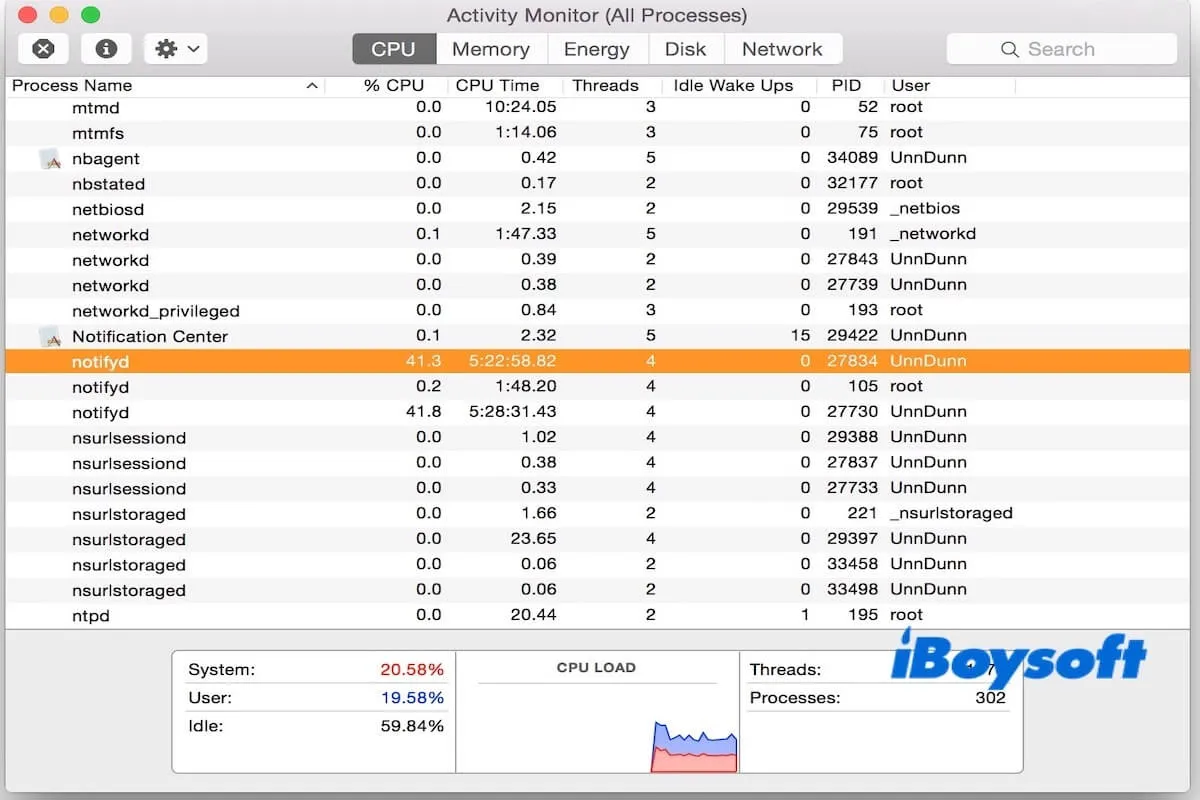
This post tells you what notifyd is and helps you determine whether you need it.
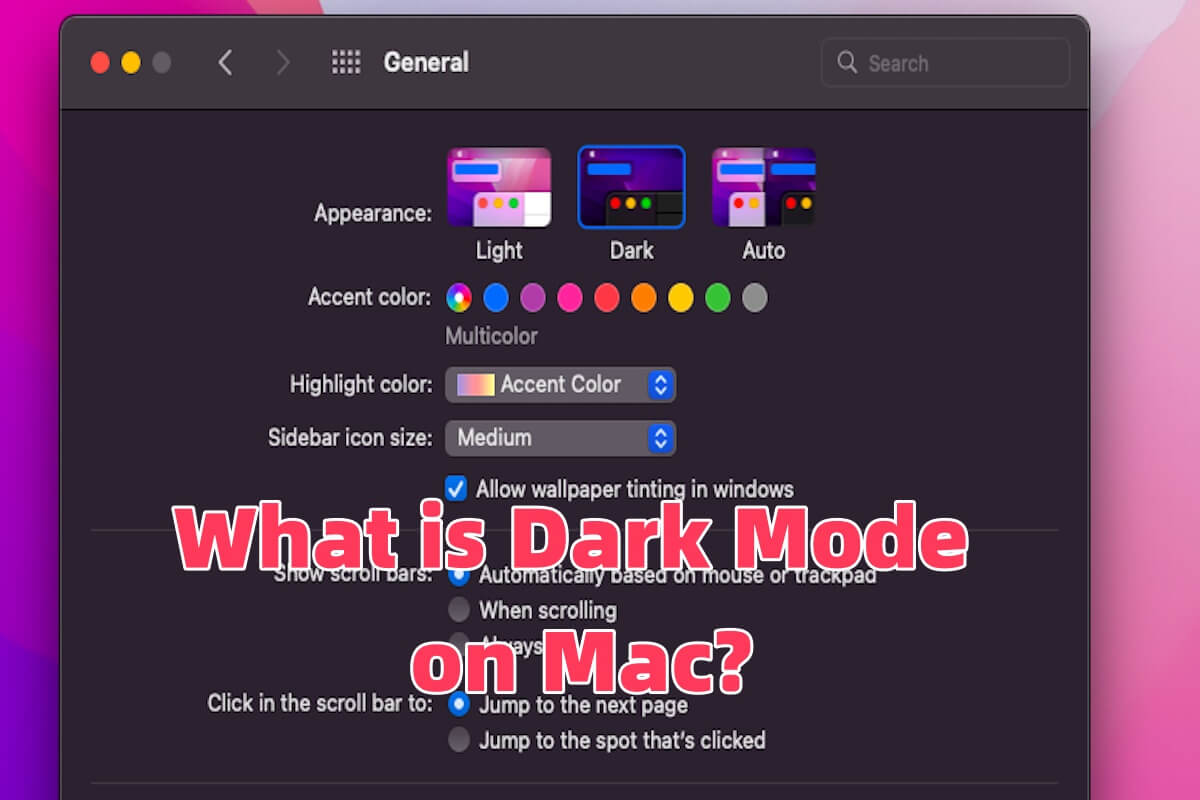
Dark Mode on Mac is introduced in this post, including fixing Dark Mode on Mac not working, changing from Dark Mode to Light Mode, etc.
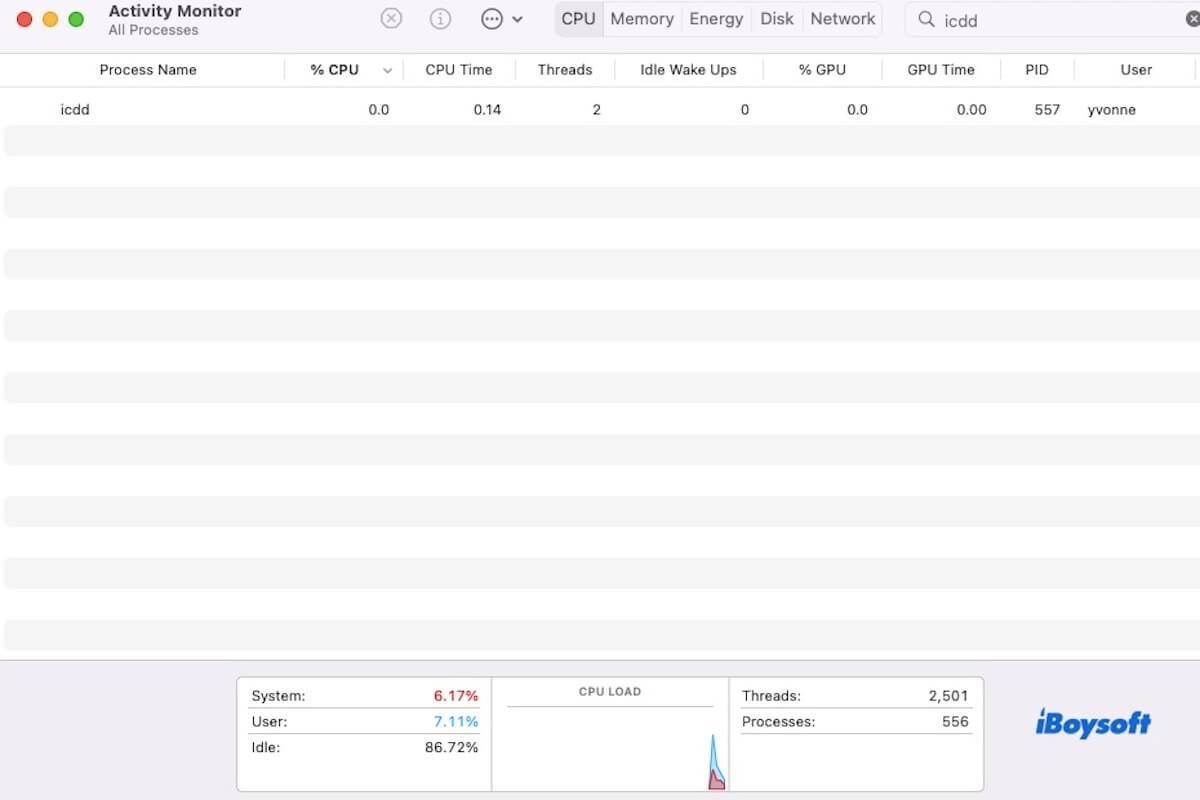
This post introduces icdd, explains why it uses high CPU on Mac, and provides steps to remove or disable it.
Image File Formats are introduced in this article, covering definitions, examples, and how to change the image file format.
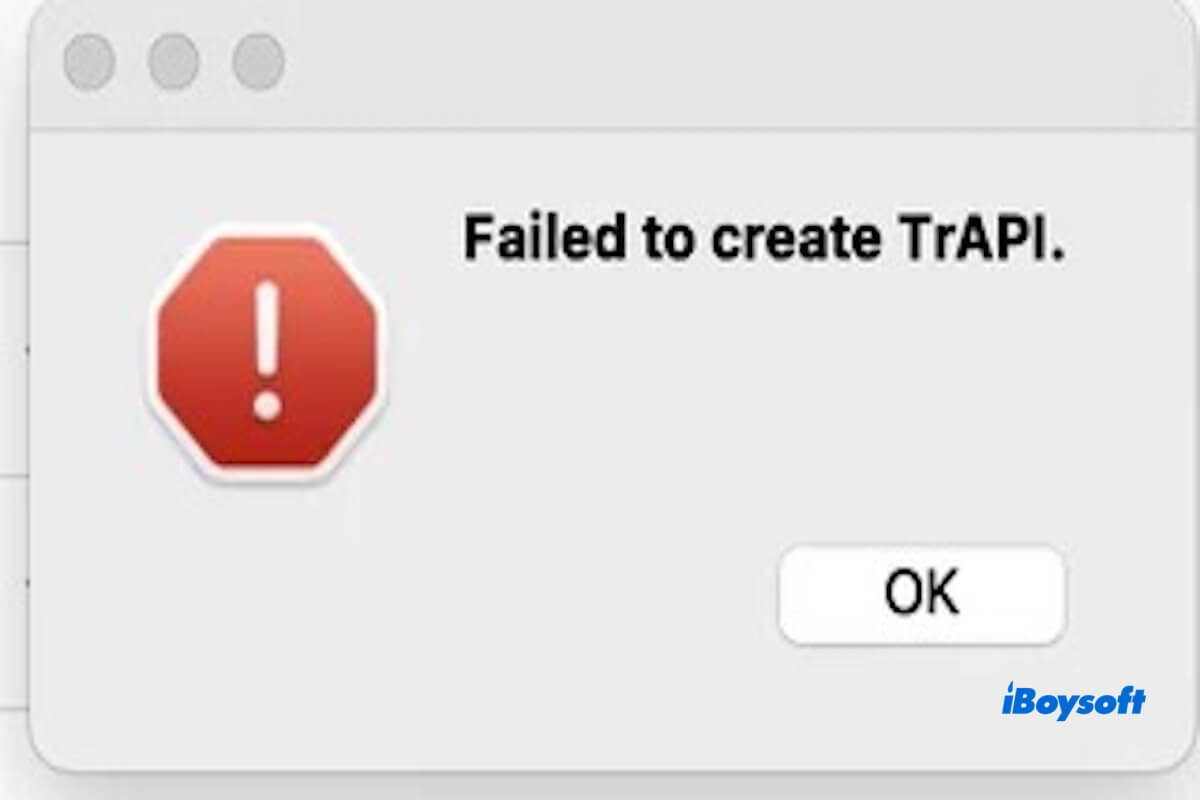
This article explains why the error Failed to create TrAPI constantly occurs on your Mac. It also tells you how to fix it.
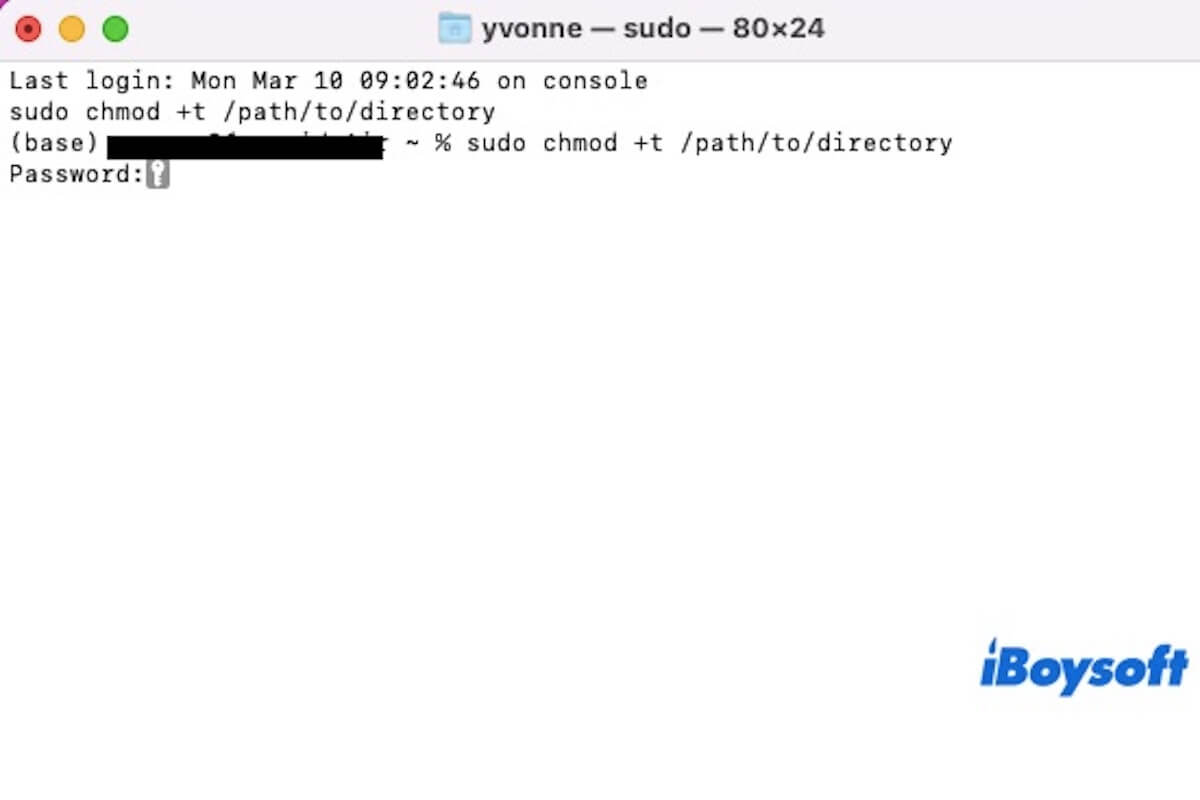
This article tells you what Sticky Bit is, the difference between SUID and Sticky Bit, and how to set Sticky Bit.
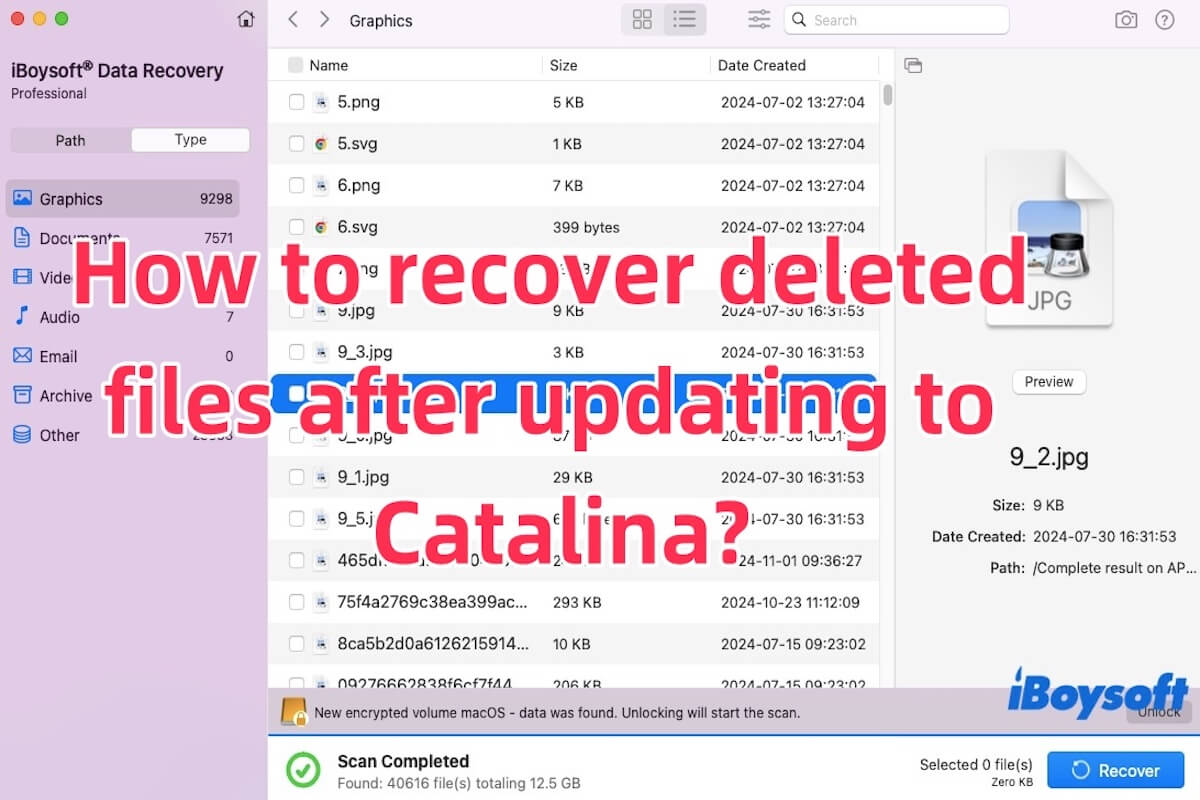
Recover deleted files after updating to Catalina guide covers the methods to solve the problem of Mac files disappearing after updating.
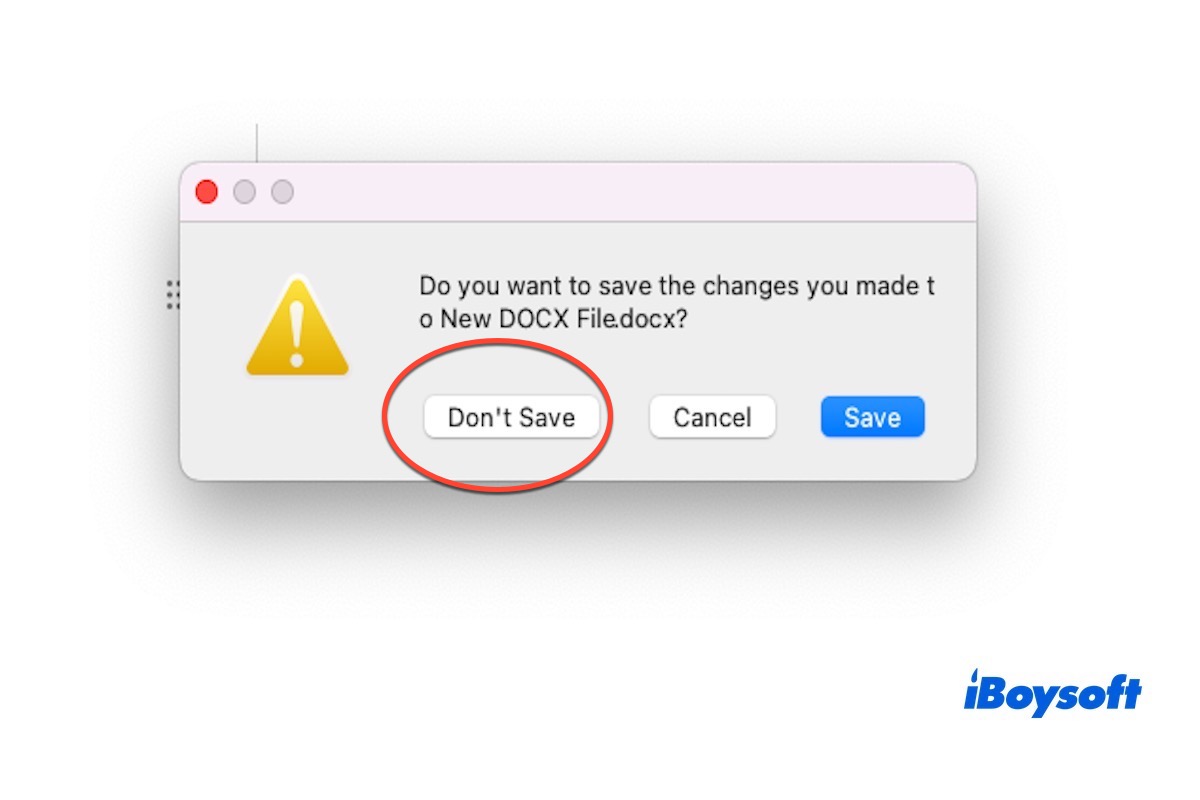
This article illustrates how to recover files that you accidentally clicked Don't Save on Word Mac.
This post guides you to format (micro) SD cards to NTFS on Mac, and the methods of enabling read-write access to NTFS are introduced.
This post tells you how to fix Mac won't boot after installing extensions.
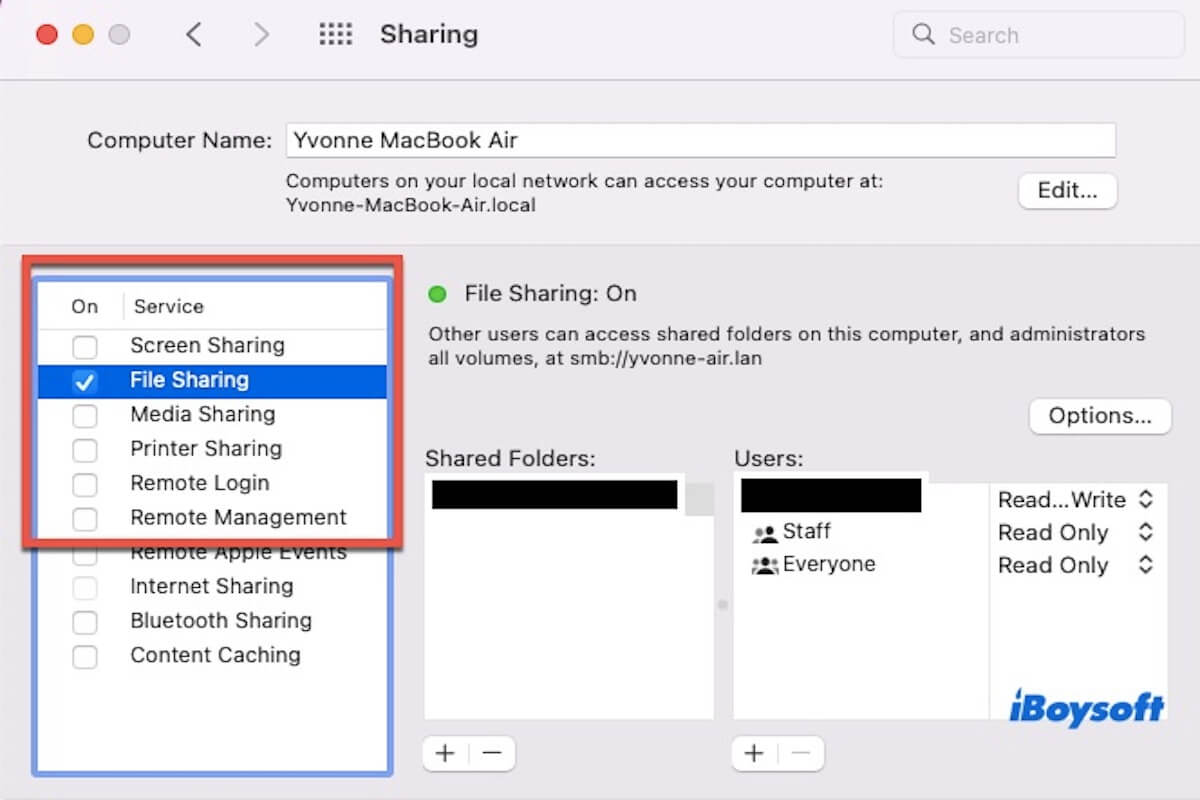
Several proven methods are listed below to help you solve the issue of File Sharing stopped working after updating to macOS 13.7.5.
This post will explain why your external startup disk is not working and provide detailed methods to help you fix it.
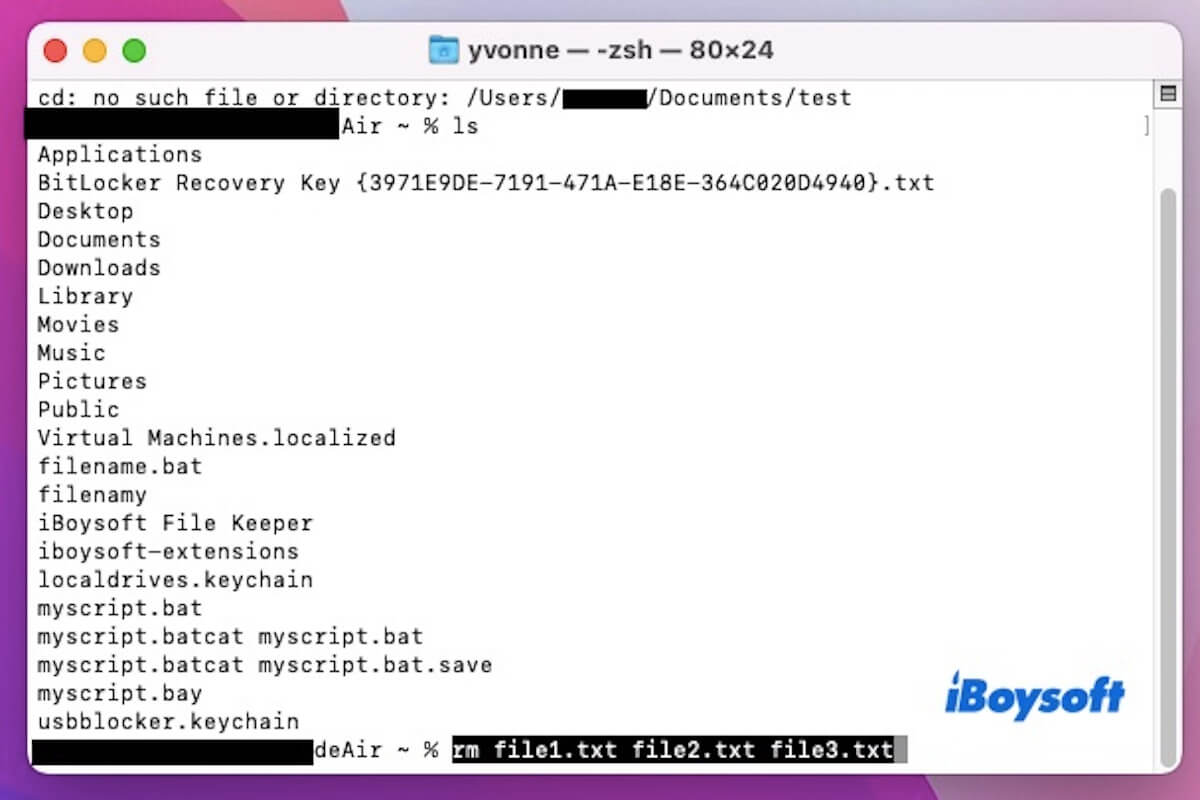
This article tells you how to delete a file or directory in Terminal, and how to delete multiple files in Terminal.
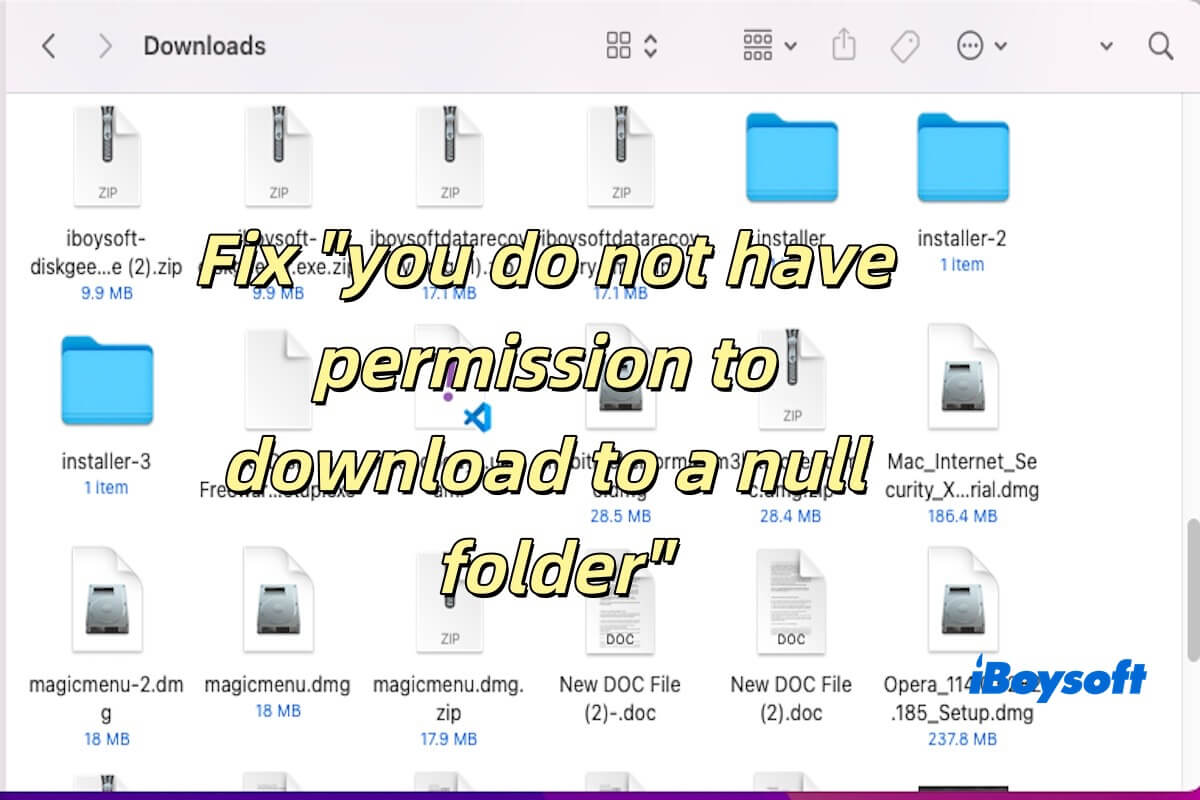
This post will explain why you do not have permission to download to a null folder and how to fix it on Mac.
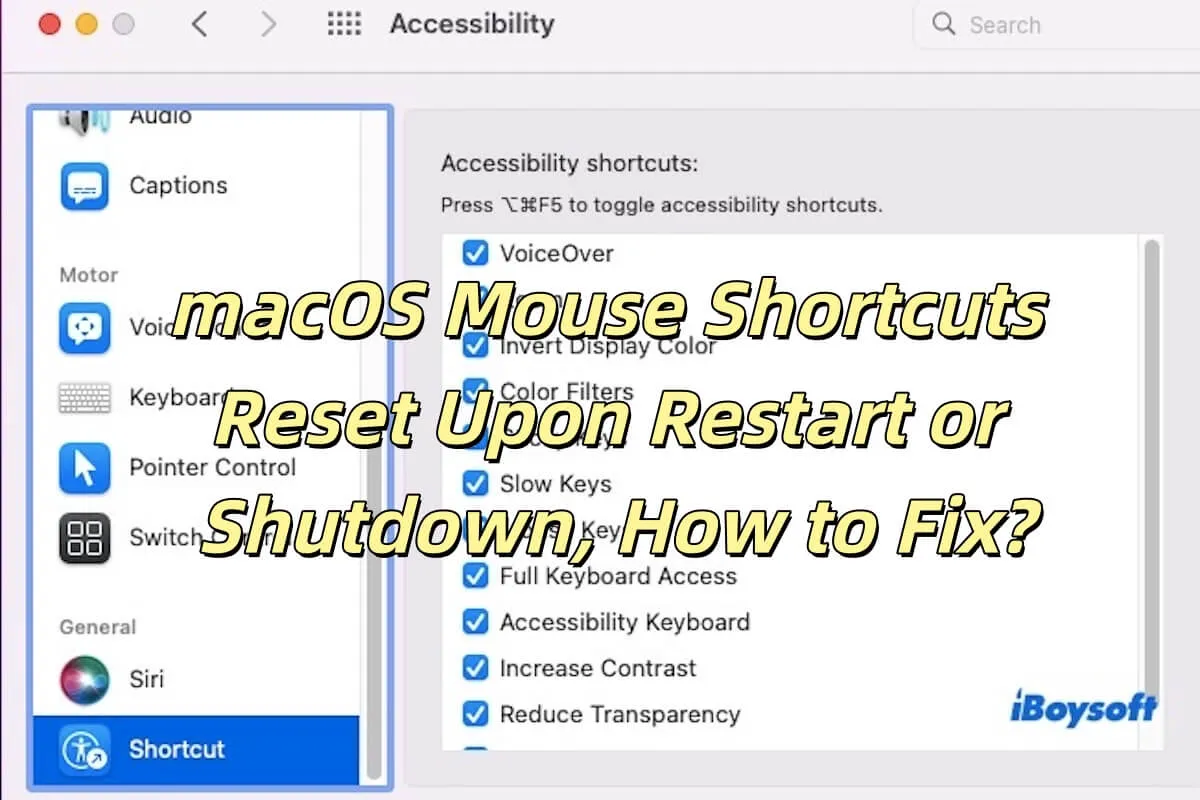
It tells you why your macOS mouse shortcuts reset upon restart or shutdown, and how to fix it.
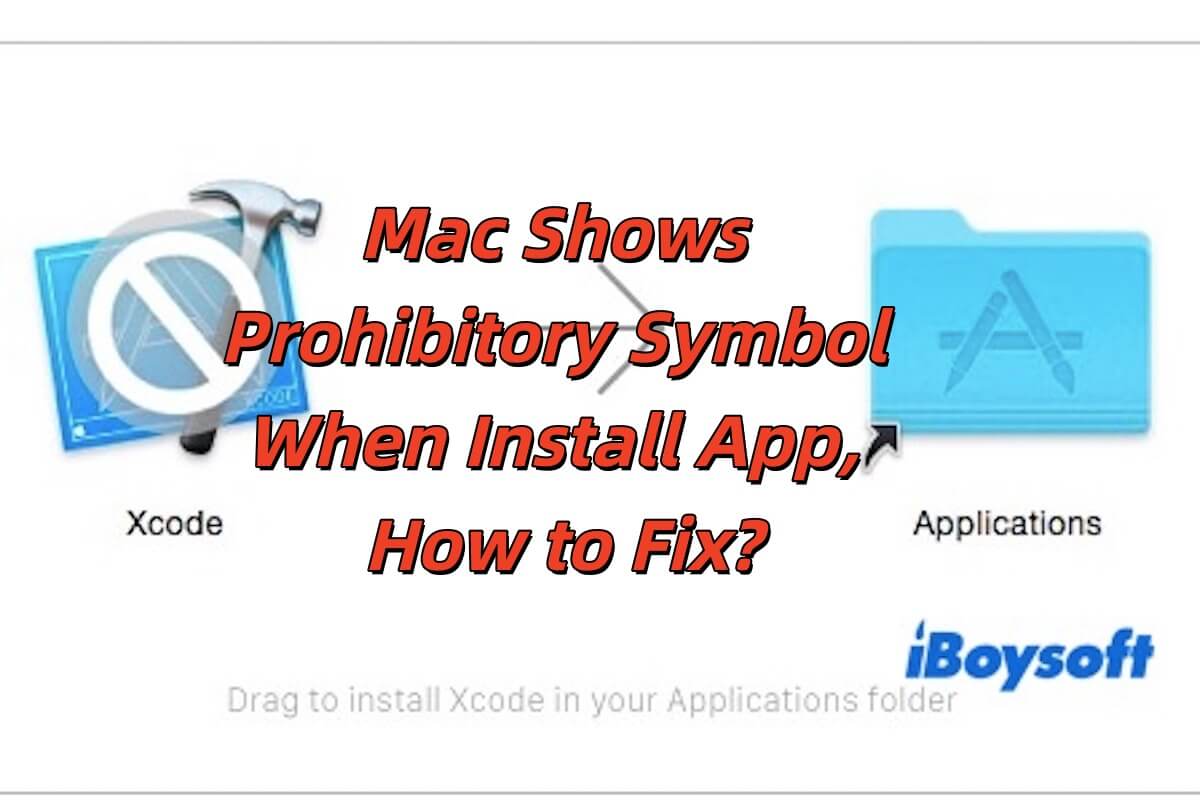
This article tells you how to fix the prohibitory symbol when Mac installs the app and a prohibitory symbol on the app.
Uninstall XScreenSaver using three ways, including Terminal, third-party software, and mannually uninstallation.
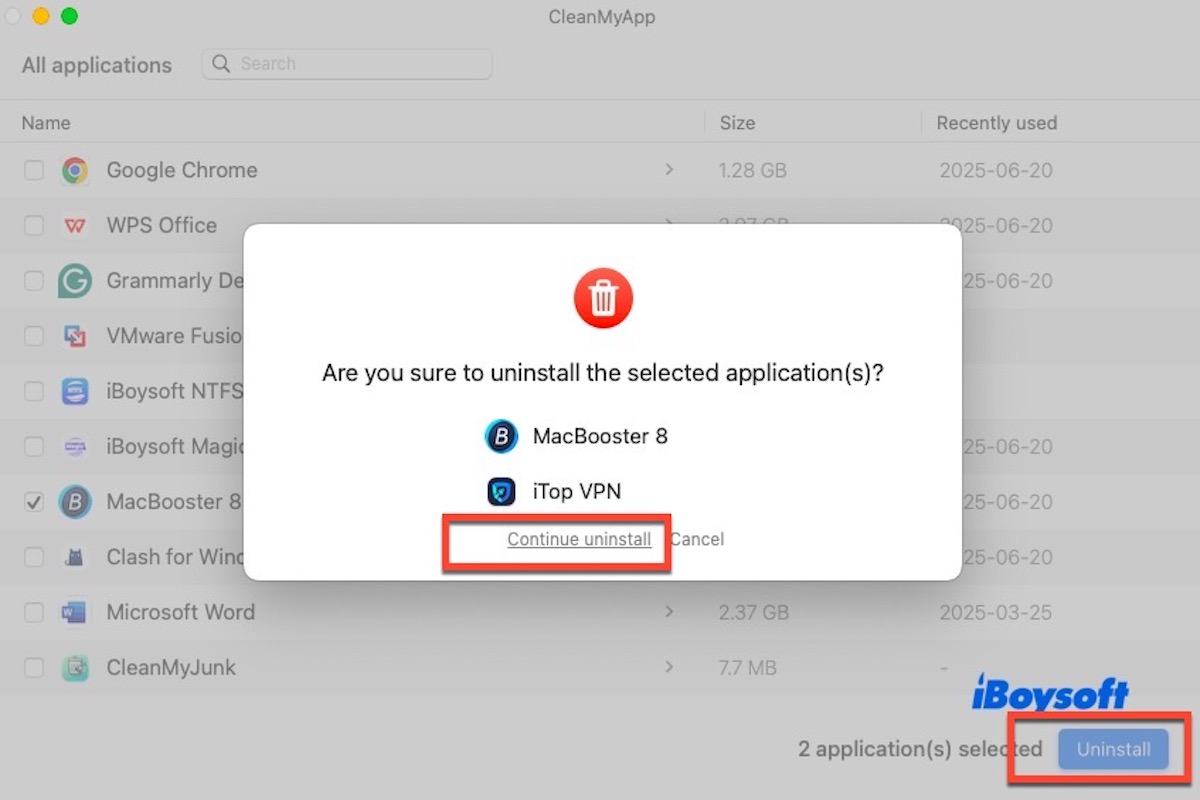
The Uninstall MacBooster option in the MacBooster menu does not completely remove the app. Read on to learn how to uninstall it completely.
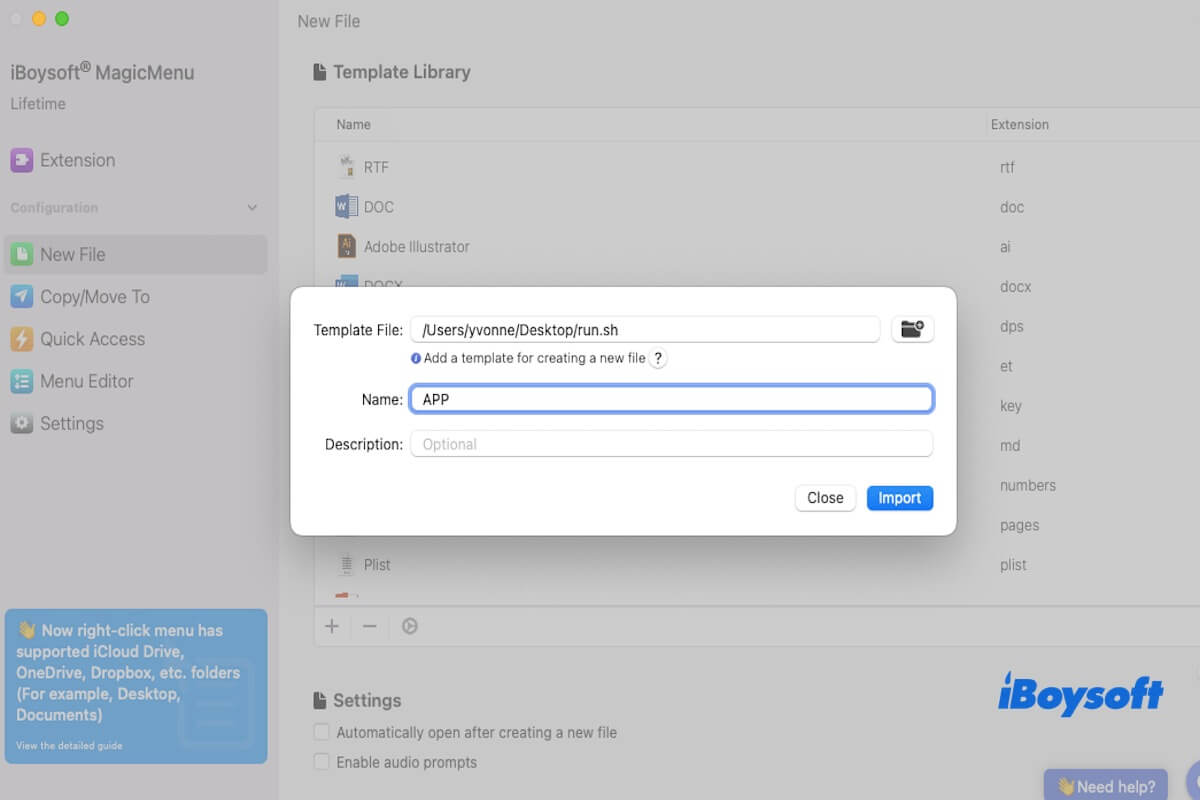
This article tells you how to create an app file on a Mac, including TextEdit, third-party software, etc.
This article explains how to use iBoysoft DiskGeeker on Mac to download the macOS installer and create a macOS Mojave USB installer.
This article tells you when you need to create a Monterey USB installer and how to create a macOS Monterey USB installer on Mac.
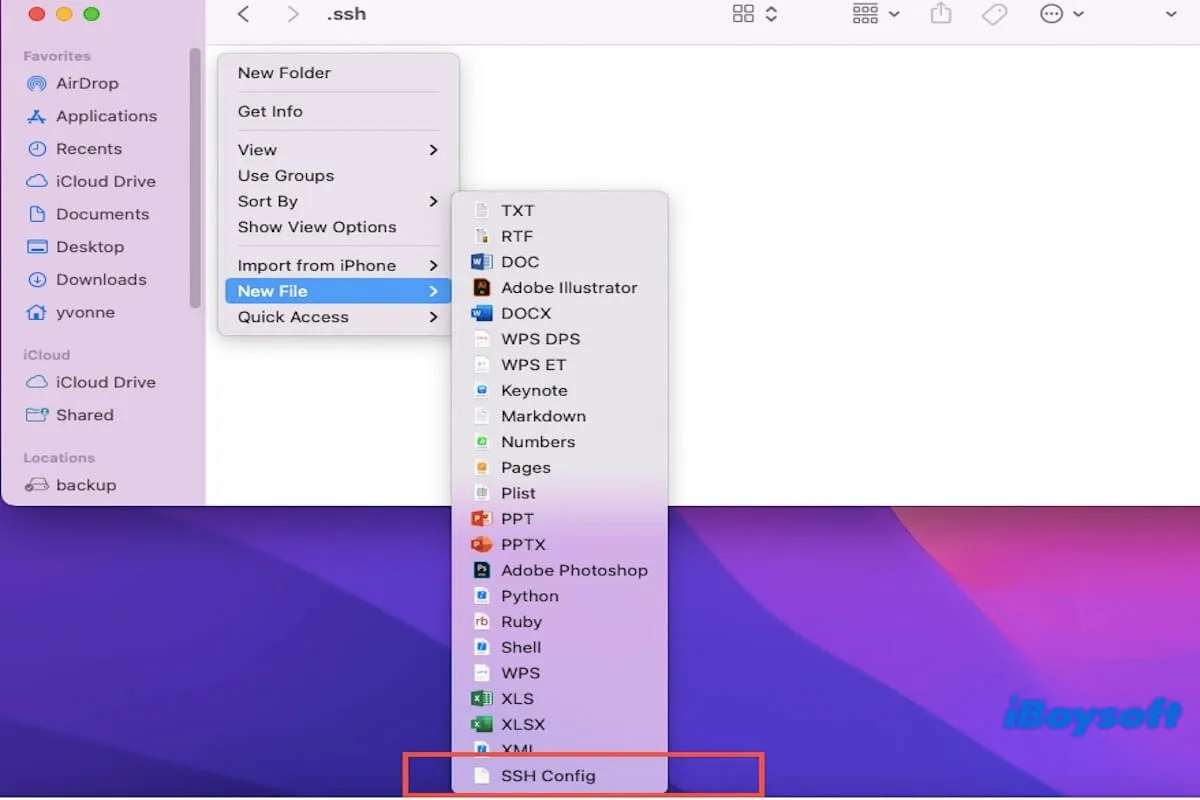
This article tells you multiple ways to help you create an SSH config file on Mac.
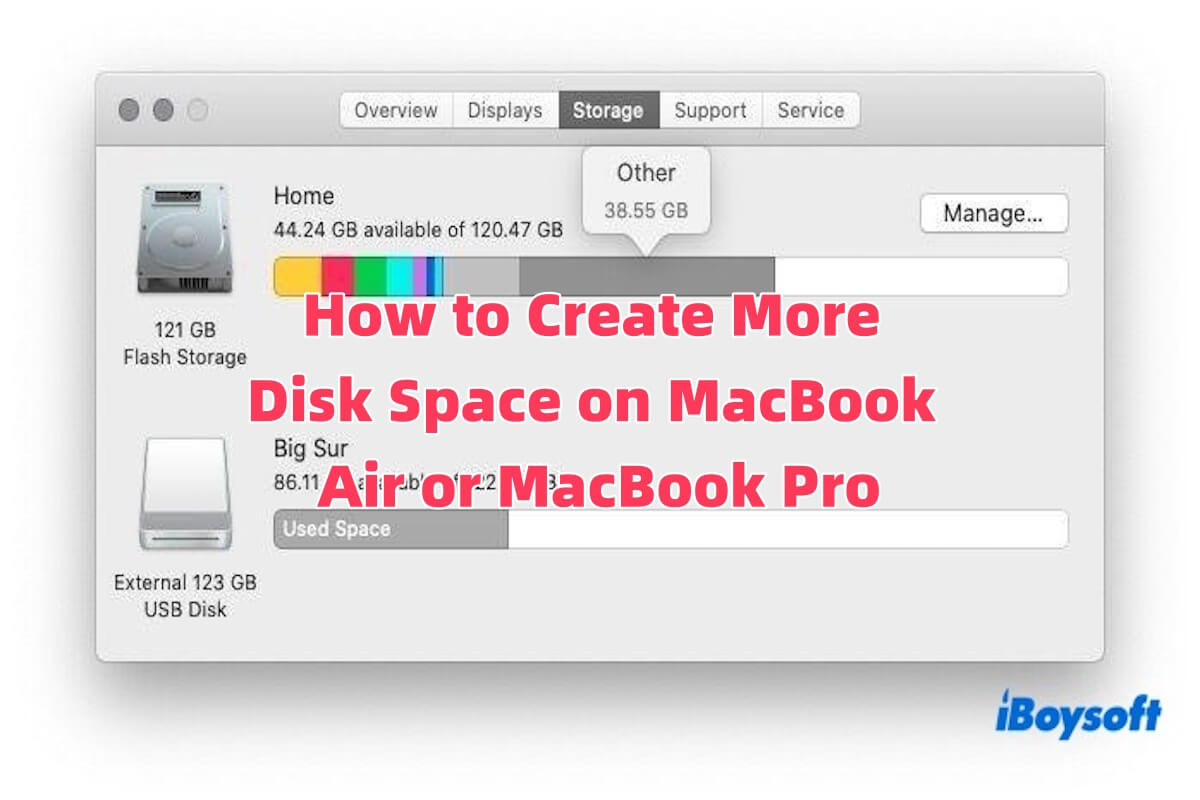
This guide provides simple and effective tips on how to create more disk space on a Mac.
Right-click not working after upgrading to Sequoia is introduced, including the reason, solution, and method to expand the right-click menu.
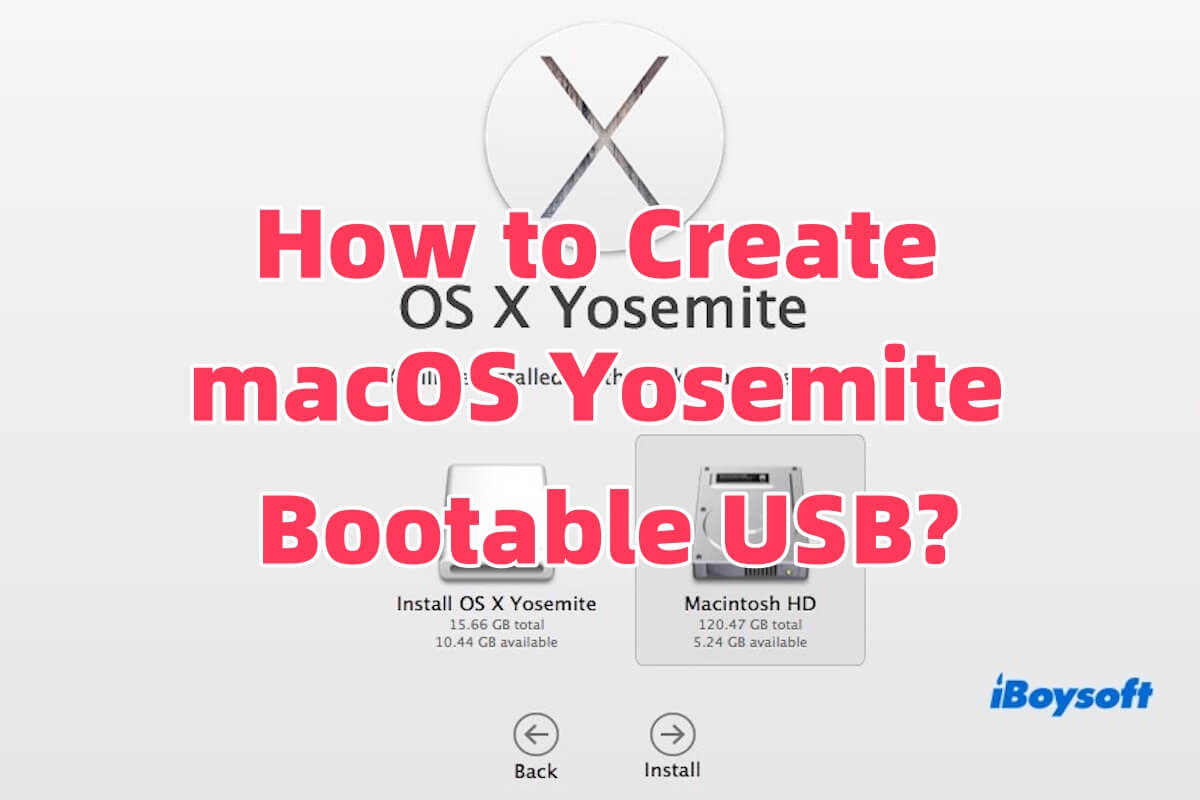
This article tells you how to download the Yosemite installer and create a bootable Yosemite USB.
Learn how to fix the 'security policy would not allow process' error on Mac.
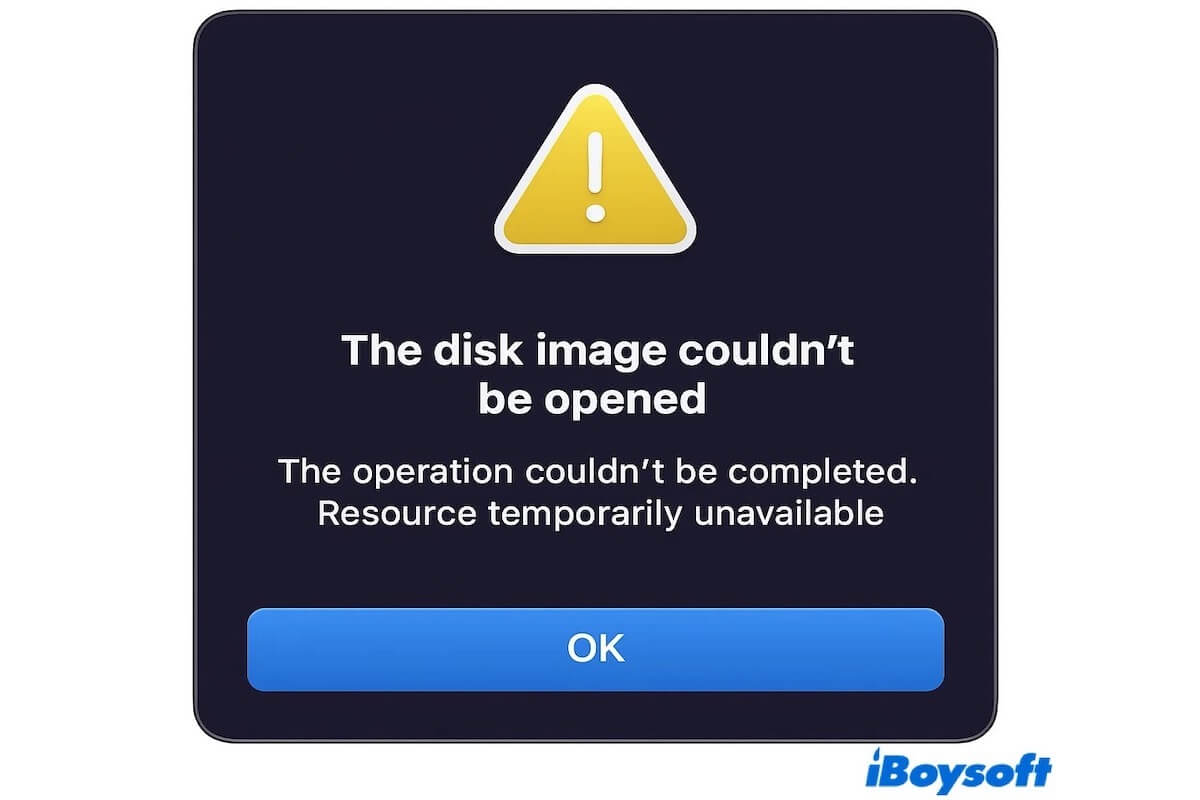
Read to know how to fix the Resource temporarily Unavailable error on macOS or Linux.
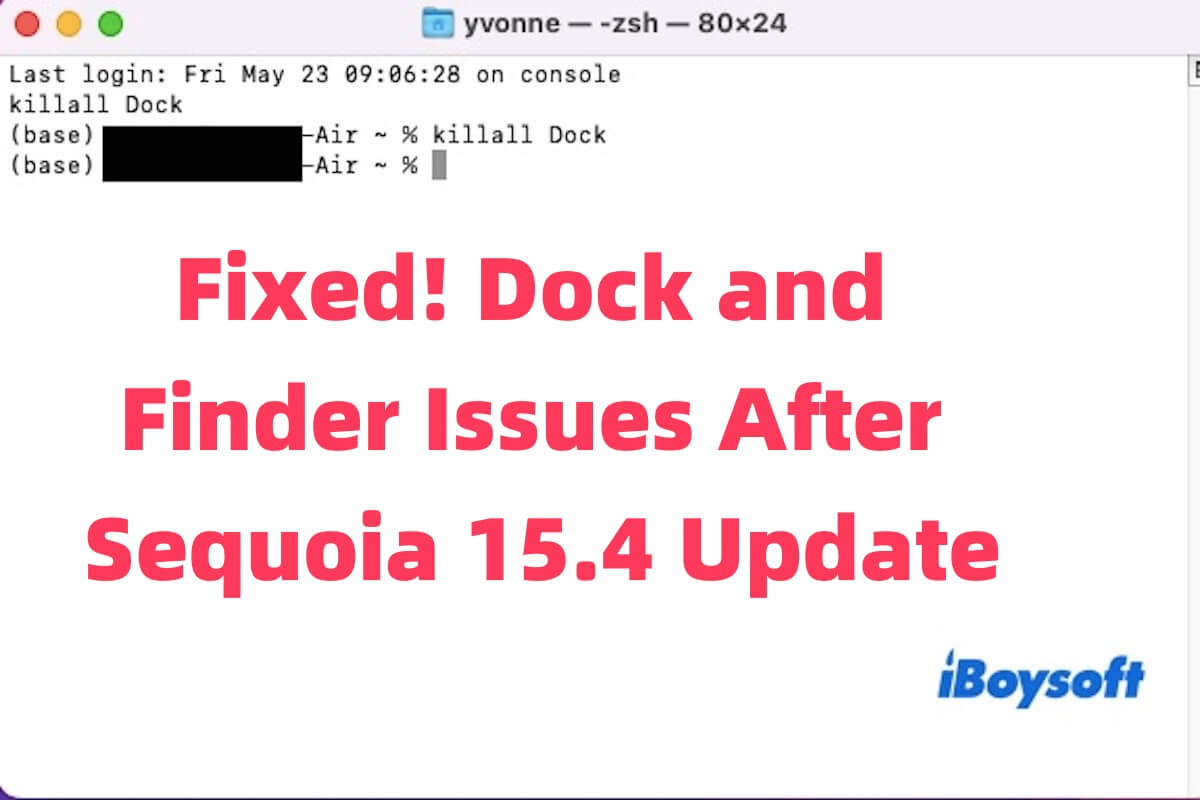
This article provides a detailed explanation of multiple effective solutions to fix Dock and Finder problems caused by the Sequoia 15.4 update.
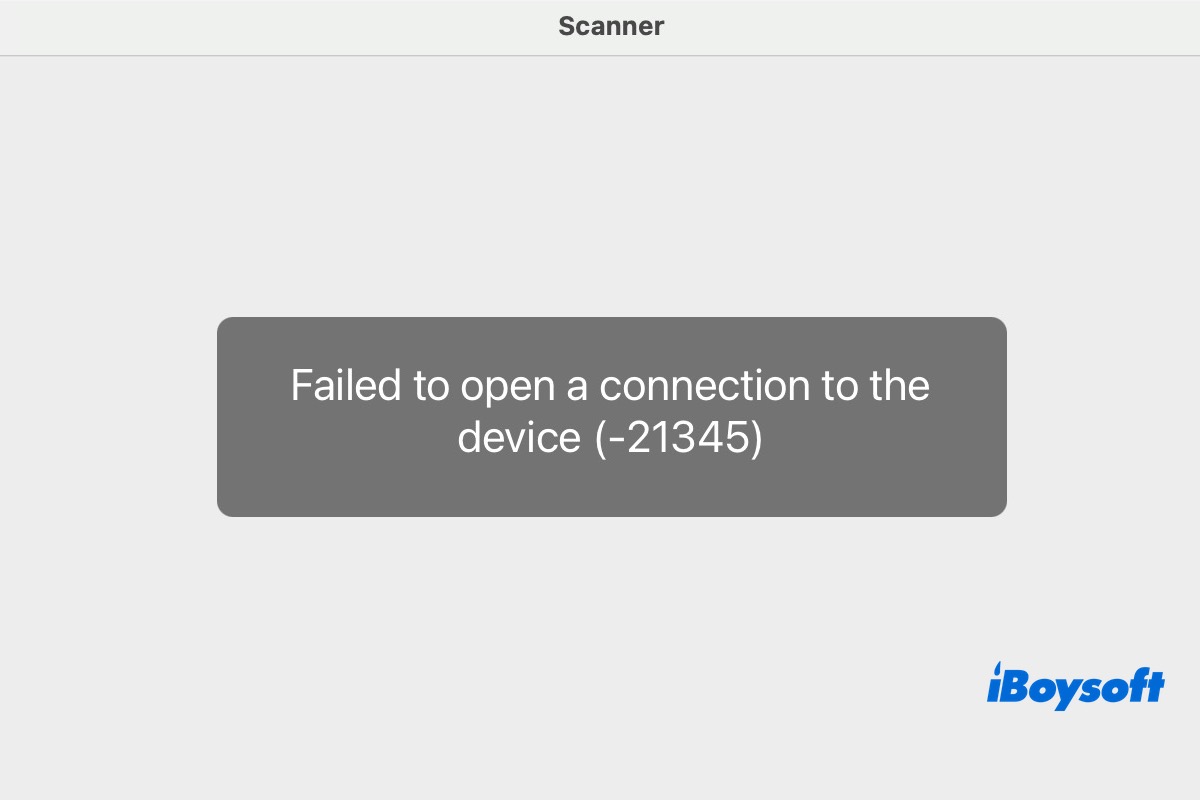
Read to know why Failed to open a connection to the device (-21345) occurs on your Mac and how to solve this problem.
Wondering if updating VMware Fusion on your Mac means upgrading all guest OSs tool? Read to learn more about it.
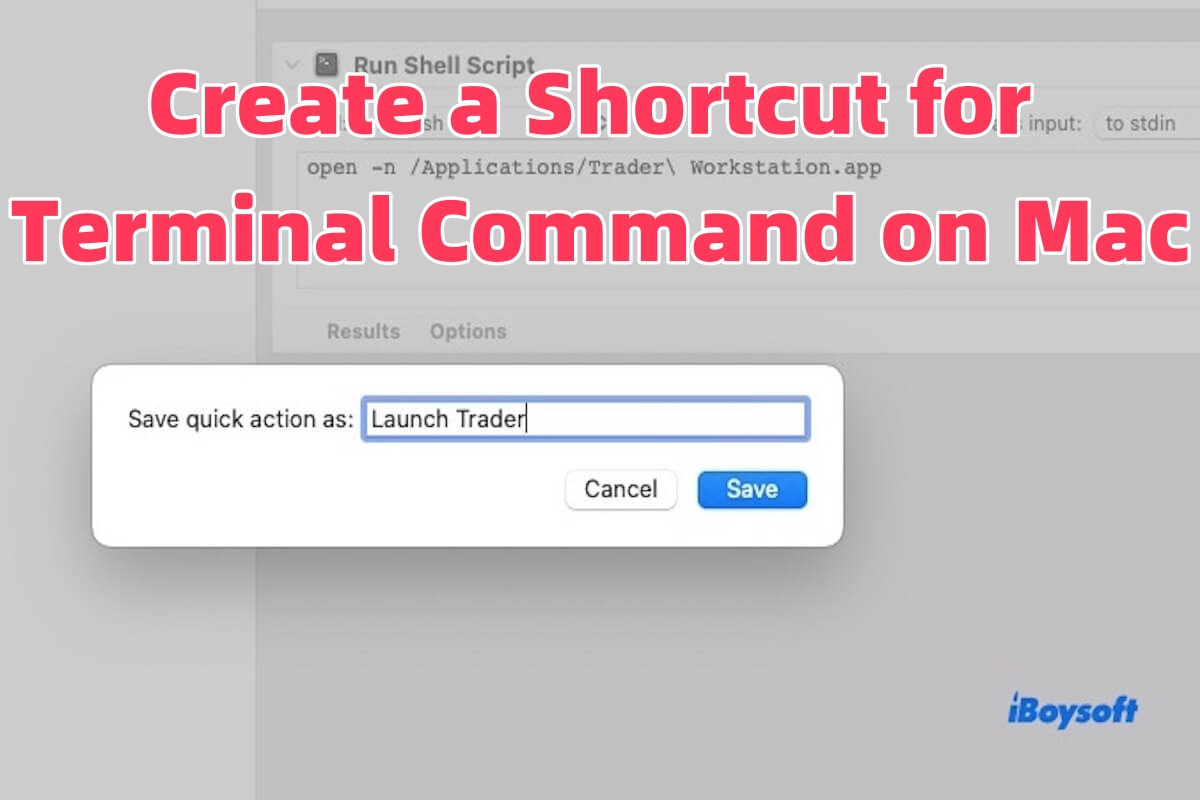
Read to know how to create a shortcut for a Terminal command on Mac using three proven methods.
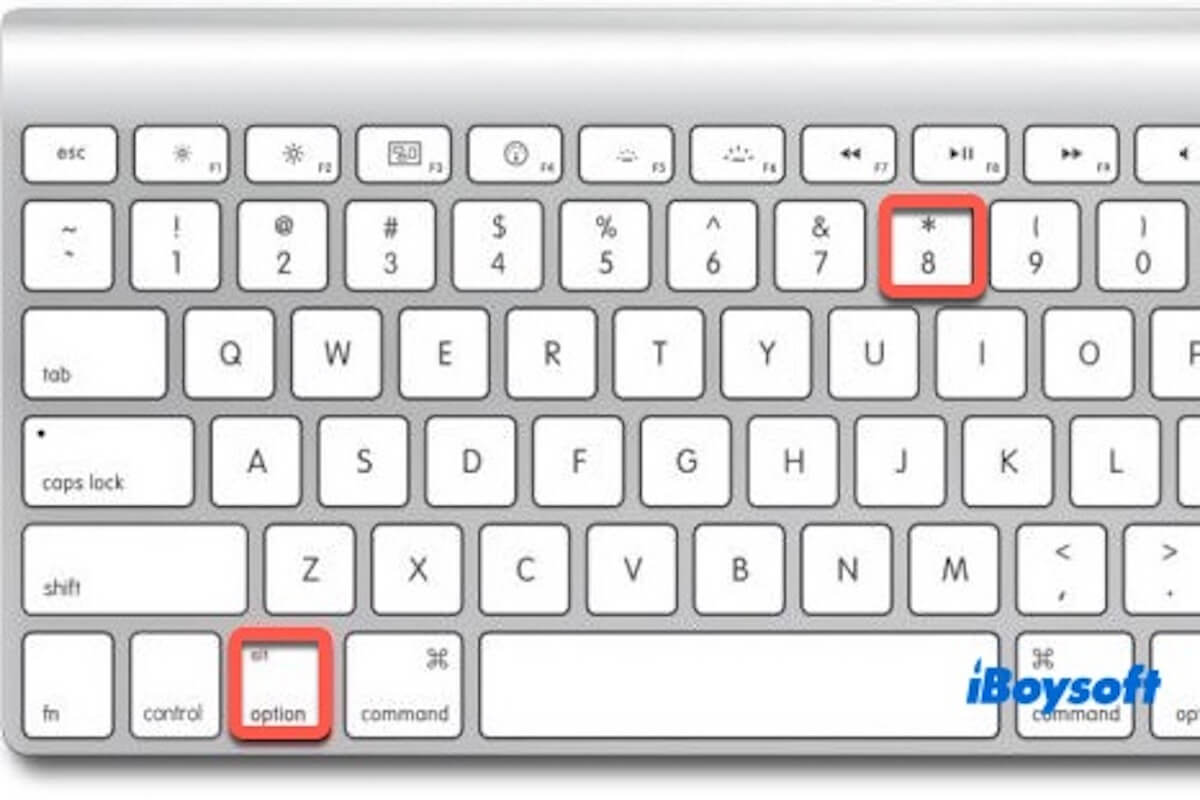
Is the option 8 bullet shortcut not working on Mac? This post will guide you through restoring it.
This post tells you why loading startup options is not working on Mac, and some proven methods are provided.
This article tells you how to check folder size using Terminal or other ways. Besides, you can learn how to check storage on Mac via Terminal.
This article tells you how to clear all notifications on Mac in three ways, including Notification Center, Terminal, and shortcuts.
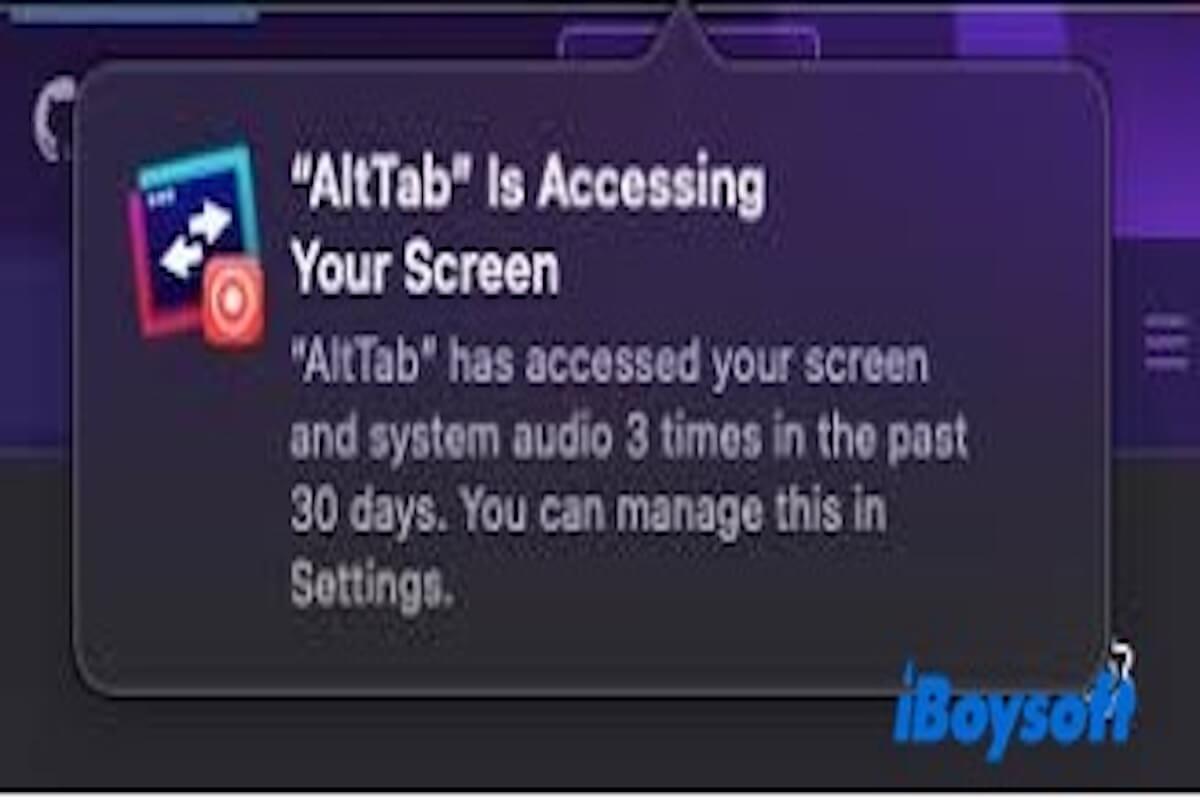
This article tells you the methods to turn off screen recording warnings, and you can know how to manage warnings on Mac.
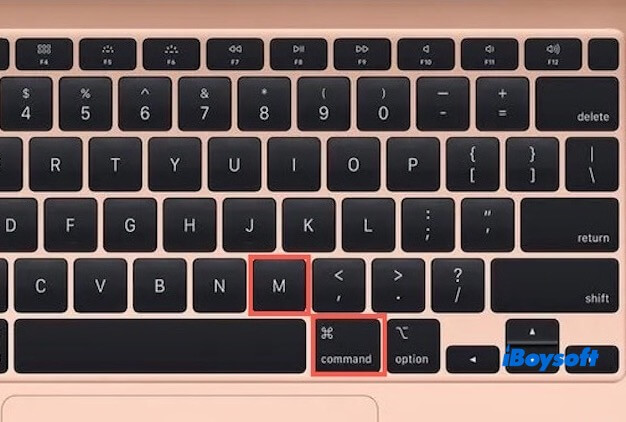
This article tells you why your Mac Command M is not working and how to fix it.
This article tells you how to use Terminal commands to speed up Mac, including clearing the system cache, freeing up RAM, optimizing Finder performance, etc.
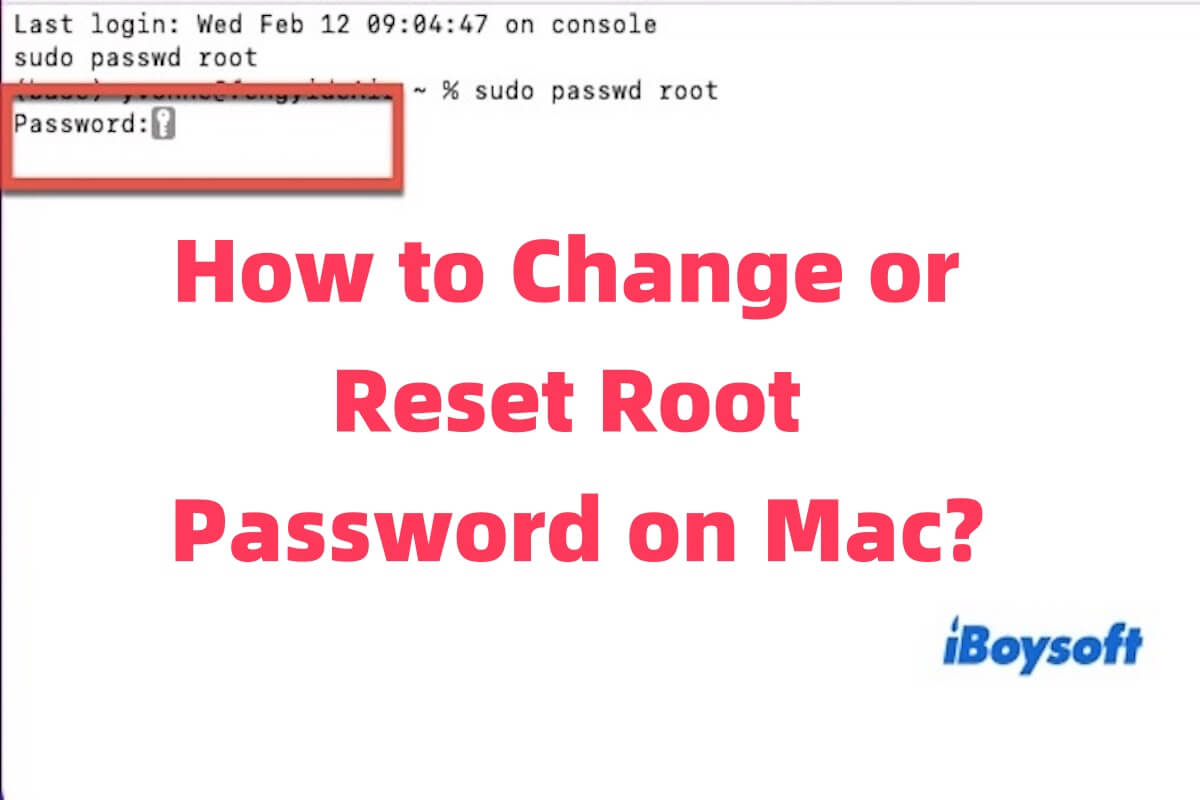
This article tells you how to change the root password on Mac, and it also tells you the method to reset a password.
The Touch Bar missing after updating to Sequoia is introduced in this article, including why the Touch Bar missing and how to fix it.
This article tells you how to fix if your Dictionary keeps popping up on the Mac.
This article will tell you why your Mac can't click on desktop icons, and how to resolve it.
This post guides you on why Keychain Access cannot create new secure notes on Sequoia and tells you alternative solutions in Sequoia for the function of secure notes.
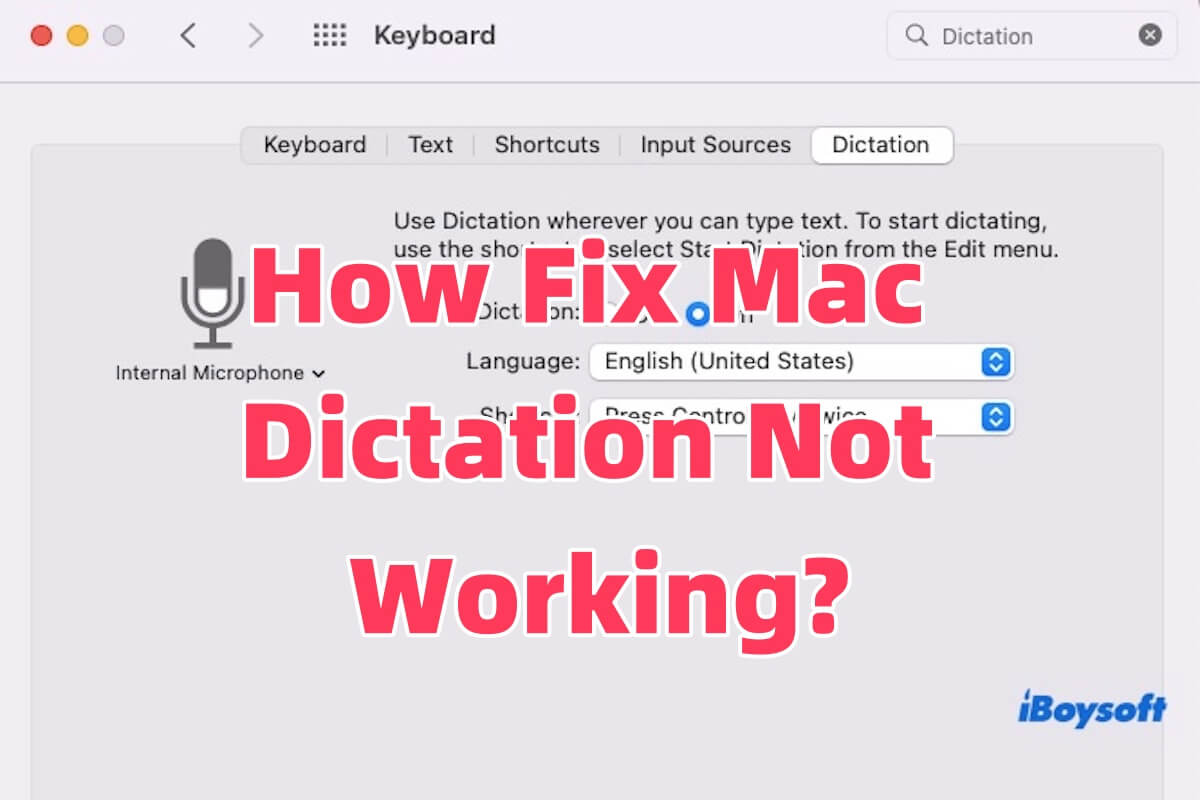
The solutions for Mac Dictation not working are introduced in this article. It also tells you why Dictation is not working on Mac.
Safari 17.3 fails to install on Ventura are explained in this article.
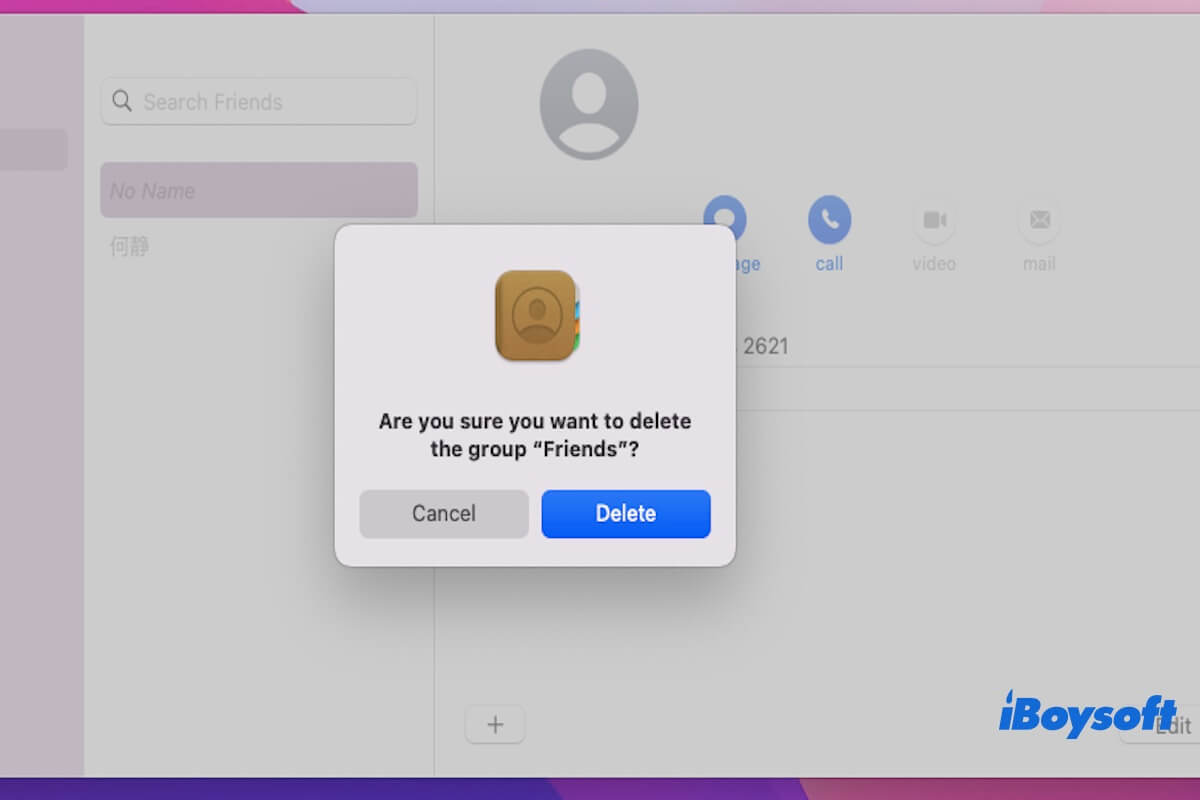
How to delete a contact list in Contacts on Mac guide introduced in this article, helping you quickly delete a contact/contact list on your Mac.
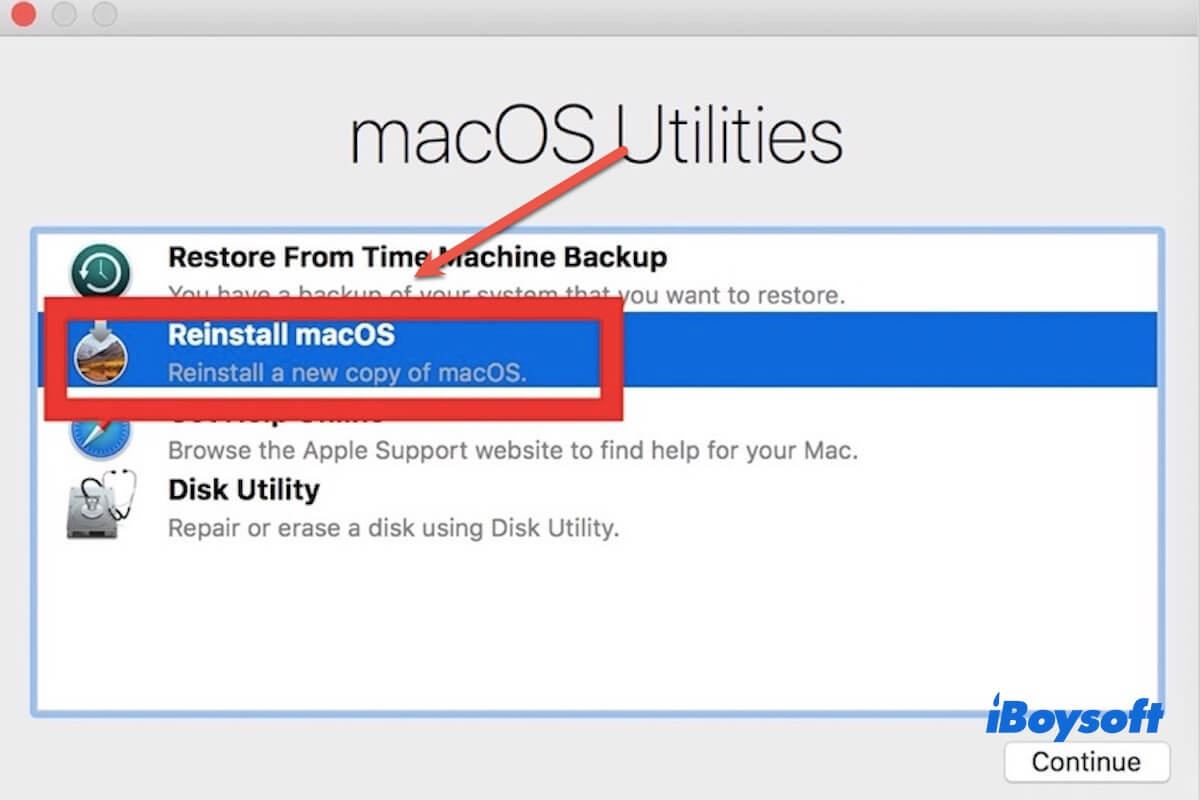
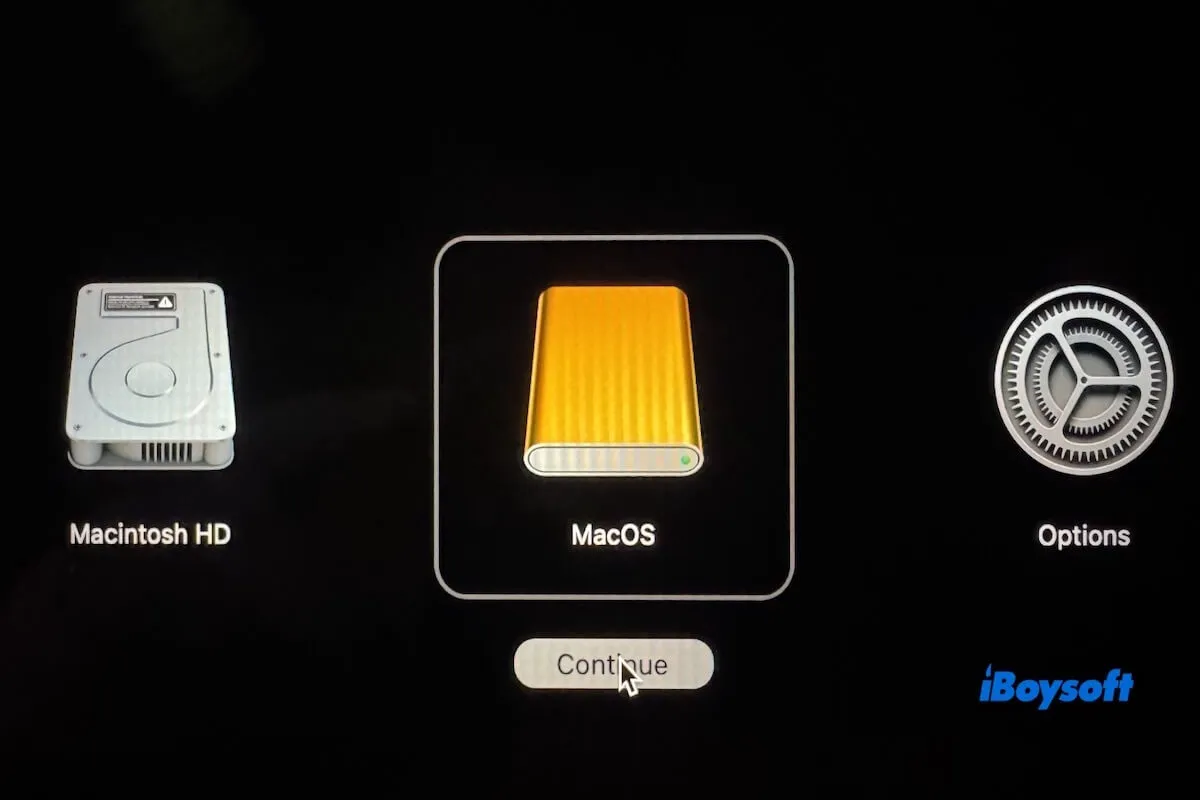
How to install Mac OS on a wiped Mac is introduced in this article, focusing on Recovery Mode and USB installers.
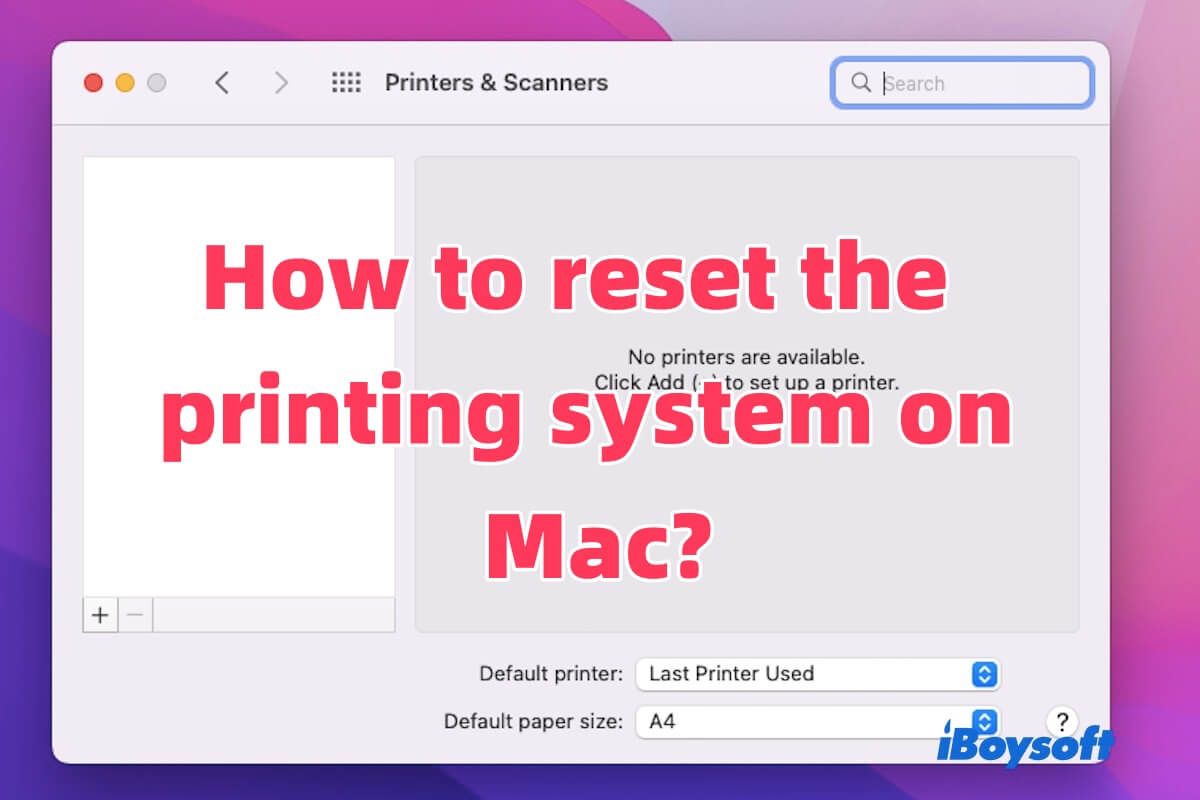
How to reset the printing system on Mac is introduced in this article, other ways are also included to help you fix the printer not responding.
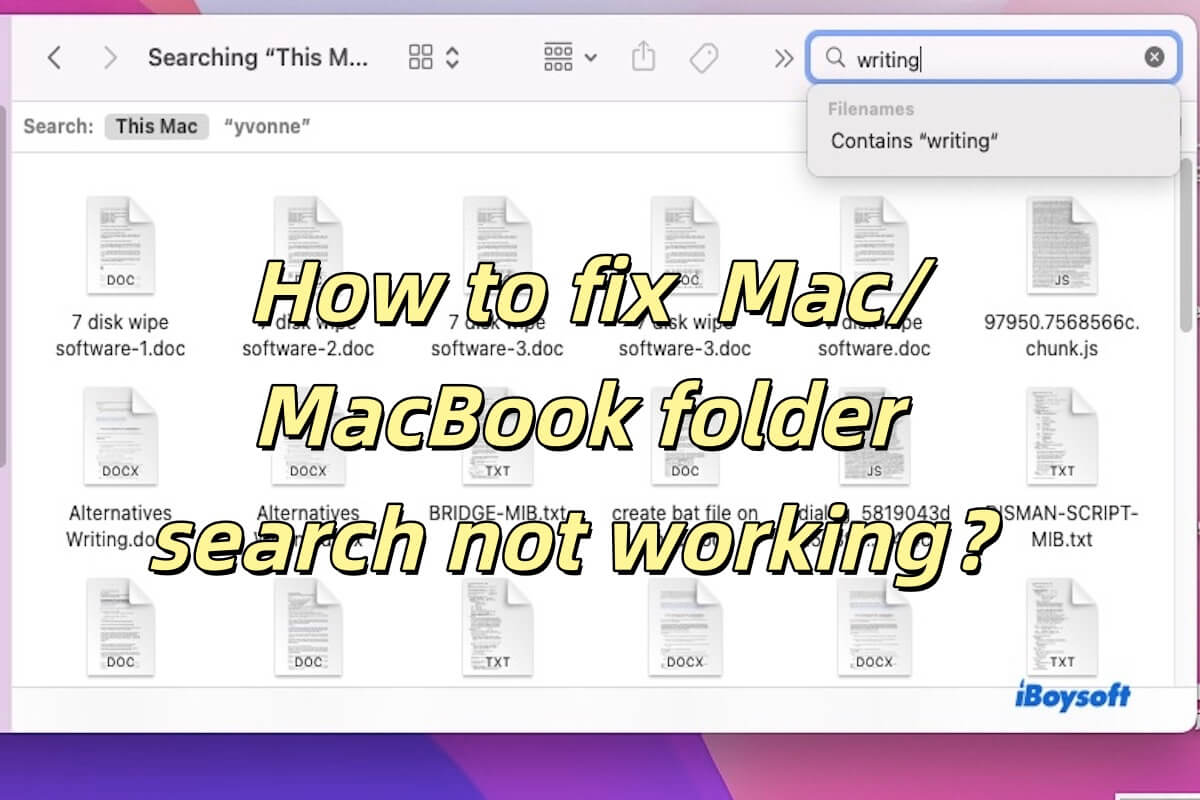
The guide lists 6 methods to help you fix the MacBook folder search not working, including restarting Finder, updating macOS, rebuilding Spotlight Index, etc.
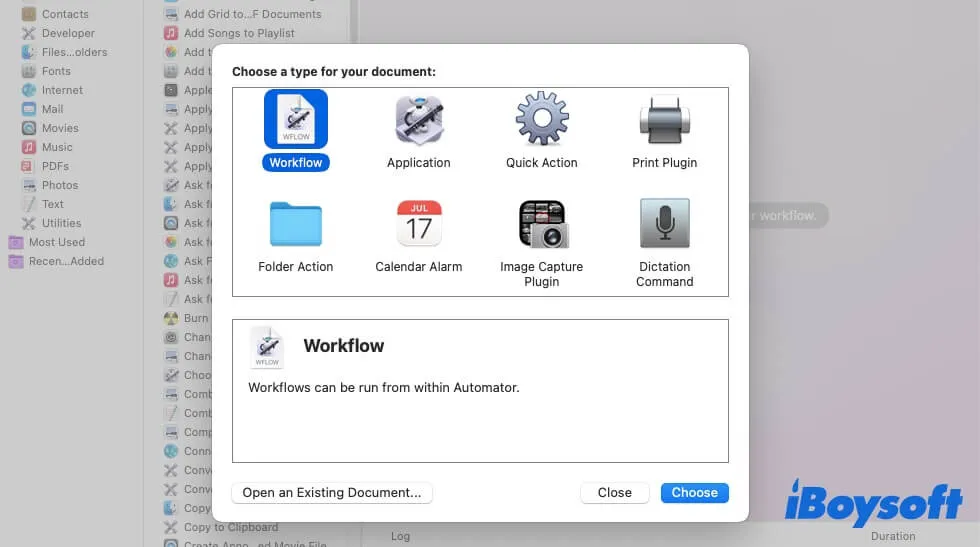
This post tells you how to use Automator to rename files, how to batch rename files, and how to rename multiple files at once are included.
This article explains how to put Safari in Dark Mode and use Dark Mode extensions.
This article guides you on how to erase a disk using Terminal. Detailed steps are introduced in this post, aiming to help you erase a disk successfully.
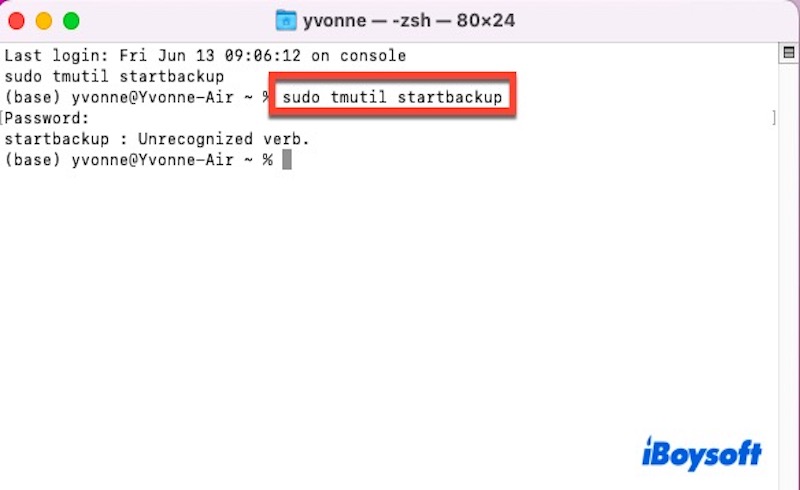
Learn how to use the tmutil command on Mac to manage Time Machine backups.
This article explains what diskarbitrationd is on Mac and why it uses a high CPU on Mac.
Learn what the .zshrc file is, where to find it on your Mac, and how to open, edit, save, and exit it.
Read to know what the pwd command is and how to use it on Mac or Linux.
Read to know what USB read and write speed is and how to check its speed.
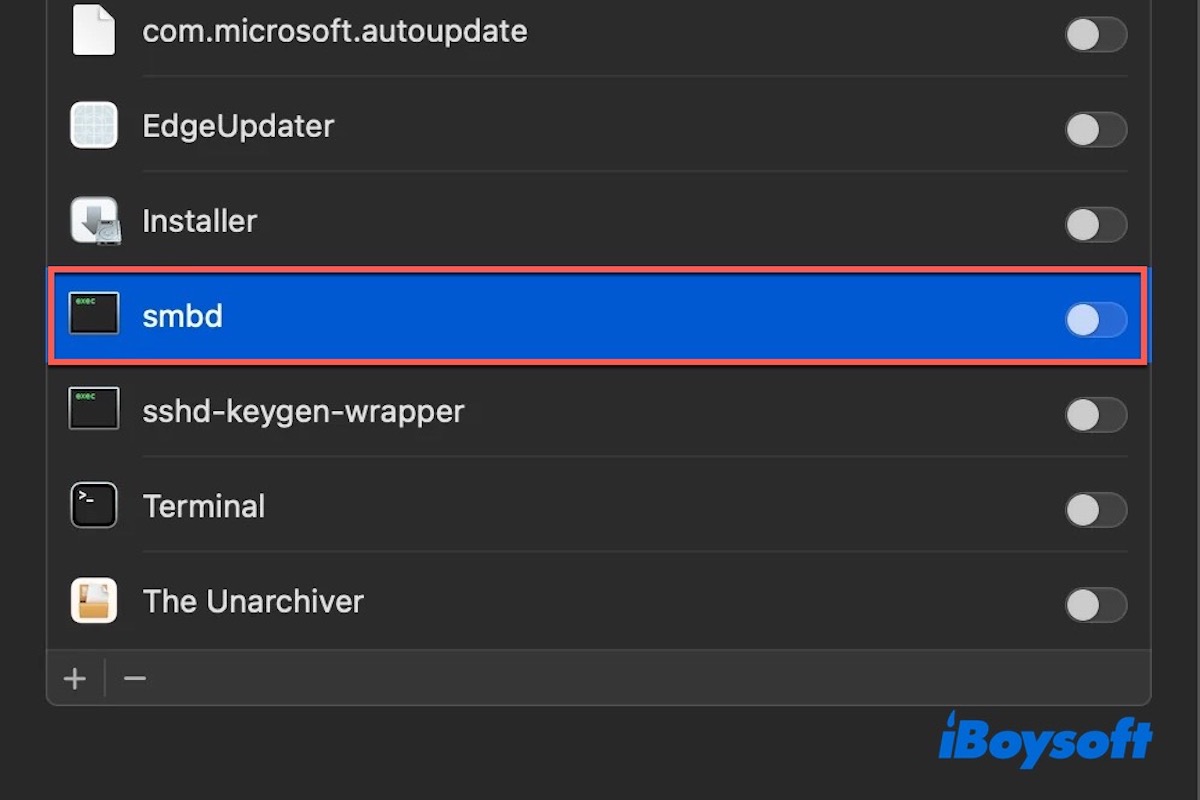
It tells you what smbd is, the steps to access SMB on Mac, and how to fix SMB file sharing not working on Mac.
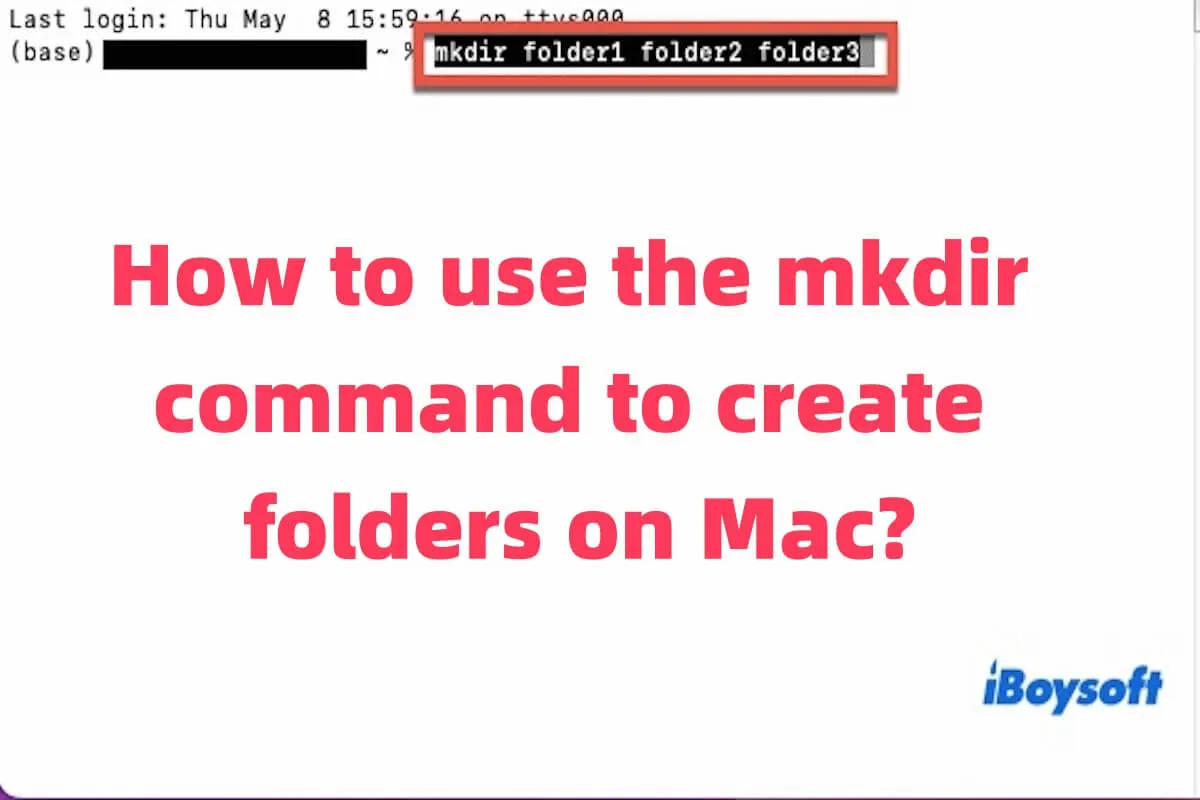
This article tells you what mkdir command is, and how to use it to crete new folders.
Read to know what is DCP Panic - Assert AppleDCPDPTXPowerController.cpp error is and how to fix it.
This post tells you about different types of USB transfer speeds and the factors that may affect USB transfer speeds.
This article explains what an ITHMB file is, how to open ITHMB files on Mac, and how to delete them.
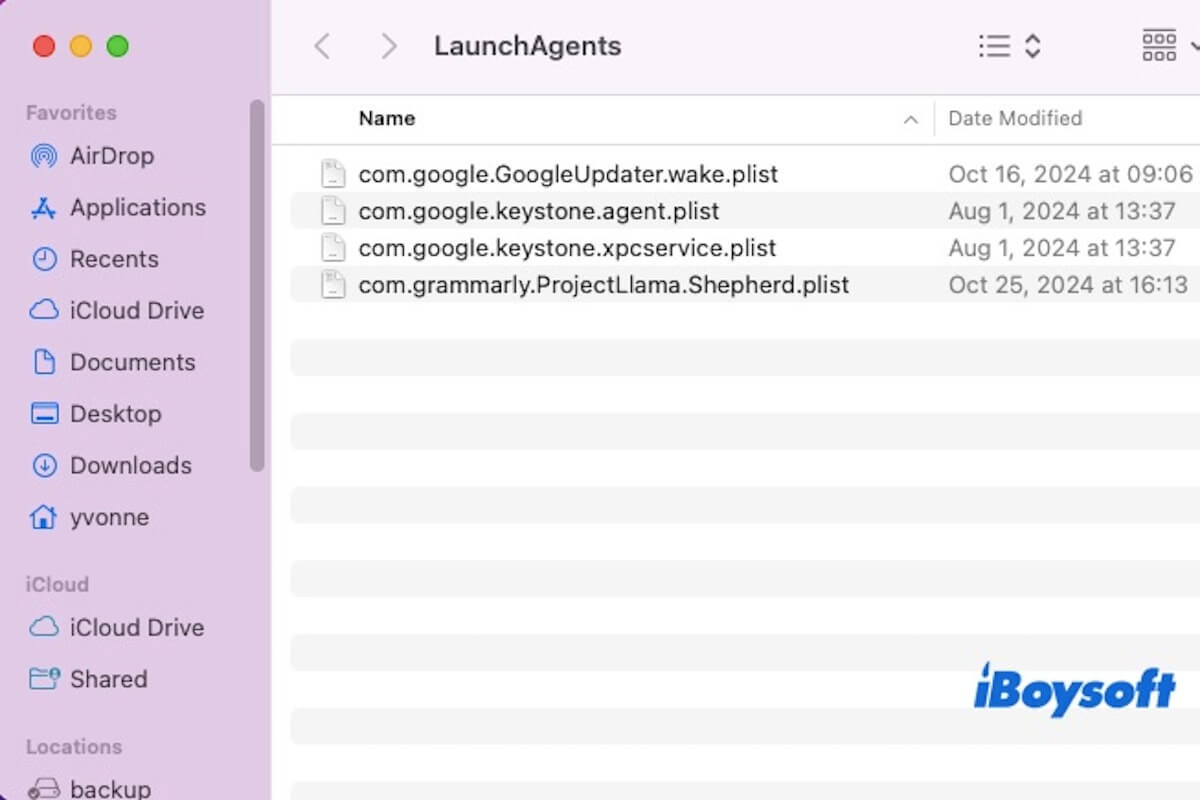
This post tells you what is ~/Library/LaunchAgents, how to go to ~/Library/LaunchAgents, and how to manage LaunchAgents on Mac.
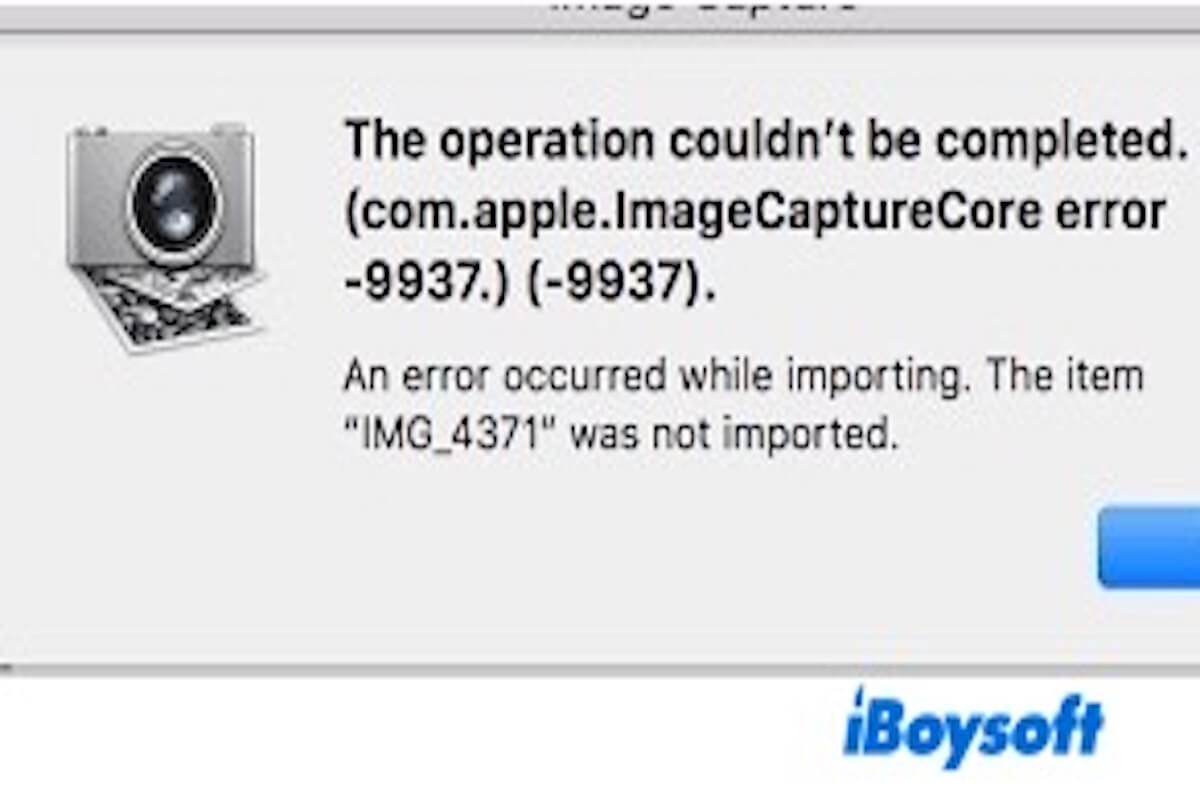
This article tells you what com.apple.imagecapture error is when it occurs on your Mac and how to fix this error.
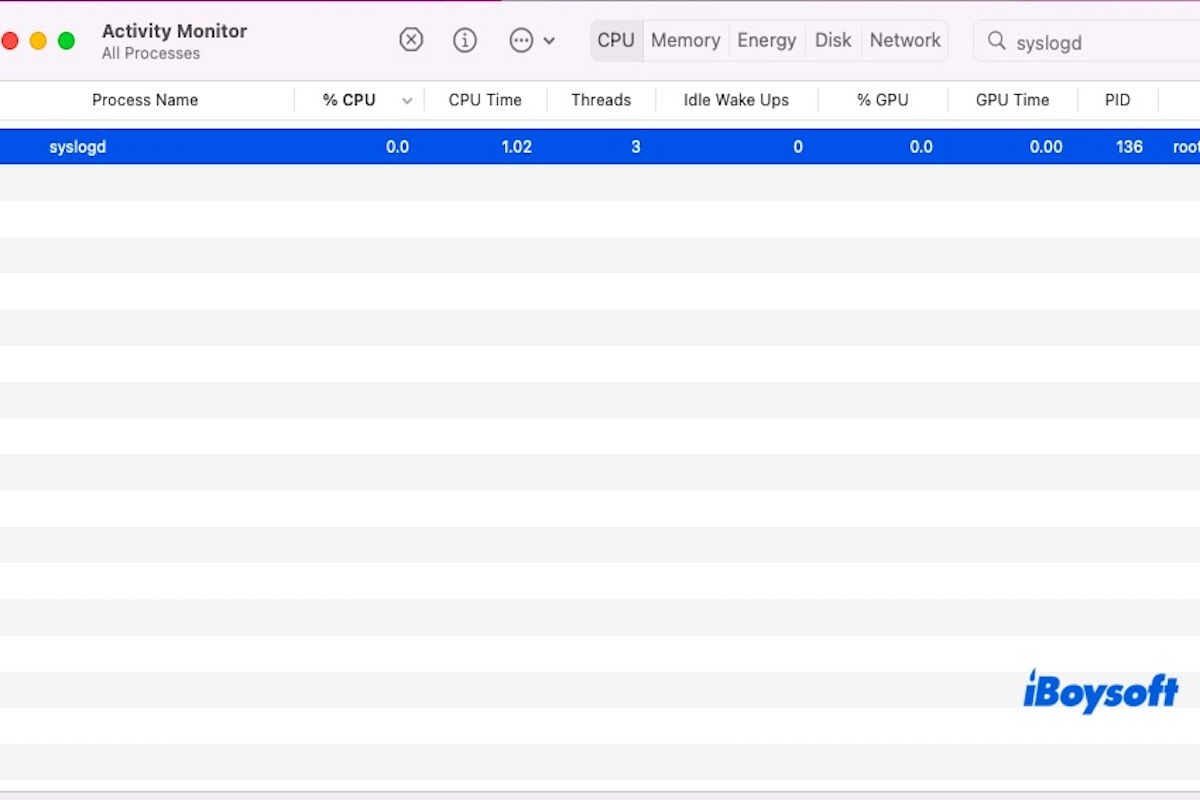
This article tells you what syslogd is, how to reset syslogd, and the differences between syslogd vs rsyslog.
This post tells you what backupd is on Mac and why it uses high memory on Mac.
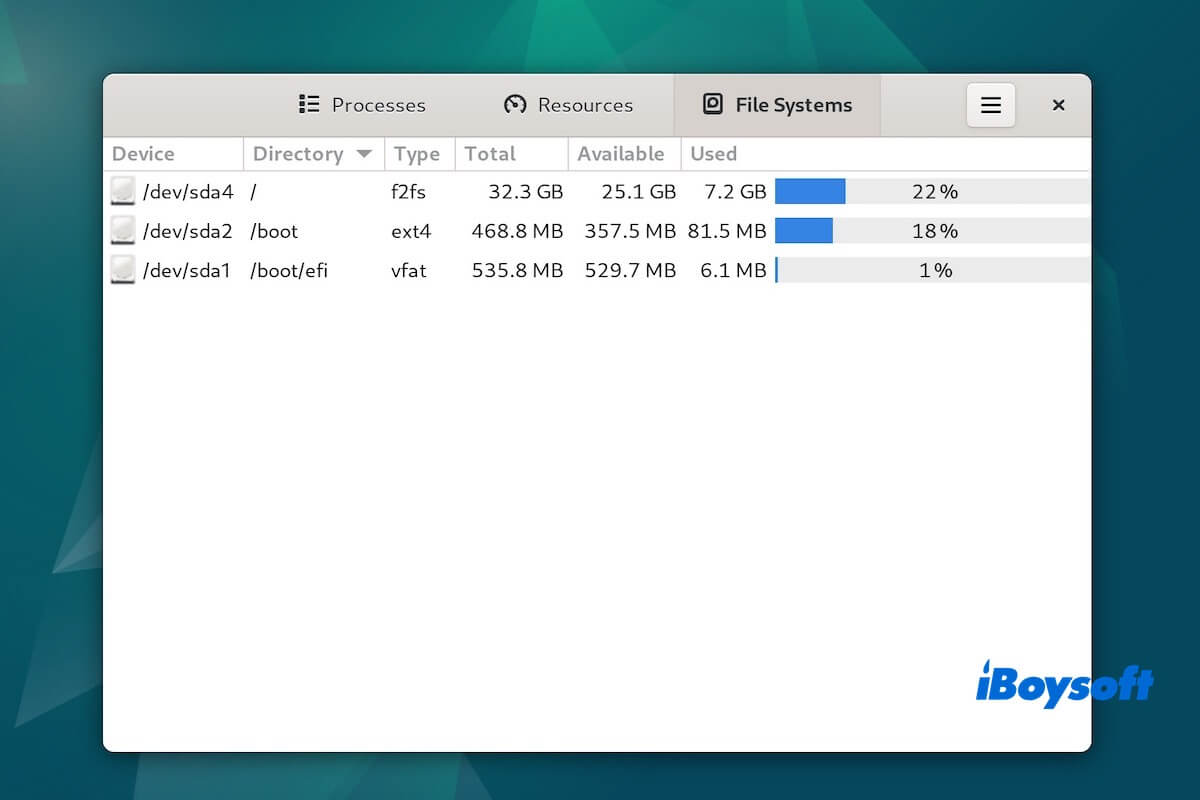
F2FS is explained in this article, including its meaning and the differences between F2FS and EXT4 and NILFS.
This article provides you with a comprehensive understanding of Photos Library.photoslibrary.
It tells you the definition of a null file and the methods to open, delete, and convert it to PDF.
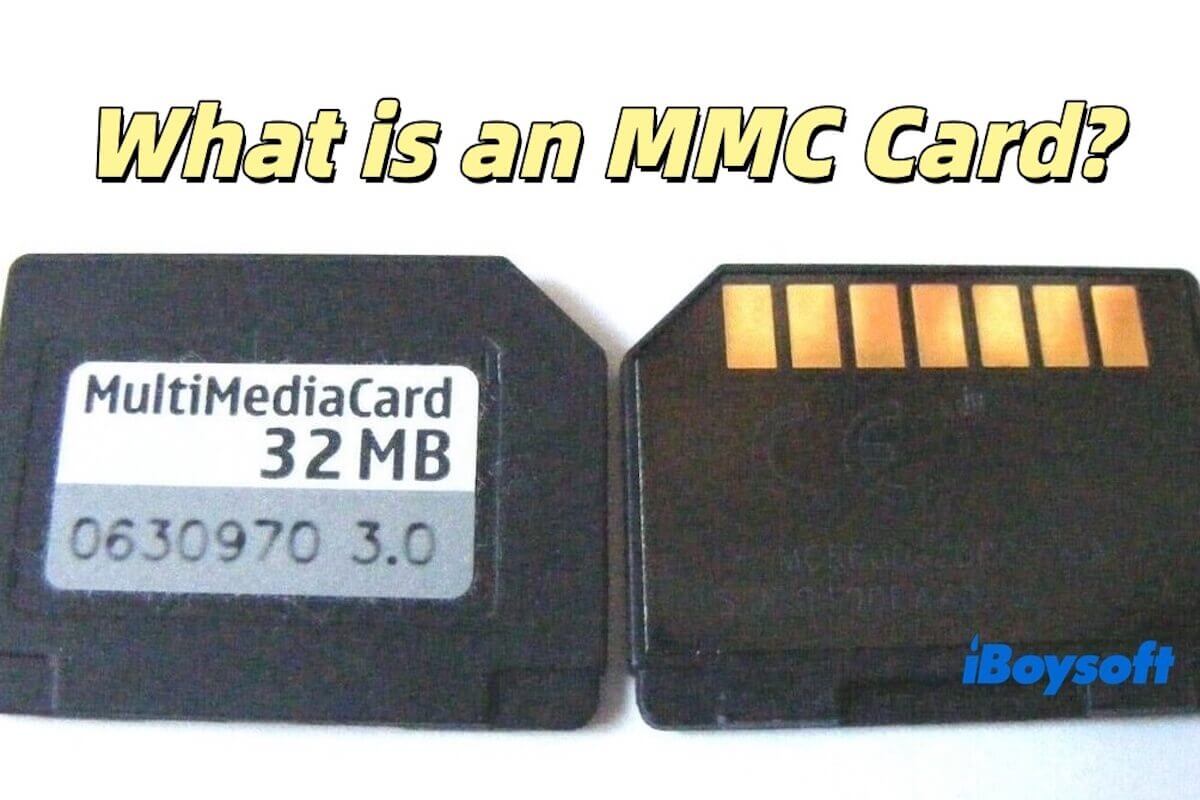
This article tells you what an MMC card is, the types of MMC cards, and the difference between an SD card and an MMC.
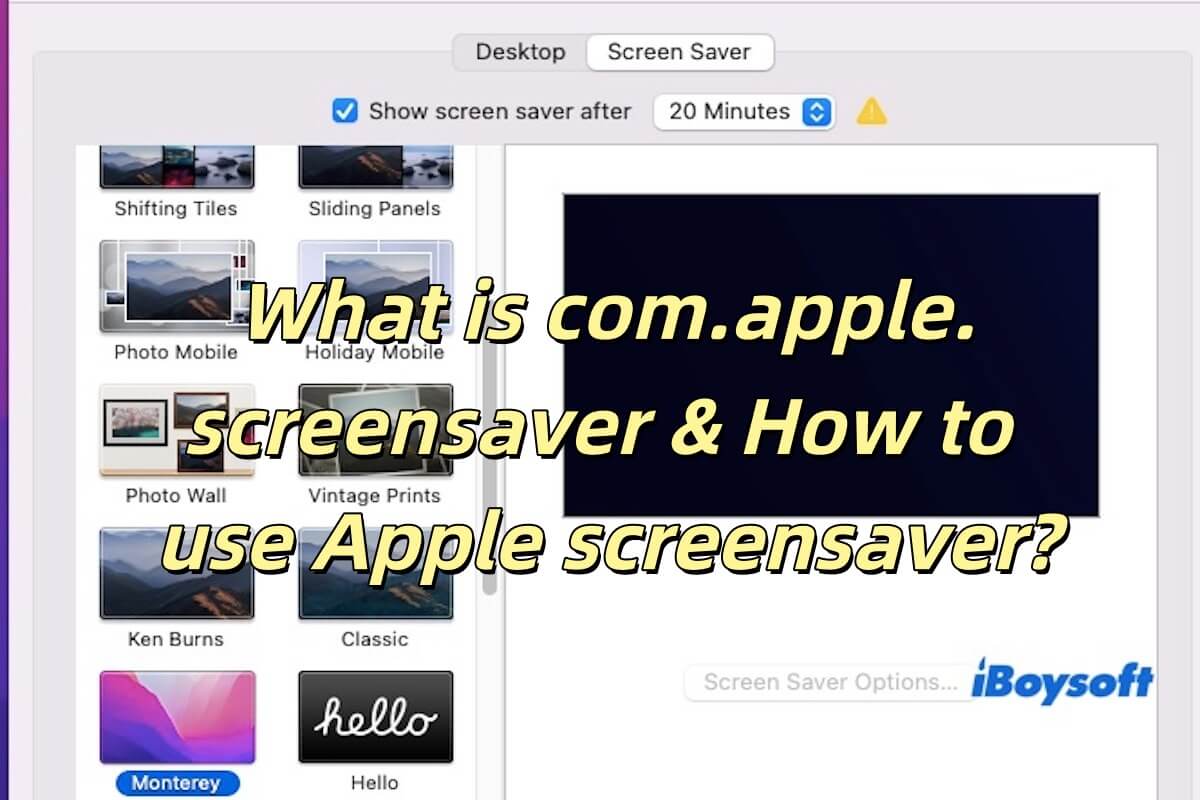
This article tells you what is com.apple.screensaver, Apple screensaver Plist file, and how to use Apple screensaver.
Ext3 vs Ext4 is introduced in this post, including how to convert Ext3 to Ext4 and the differences between Ext2, Ext3, Ext4, and the XFS.
This is a Universal Disk Format guide that covers the definition of UDF, UDF vs. NTFS & Open, and how to open and convert UDF files.
XFS file system guide covers its definition, advantages and disadvantages, XFS vs EXT4 vs BTRFS, and how to create it.
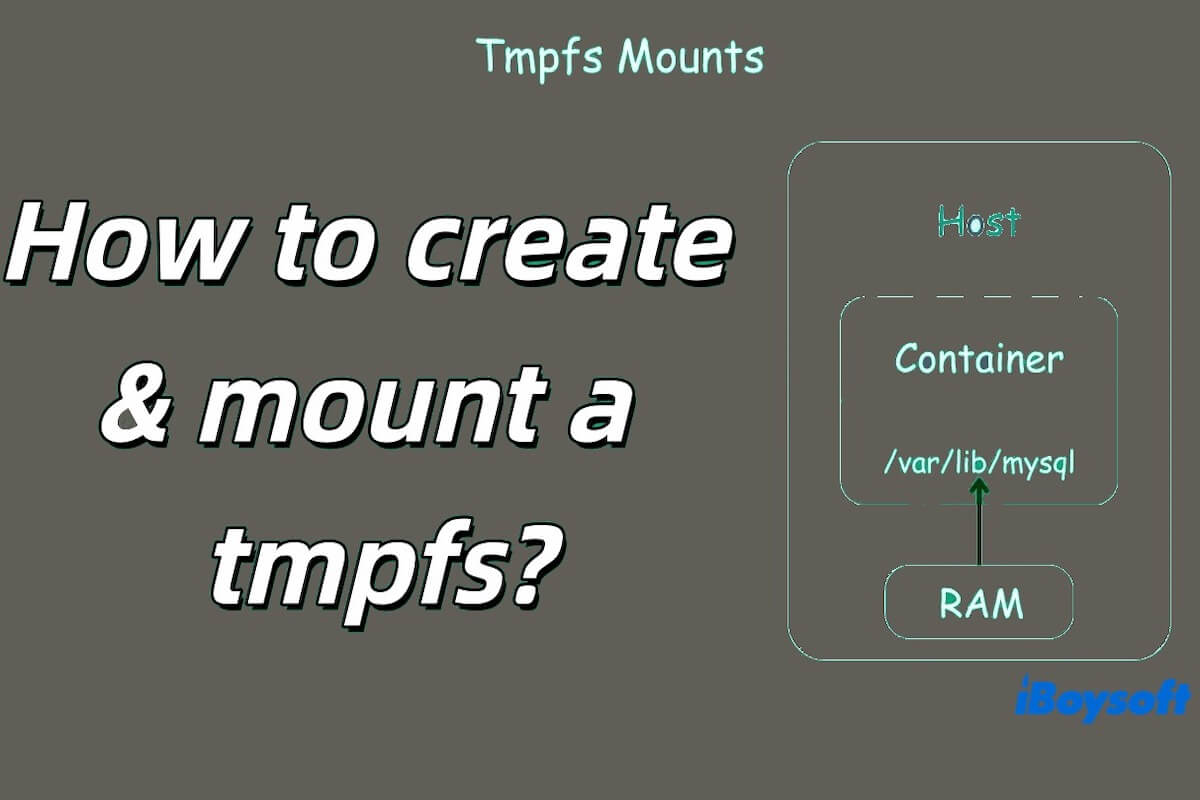
Temporary File System (tmpfs) is included in this post, covering tmpfs vs ramfs, and how to create tmpfs in Linux.
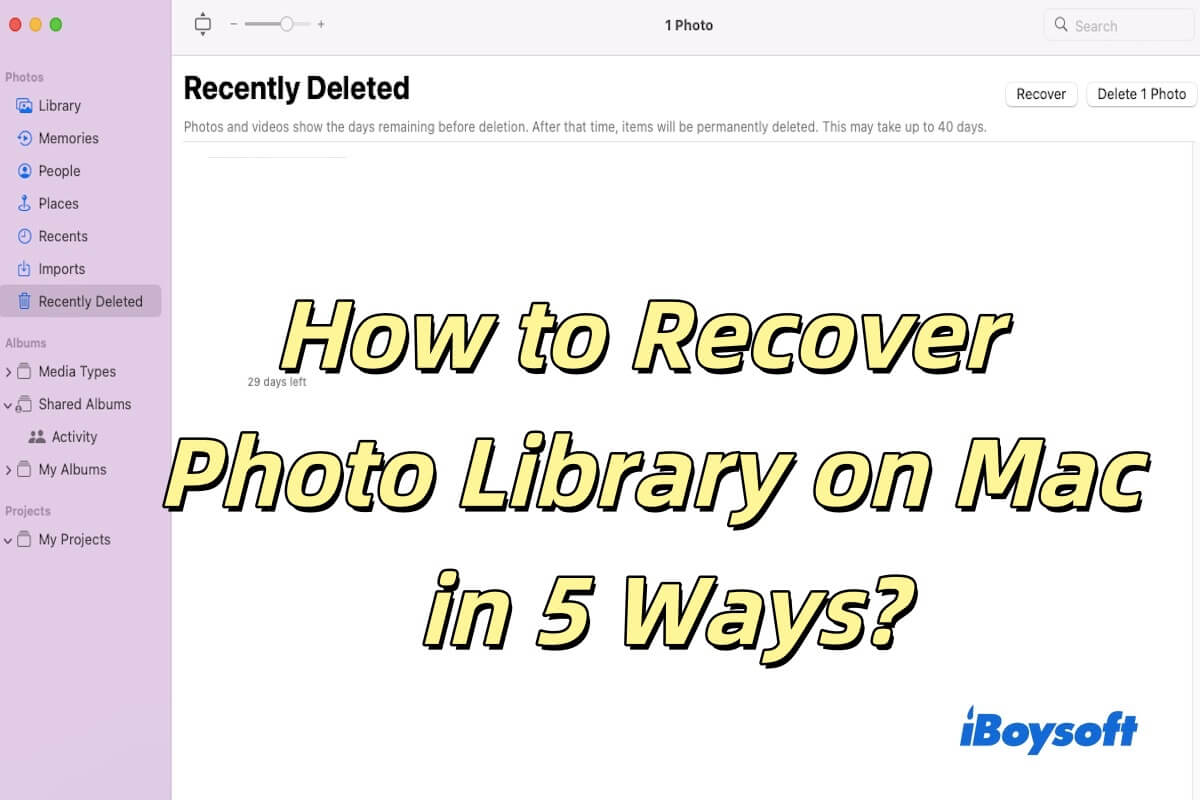
5 Ways to recover Photo Library on Mac are introduced in this post, and how to protect your Photo Library is also included.
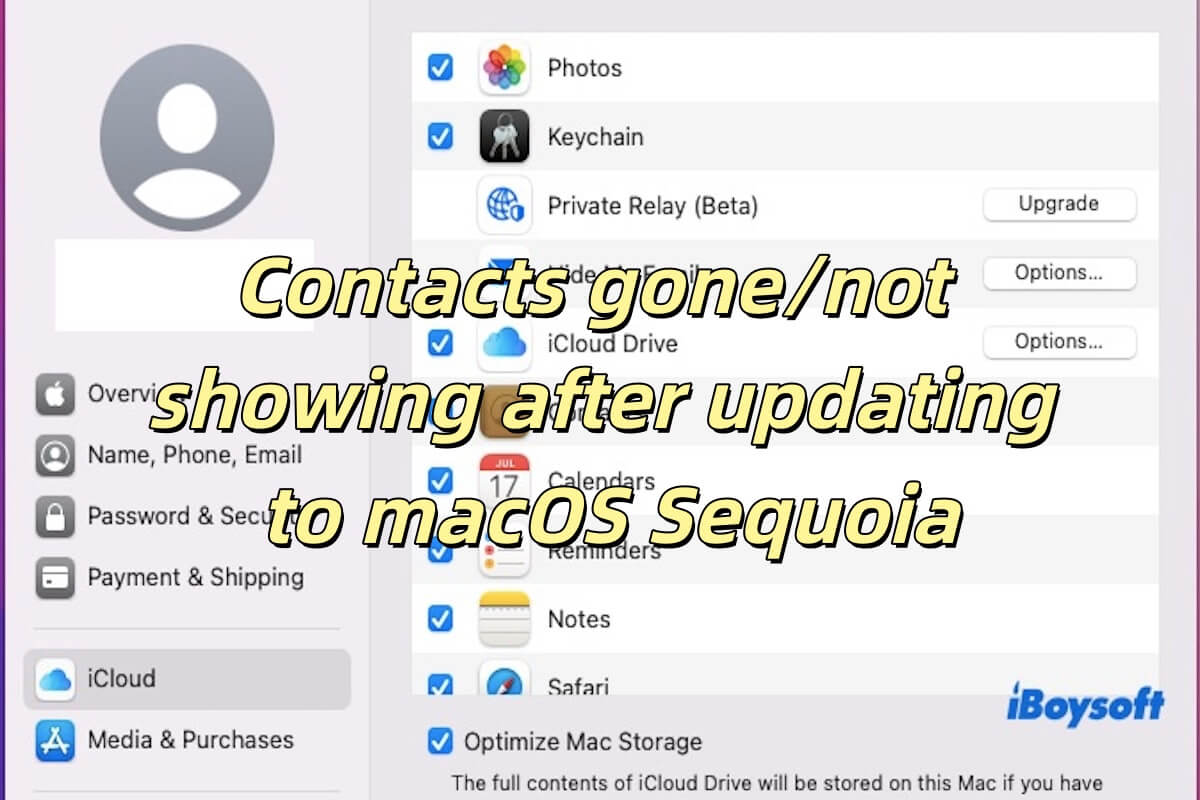
Contacts gone/not showing after updating to macOS Sequoia are introduced in this post, including why it is not showing and how to fix it.
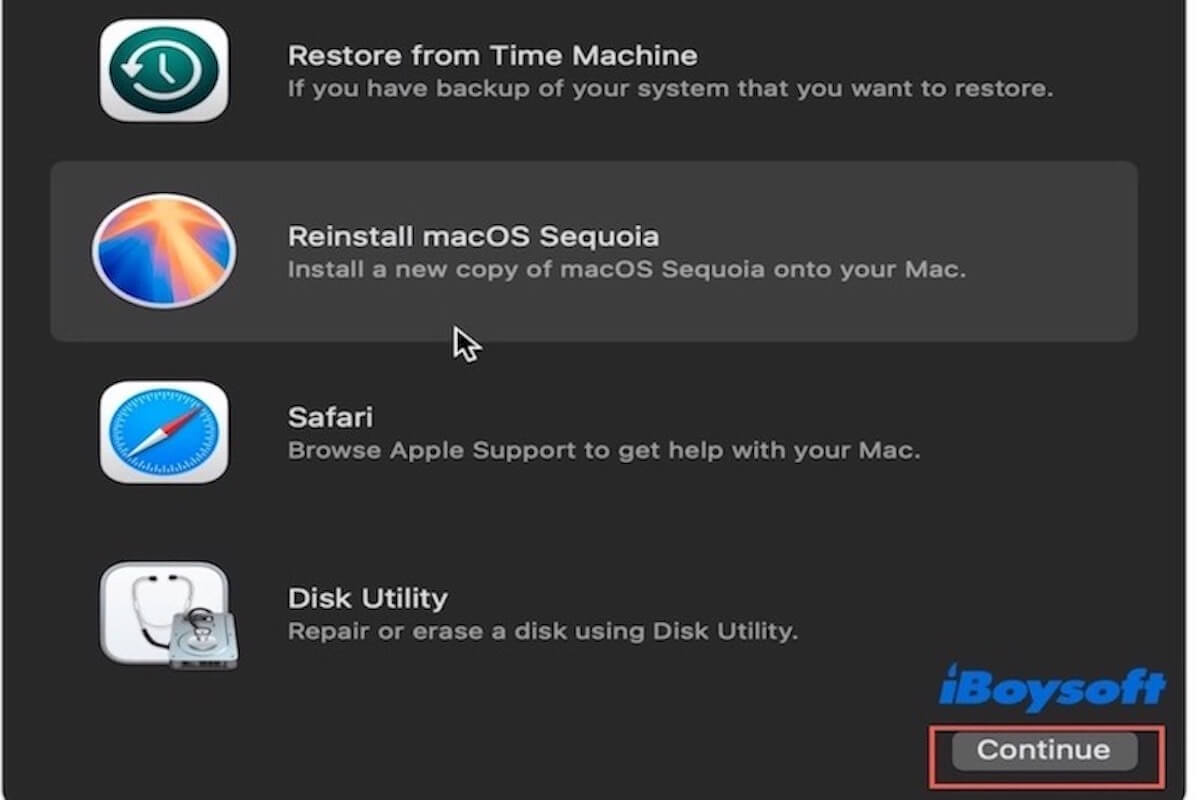
A comprehensive guide to reinstall Mac OS without losing data is introduced, specifically for Sequoia, Sonoma, Ventura, and Monterey.
Four effective methods to recover deleted audio files on Mac are introduced in this post.
A comprehensive guide to help you recover a deleted or disappeared Final Cut Pro project on Mac. Many methods are listed to avoid missing files in the future.
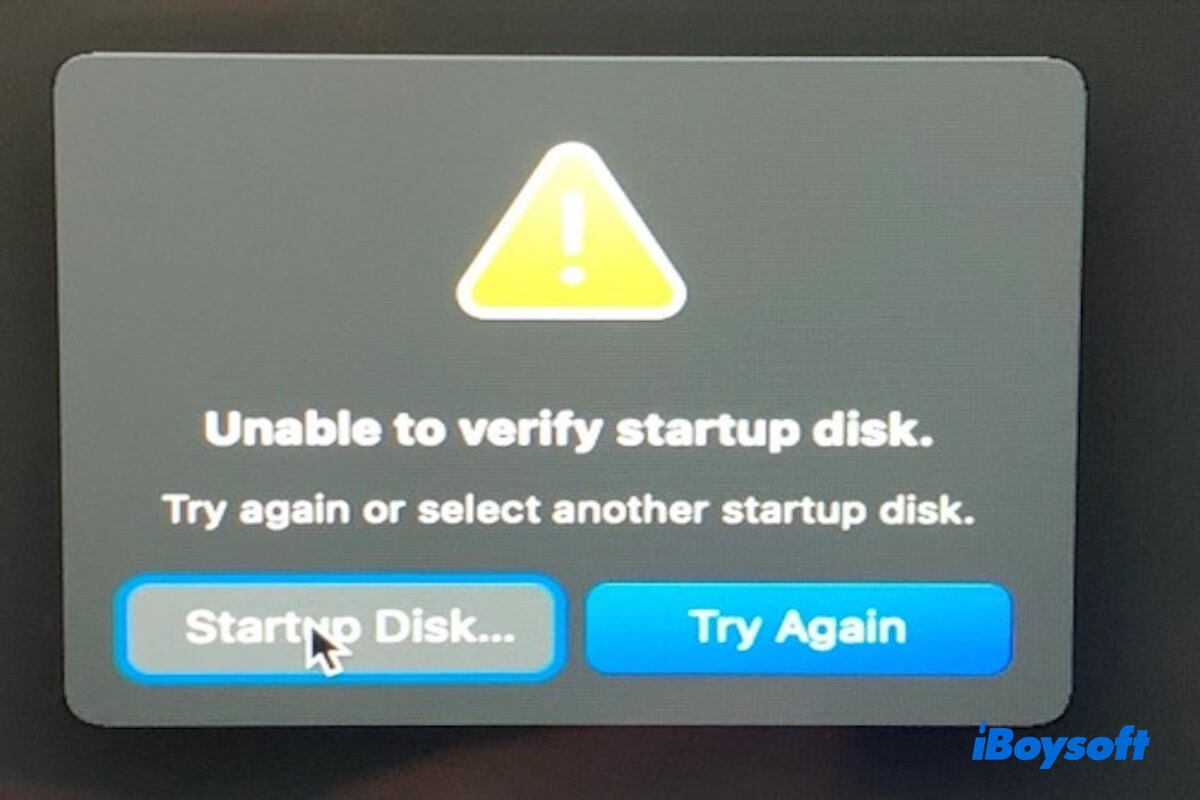
Read to know how to fix the unable to verify startup disk and the startup disk could not be verified error on Mac.
macOS Sequoia refusing to open files after updating to 15.4? You can read to learn how to fix it.
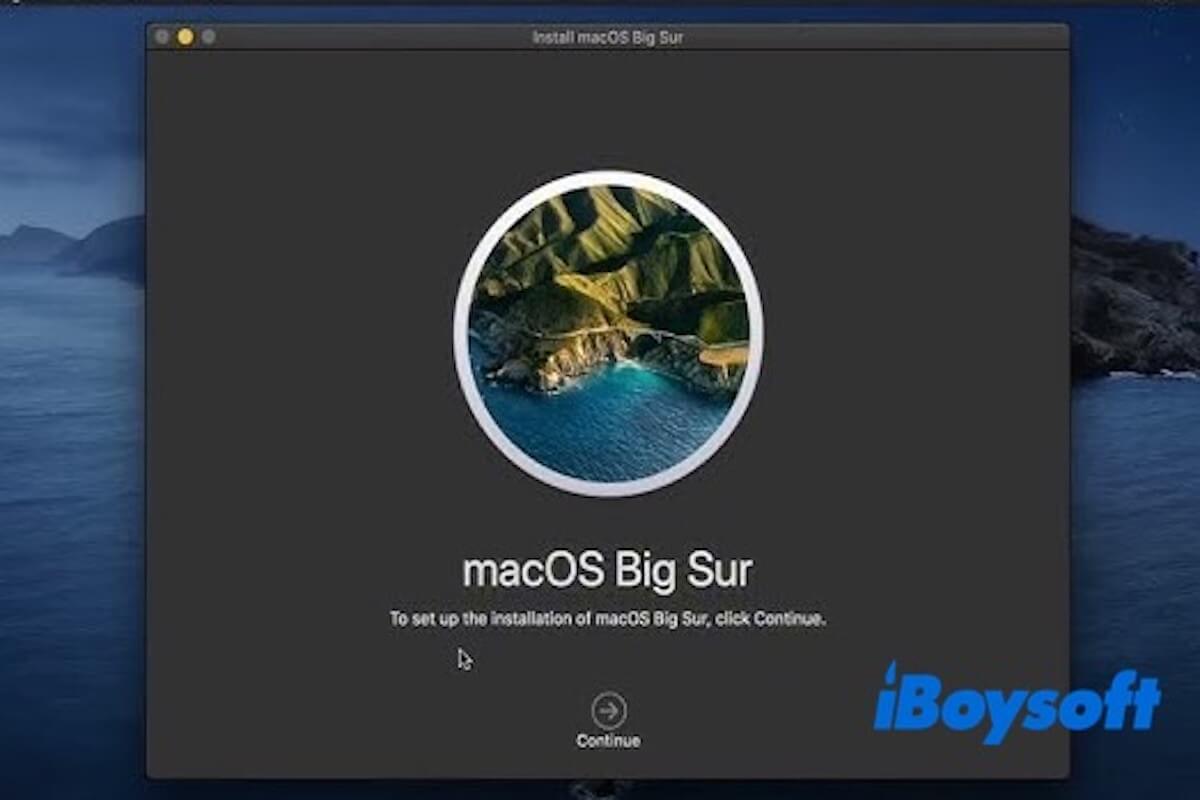
This guide tells you a detailed guide on how to update Mac Mini 2012 to Big Sur.
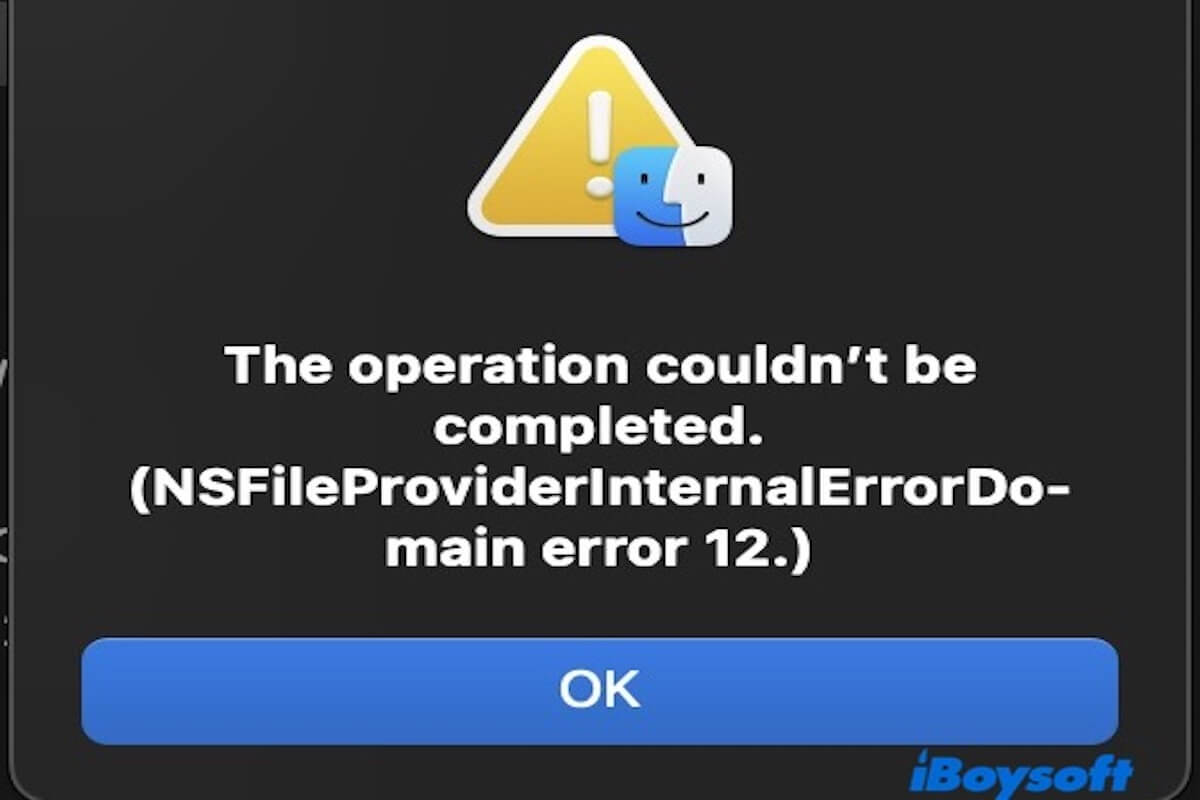
Learn what NSFileProviderInternalErrorDomain Error 12 means on Mac and how to fix it.
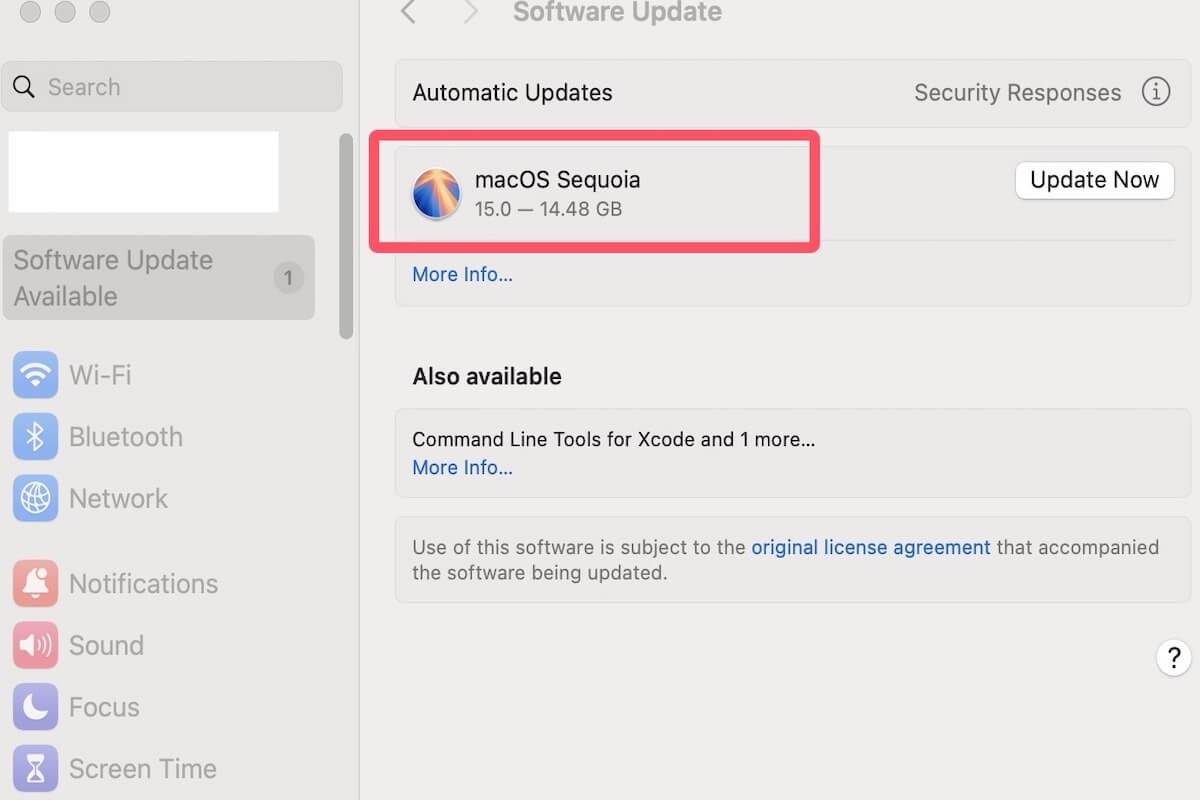
Read to know the detailed steps on how to update from Catalina to Sequoia.
Read to know why kernel panic occurs during Sequoia 15.4 installation and use several proven methods to fix it.
This article tells you how to update from Big Sur to Sequoia.
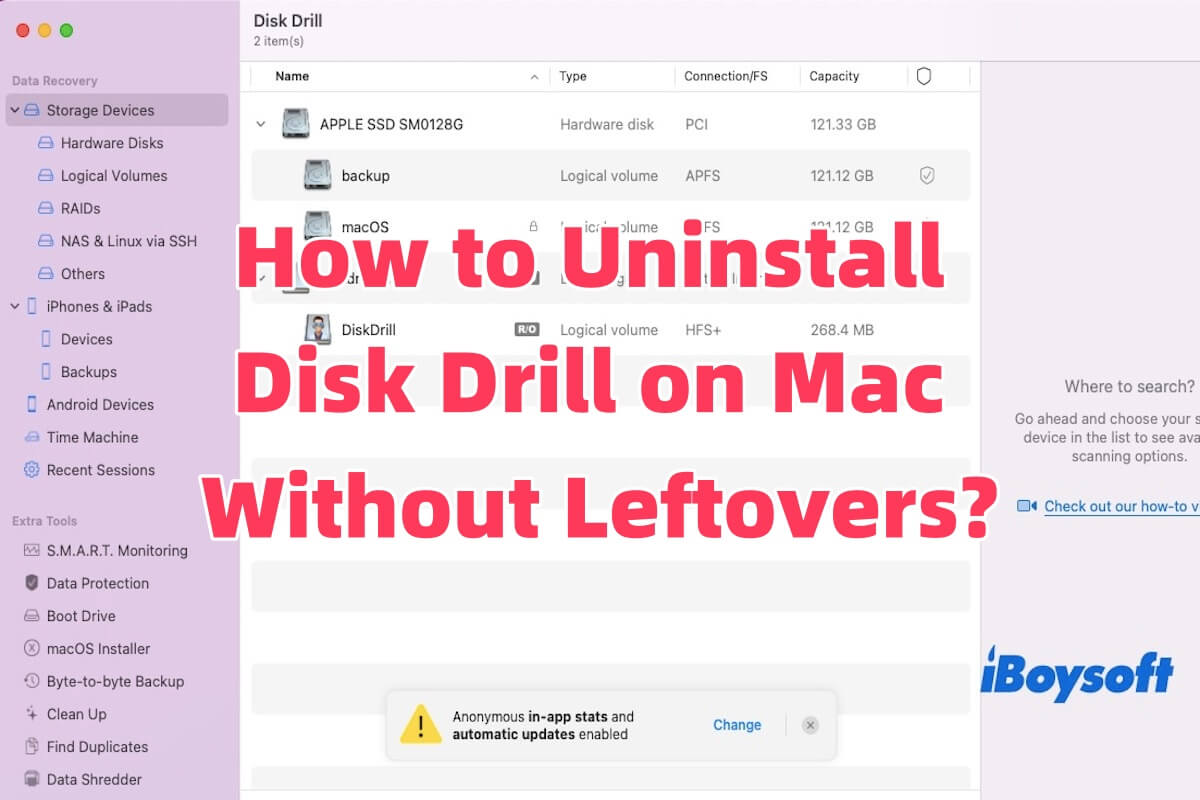
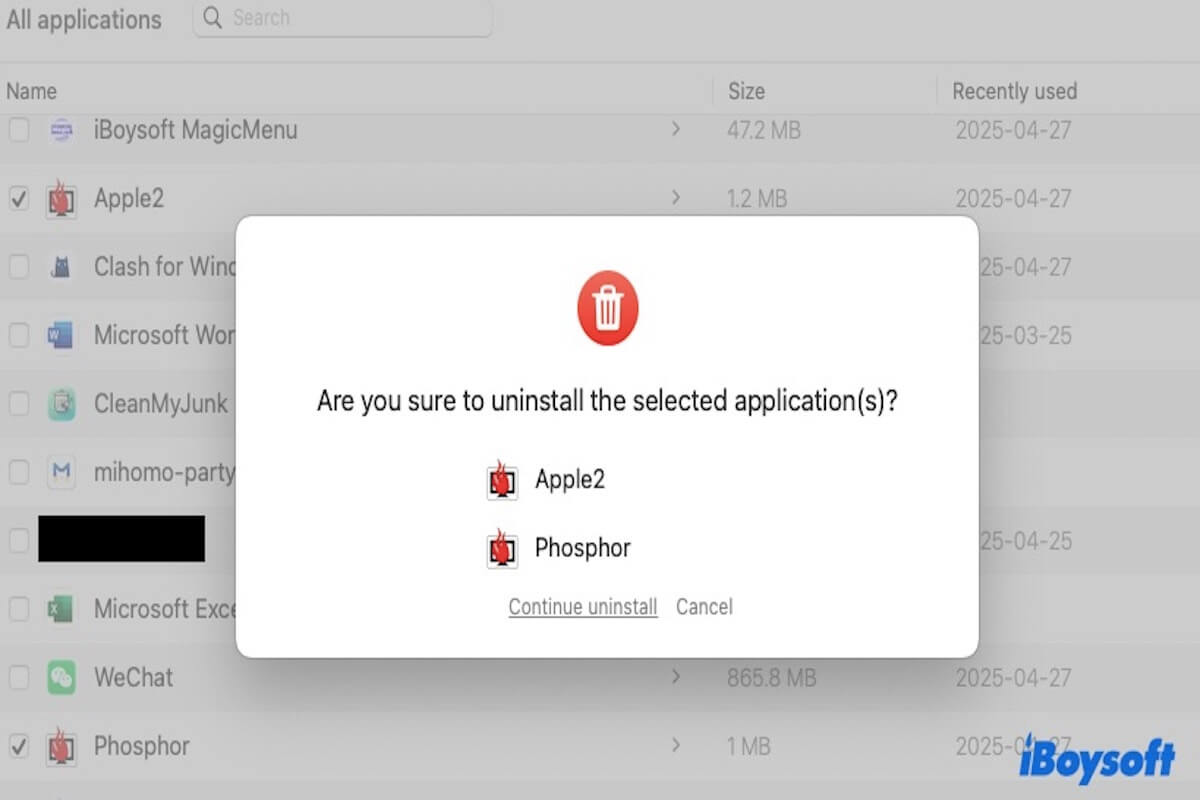
This article tells you how to uninstall Disk Drill on Mac in three ways.
This article compares six MacKeeper alternatives to help you choose the best one.
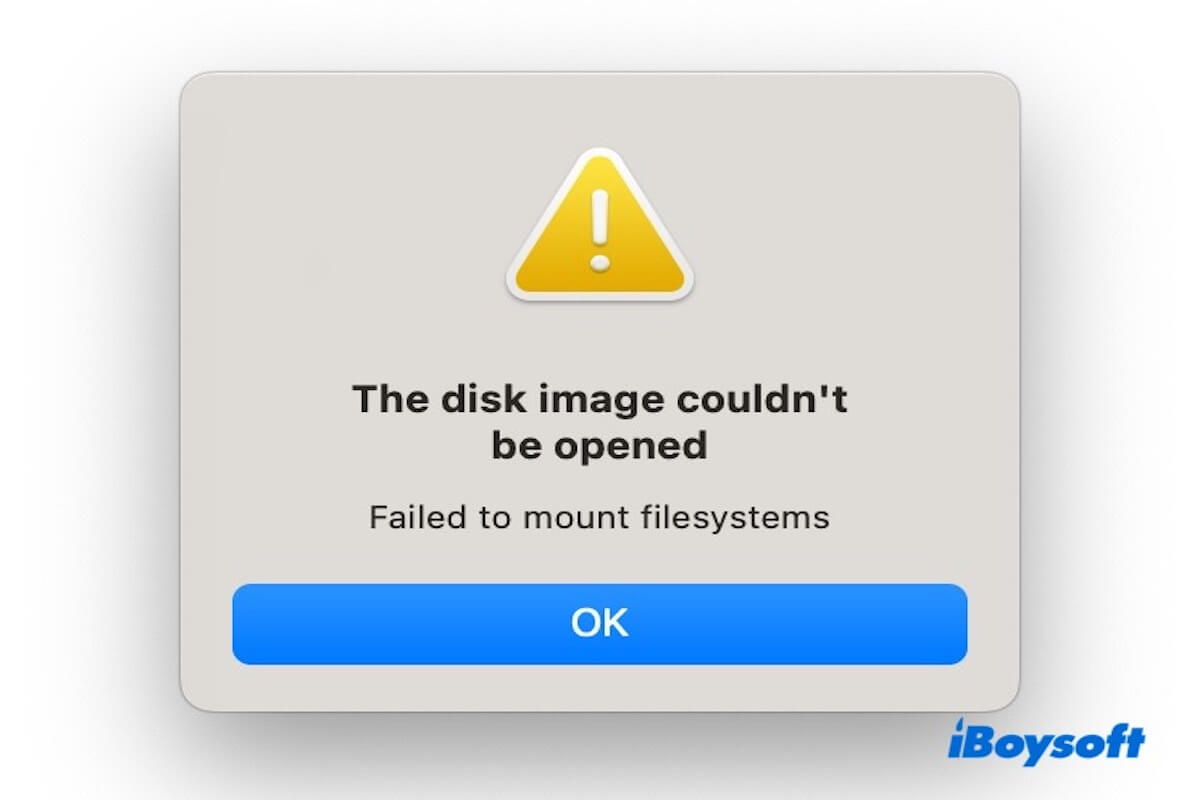
This article tells you why you can't open DMG files on Mac and how to solve this problem.
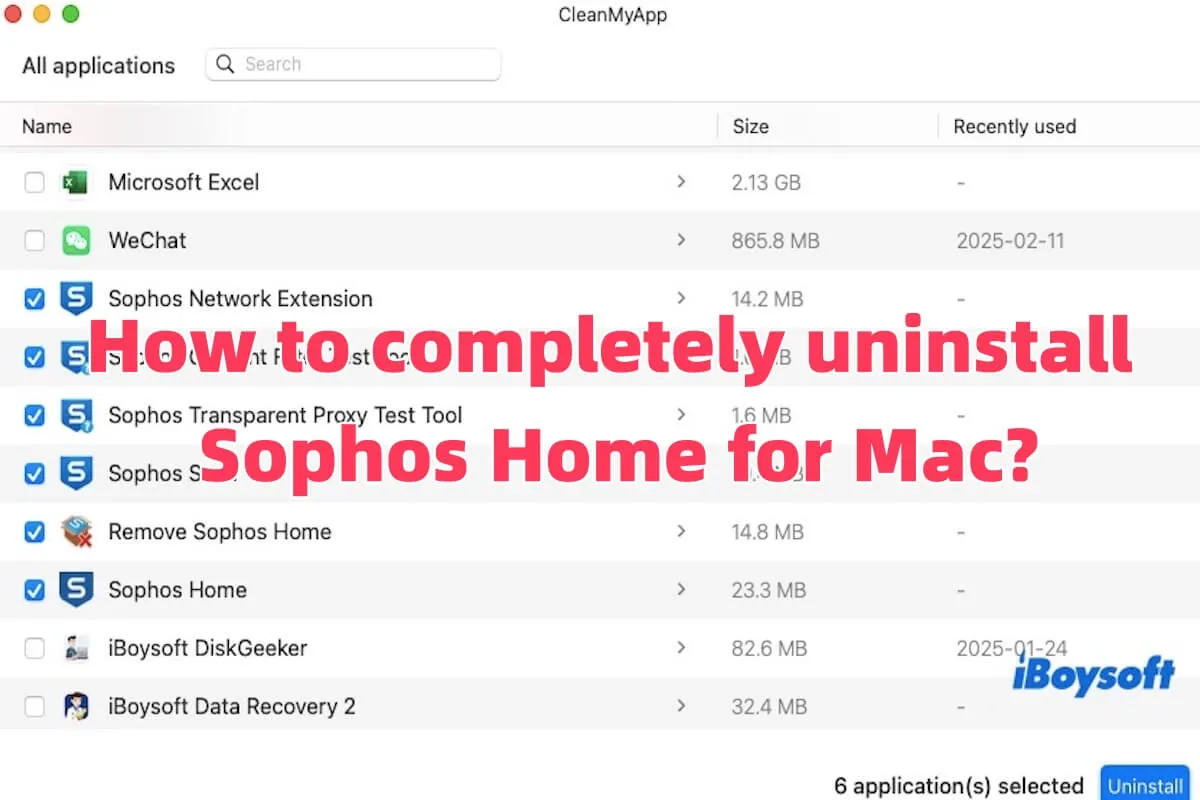
This article will guide you on how to uninstall Sophos Home for Mac without leftovers.
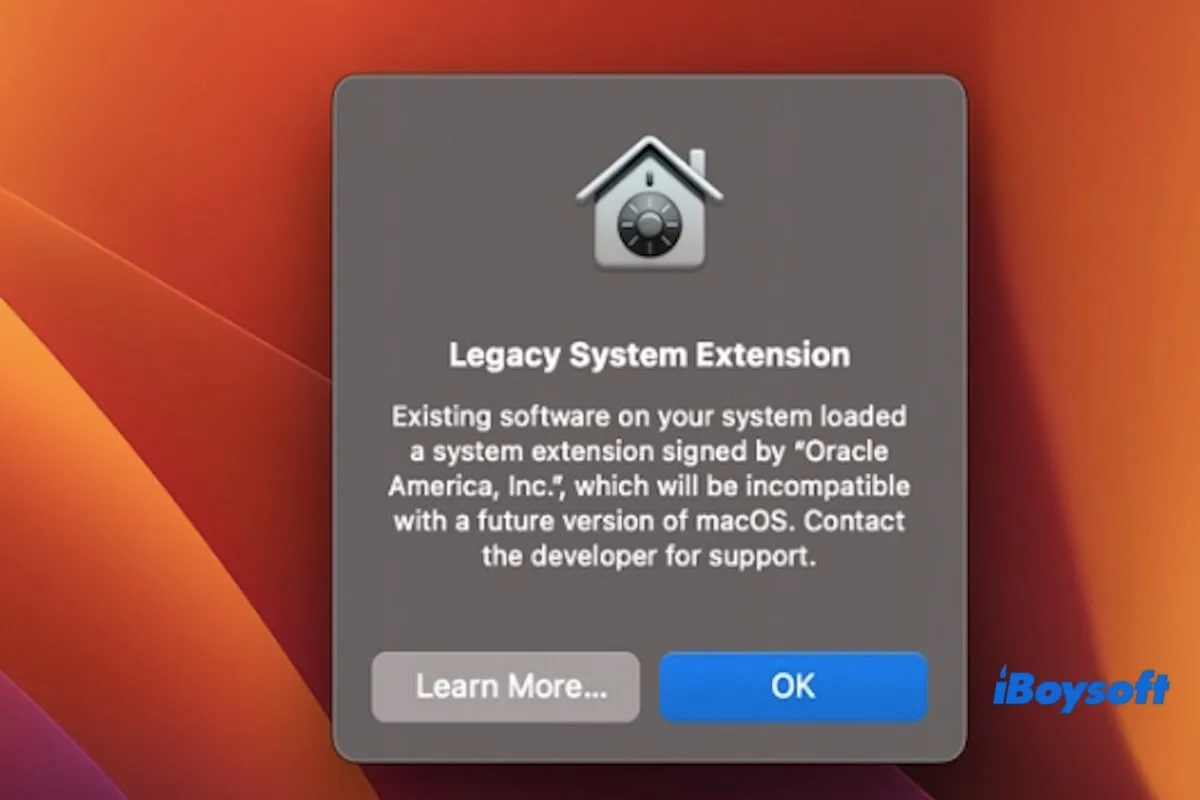
This article will tell you what is legacy system extension and how to remove legacy system extension on Mac.
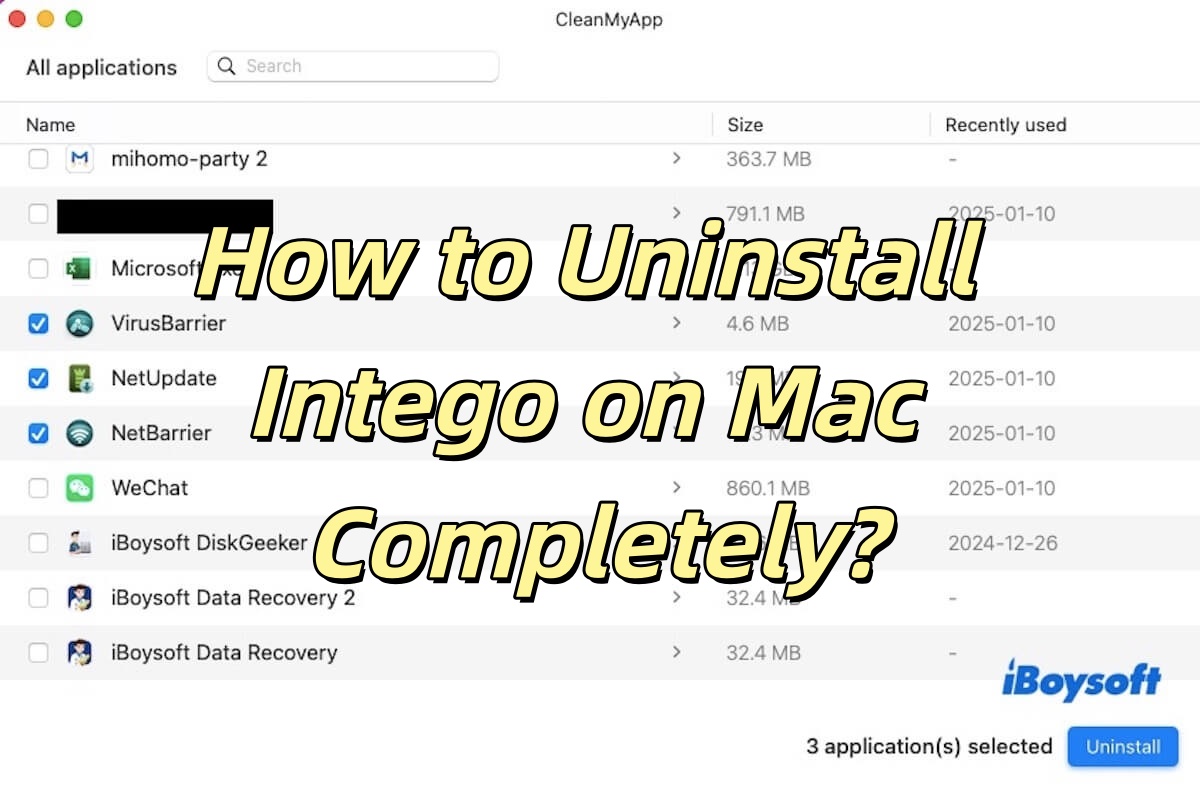
This article tells you how to uninstall Intego on Mac completely, and the relevant leftovers will also be deleted.
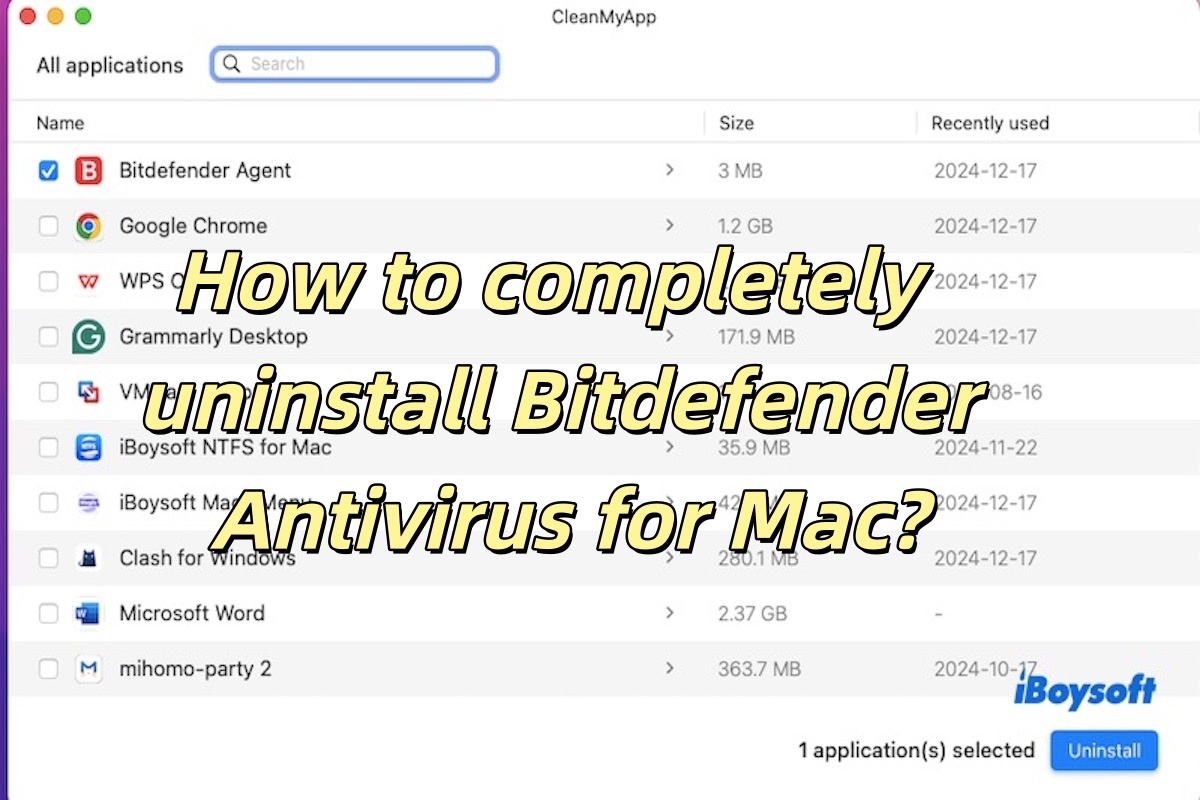
Uninstall Bitdefender Antivirus for Mac guide is introduced in this post to tell you how to uninstall Bitdefender and delete all leftovers.
Magic Mouse unresponsive after the macOS Sequoia update introduced in this article, including how to fix Magic Mouse unresponsive and why it is caused.
Upgrade from Catalina to Big Sur guide covering how to upgrade from Catalina to Big Sur, fix update issues & upgrade from Catalina to Sequoia.
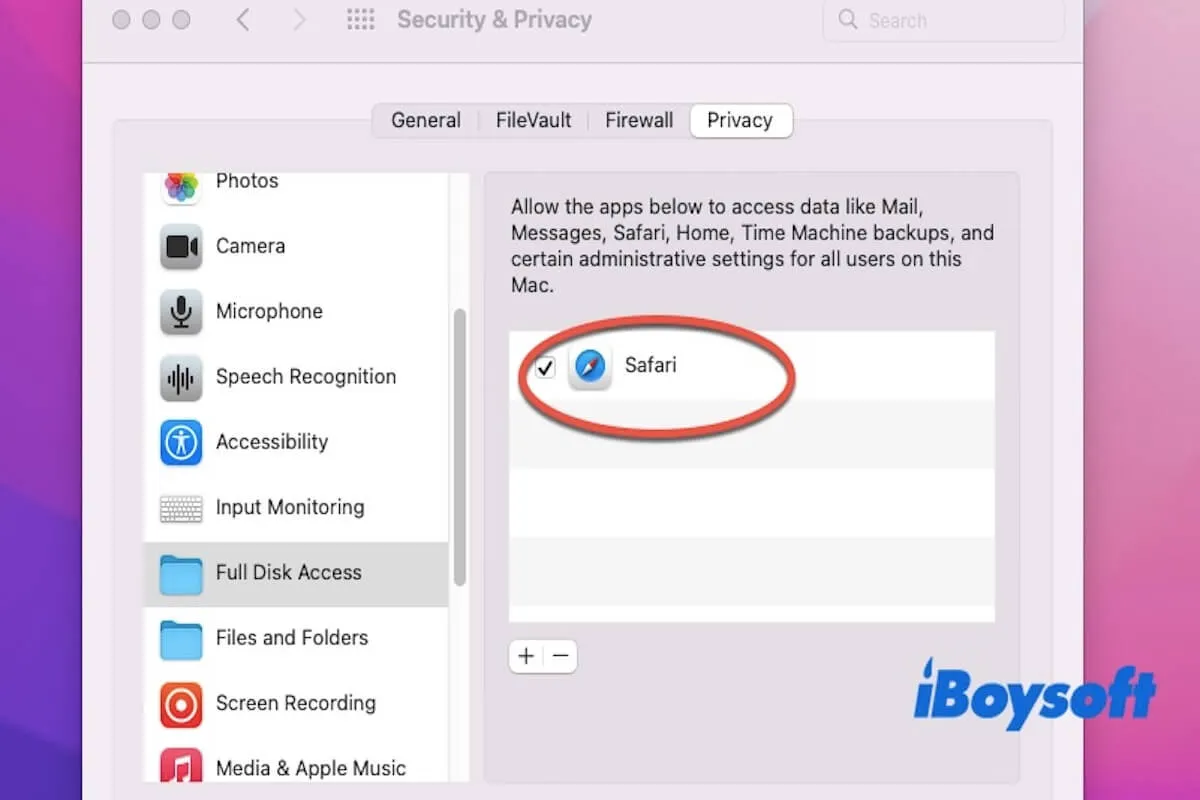
This post details the reasons and solutions to fix the issue that Safari can't download files to SSD in Sequoia.
This post tells you how to download Mac OS X Panther 10.3: DMG, ISO & Full Installer.
Mac OS X Snow Leopard download DMG files, ISO files, and full installer are explained in this article.
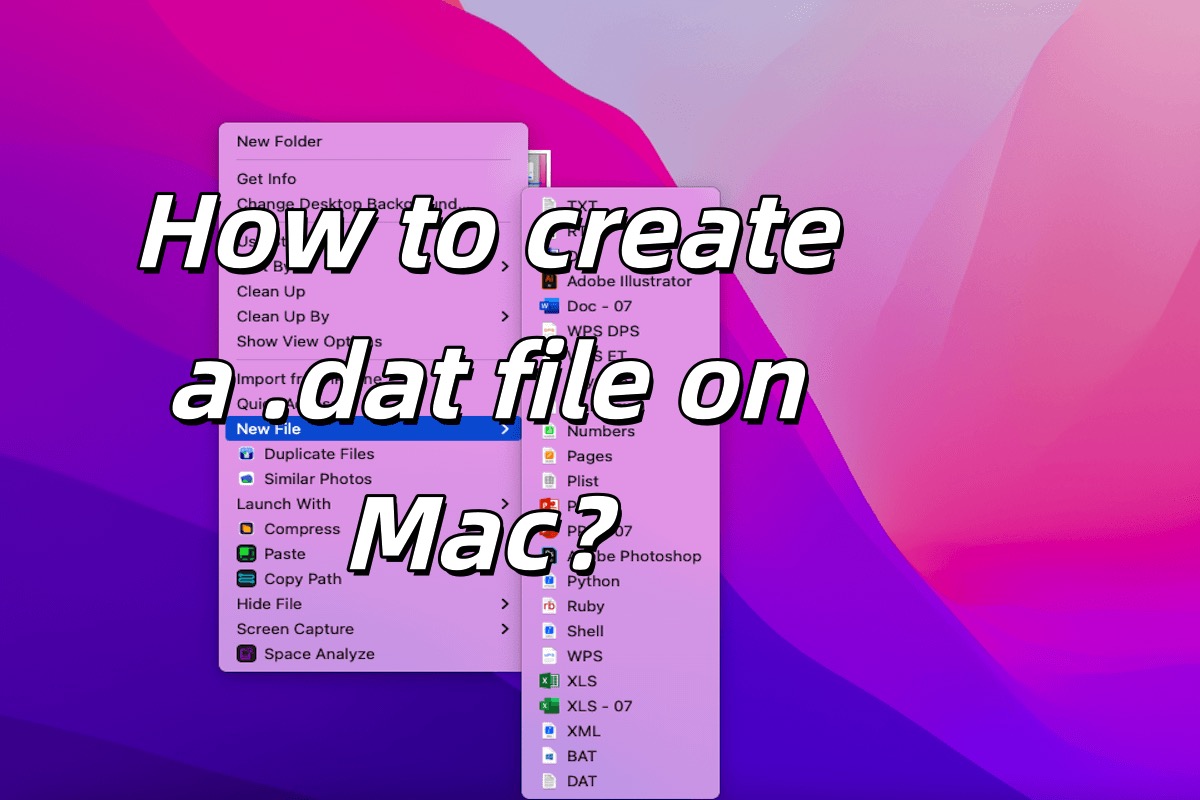
Five methods to create a .dat file on Mac are listed in the article. In addition, you can learn how to convert a file to .dat on Mac.
Paragon Hard Disk Manager for Windows is introduced in this article, including its main functions, features, price, and alternative software.
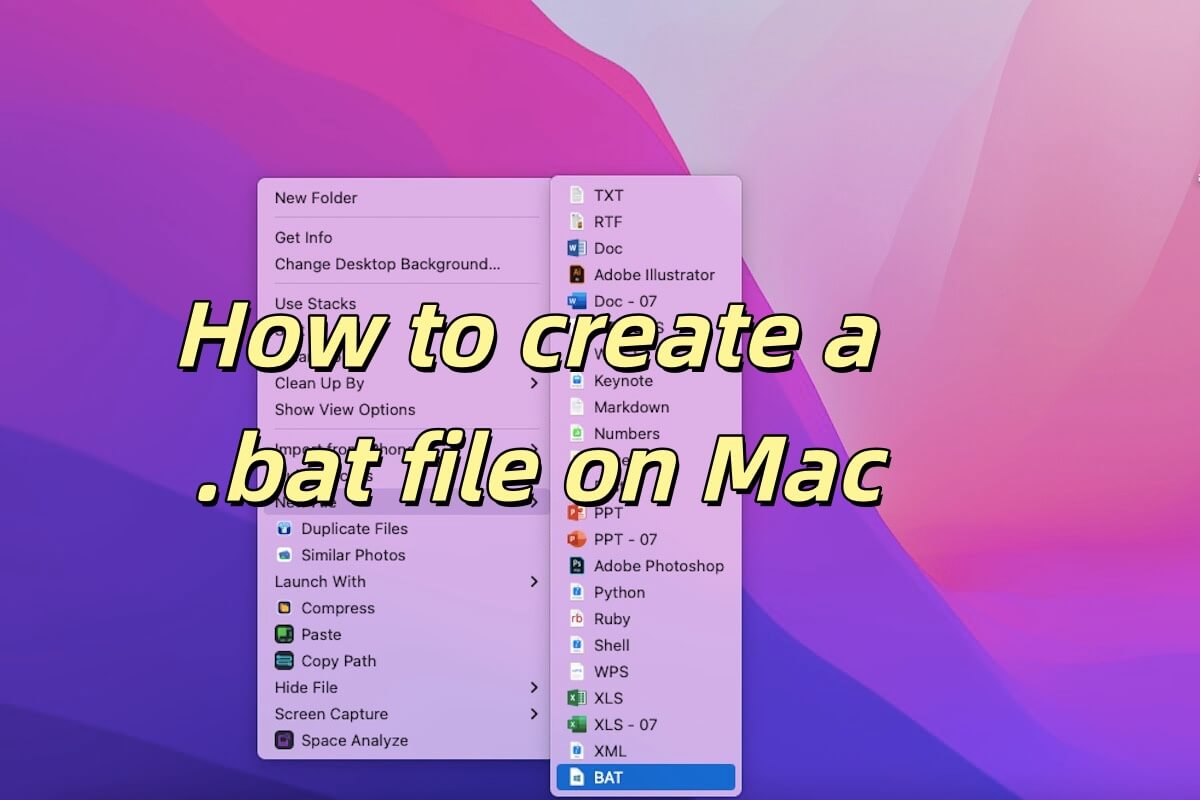
Four ways to create BAT/.bat files are introduced in this post, aiming to help you create new files with different methods.
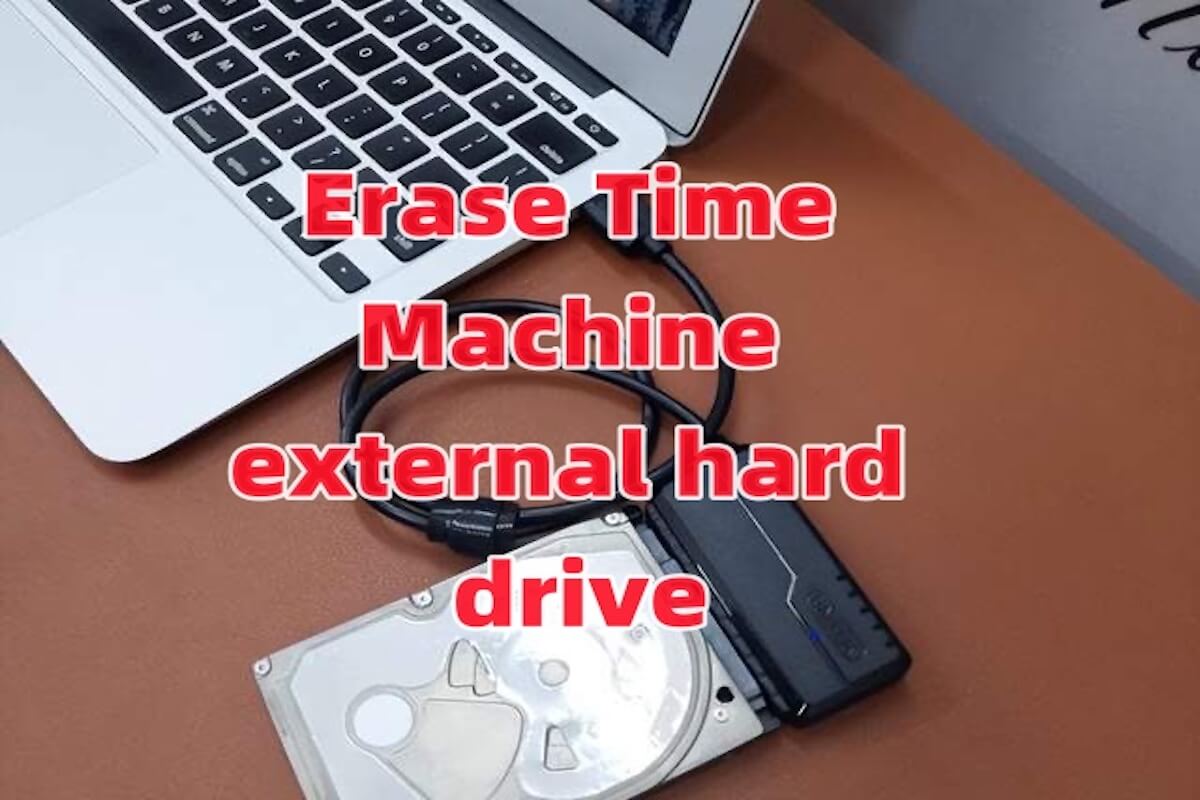
The methods of erasing Time Machine external hard drive are described in this post, analyzing specific scenarios to help you solve problems.
Seven kinds of disk wipe software are compared in this post. By comparing their disk wipe speed, stability, compatibility and other characteristics, we can find the best one.