

AI-Powered Scanning & Analysis, Smarter Cleanup

AI-driven scanning focuses on what actually matters, not everything that can be scanned. AI analysis helps clean with confidence, rather than guessing. This greatly reduces decision time and minimizes the risk of deleting important or system-critical files.

Know what to delete and what to keep
Clean faster with smarter recommendations
Reduce the risk of mistaken deletion
Long-term storage space optimization
Less time
AI-Powered Scanning

Only 3 Steps to Speed Up Your Mac

01
Select a Module
02
Start Scanning
03
Perform Deletion
Steps to Clean Mac

Intelligent Mac Cleaning Features

This is not a single-purpose, but all-in-one Mac cleaner that handles a wide range of cleanup and optimization needs.

Find Duplicate Files

Detect Similar Photos

Completely Uninstall Apps

Clean System Junk

Manage Startup Items

Optimize Storage Space

Scan Large Files

Supply Extra Utilities

  • Memory Boost
  • File Shredder
  • Spotlight Index
  • Reset & Refresh DNS

Why You Need iBoysoft Cleaner

Over time, Macs accumulate useless files, including system junk, old apps, duplicates, and more. These consume valuable storage and slow down your system. iBoysoft Cleaner can quickly clean them up and safely optimize your Mac's performance.

Clean Up System Junk

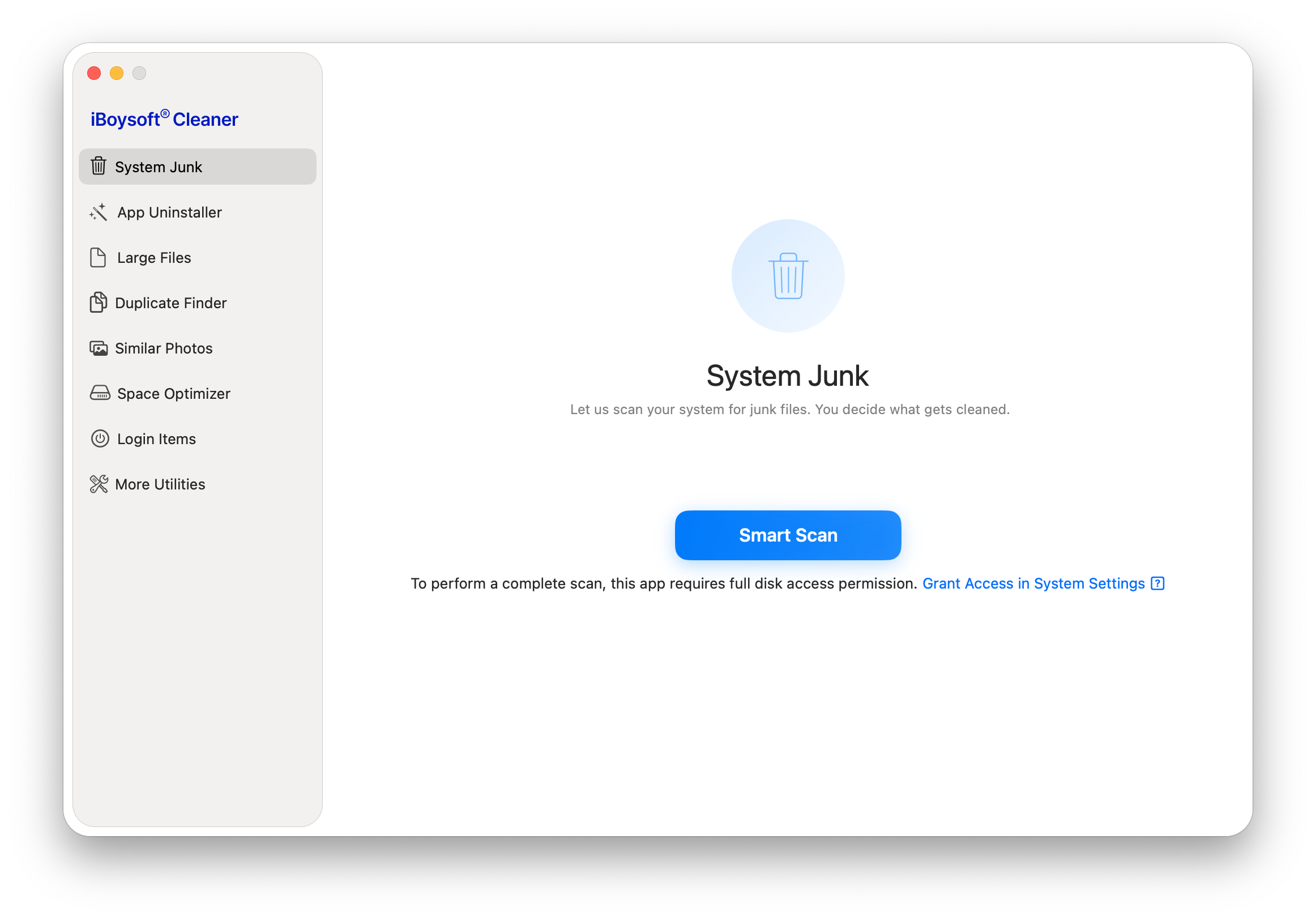
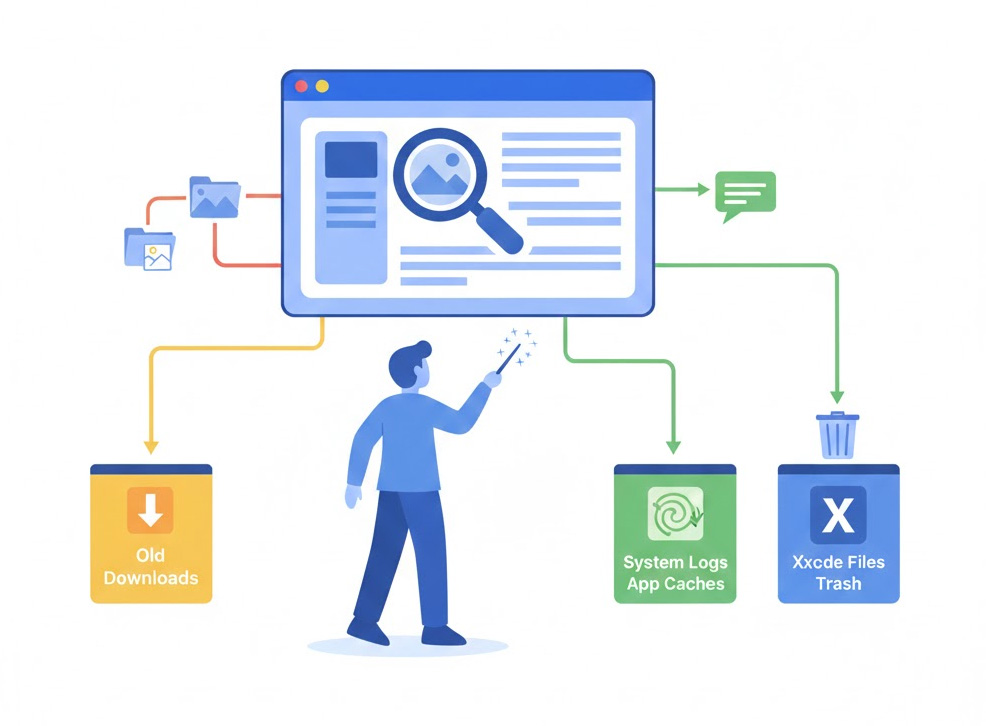
This Mac cleaner quickly scans the system for all junk files, organizes them by category for one-click deletion, including old downloads, system logs, app caches (such as chat tools, search engines, and others), Xcode files, and the Trash.

Clean Up System Junks

Completely Uninstall Apps

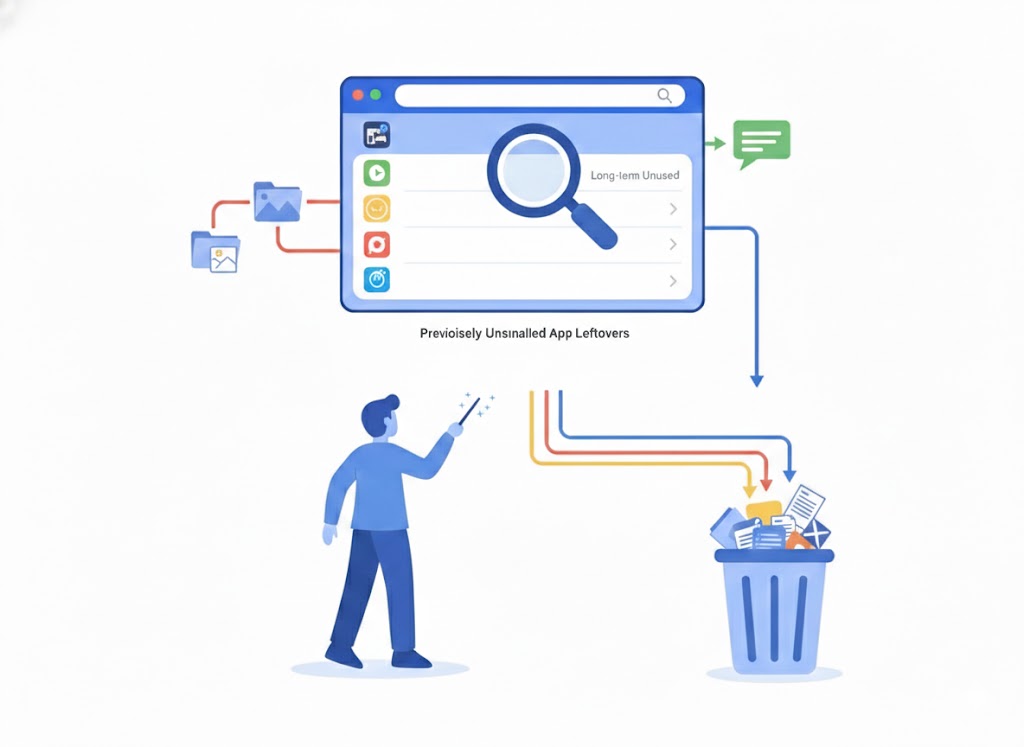
The app uninstaller in iBoysoft Cleaner detects and categorizes long-term unused apps, along with all their associated files, for one-click removal. This app cleaner for Mac also supports scanning and clearing leftovers from previously uninstalled apps.

Completely Uninstall Apps

Filter Out Large Files

Large files always take up much space and lag your Mac. This utility lets you find unneeded files 50 MB (or larger, according to the size you choose) across your Mac's internal disk, user folder, Downloads, Documents, or any other selected folder.

Filter Large Files

Find Duplicate Files

Duplicate files are clutter. The built-in duplicate file finder quickly scans your Desktop, Downloads, Documents, or any folder you select, and groups identical files together. This makes it easy to compare versions side by side and safely remove the ones you don't need.

Remove Duplicated Files

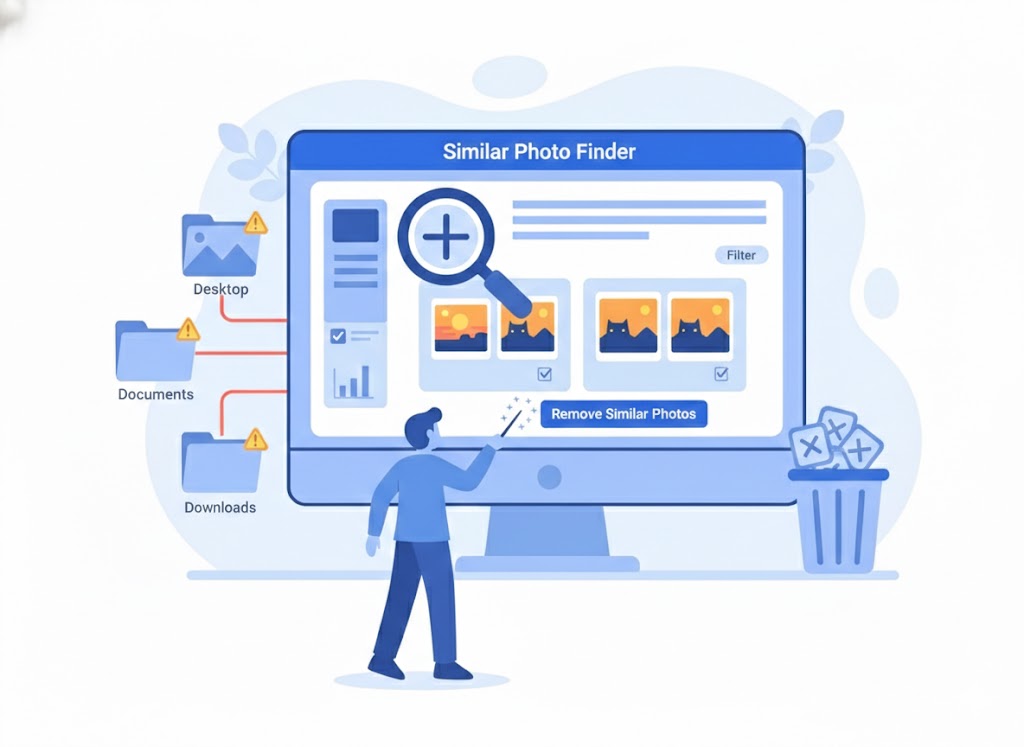
Search for Similar Photos

Similar photos do nothing but take up large storage space. This Mac cleaning software scans your Desktop, Documents, Downloads, Pictures, or any selected folder, then groups similar images so you can quickly compare and delete them.

Search Similar Photos

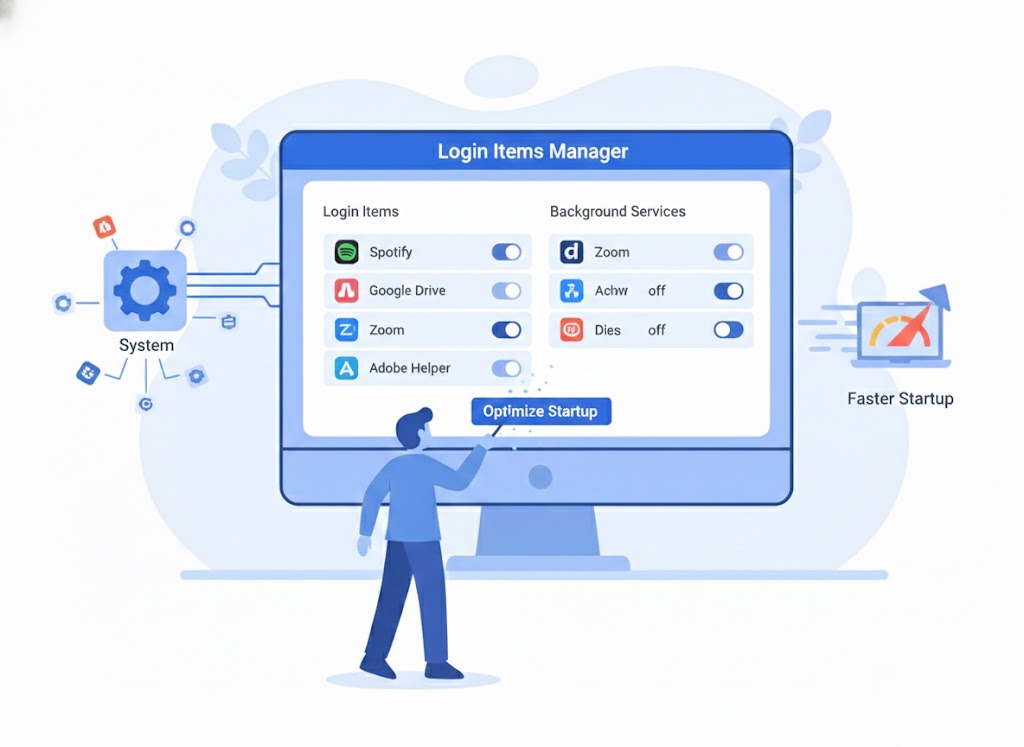
Take Control of Login Items

Many third-party apps add themselves to the startup when installed. iBoysoft Cleaner makes it easy to manage login items, background services, and system helpers - so unnecessary apps don't slow down your Mac. Enjoy a faster, smoother startup.

Take Control Login Items

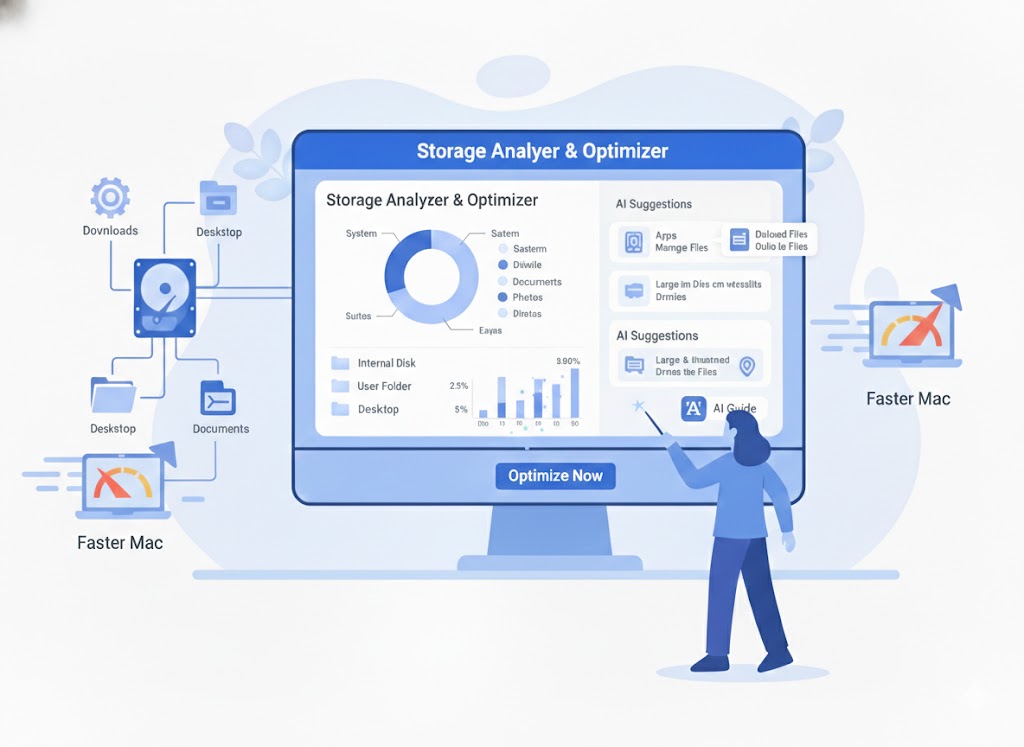
Analyze & Optimize Storage Space

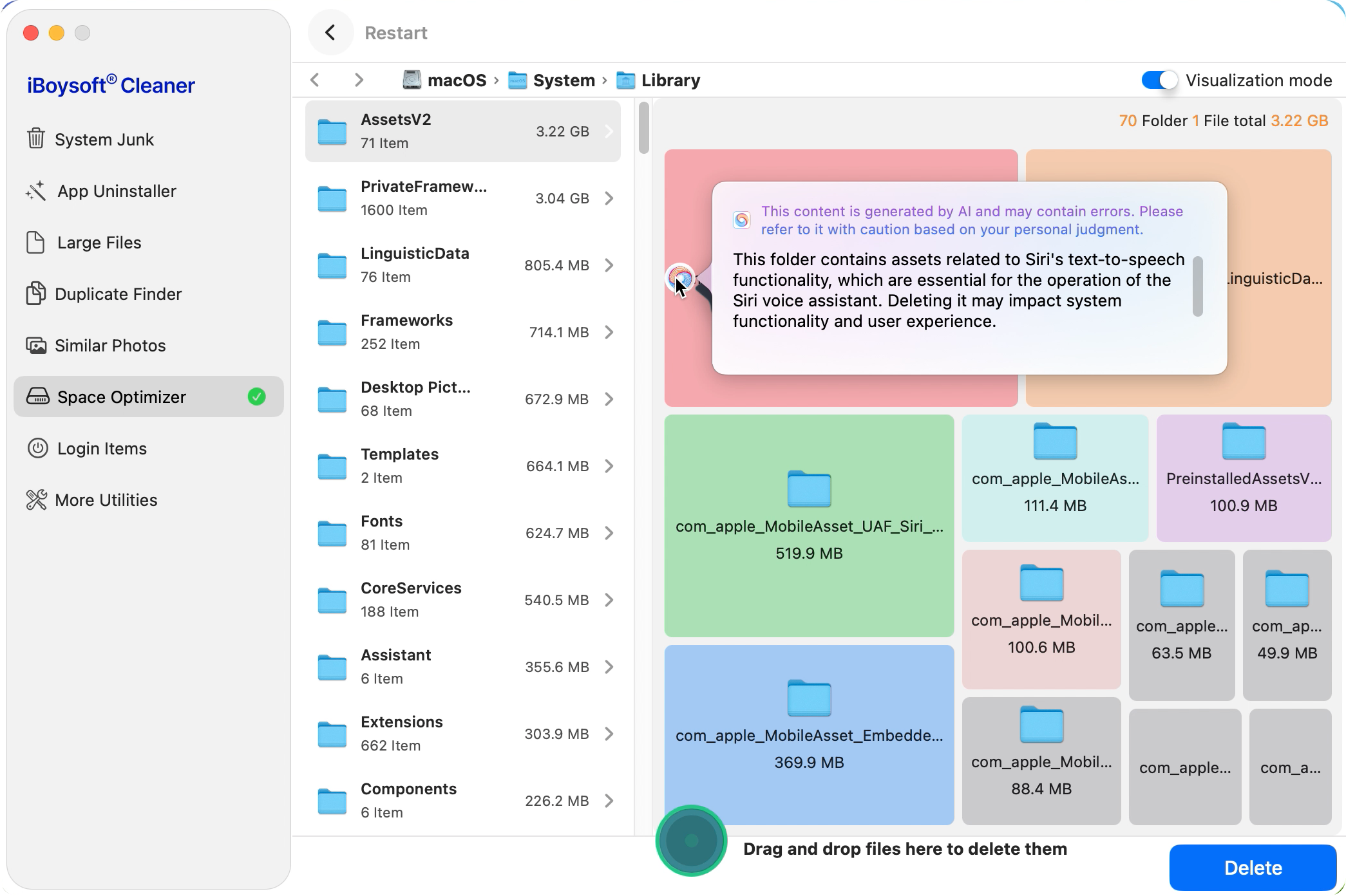
Get a clear view of how your Mac's storage is used, from the internal disk to your user folder, Downloads, Desktop, and any other folder, and use AI-guided suggestions to decide which files to delete. No mistaken deletion, less time cost, more space without effort.

Analyze & Optimize Storage
Free Trial Buy Now

Advanced Mac Maintenance

Release RAM (Memory)

Free up memory for active tasks, helping your Mac run smoother and faster

Shred Unnecessary Files

Securely shred sensitive files to release space and also prevent recovery

Rebuild Spotlight Index

Fix broken or inaccurate search & enjoy faster search results

Reset DNS

Refresh website lookups and enjoy a smoother browsing experience

Free Trial Buy Now

Tech Specifications

Supported macOS

macOS 26 Tahoe, macOS 15 Sequoia, macOS 14 Sonoma, macOS 13 Ventura, macOS 12 Monterey, macOS 11 Big Sur

Supported Devices

All Intel-based and Apple Silicon Macs

Trusted by Users Worldwide

★★★★★

" Brilliant tool! My Mac was getting slower and slower. After using this utility to clean up my MacBook Pro, which felt frozen almost every minute, it now runs smoothly and lightning fast!"

★★★★★

" Wow, this Mac cleaning software really saved me! My Mac mini was crawling, but after cleaning it up with this tool, everything feels fast and responsive again. Totally recommend it!"

★★★★★

" This software efficiently removed junk files, leftover app data, and large duplicates from my MacBook Pro. CPU and memory usage are much lower now, and performance has noticeably improved."

FAQs

How long does iBoysoft Cleaner take to clean a Mac?

The cleaning time depends on how much data is on your Mac or in the folder you're targeting. Thanks to iBoysoft Cleaner's advanced AI scanning technology, it can handle large amounts of data quickly - so you won't have to wait long.

Is iBoysoft Cleaner compatible with Apple Silicon Macs?

Yes! It fully supports all Apple Silicon Macs, including M1, M2, M3, M4, and M5 models.

Is there a trial version?

Yes, there's a trial version, but it comes with limits. To remove junk files, large files, duplicates, similar images, and other unnecessary data with one click, you'll need to upgrade to the full edition.

What makes iBoysoft Cleaner stand out from other Mac cleaning tools?

iBoysoft Cleaner combines intelligent scanning and analysis with purpose-built tools to deliver a smarter approach to Mac optimization. It reduces decision time and lowers the risk of accidental deletion, making cleanup faster and safer. From removing junk files to managing startup items, it covers a wide range of tasks in one streamlined app.

Can I clean my Mac without software?

Yes, it's possible to clean your Mac manually. But system junk, duplicates, large files, and other clutter are often scattered across your system. Manually removing them is time-consuming and much less efficient than using a dedicated tool.

Let iBoysoft Cleaner Optimize your Mac Now