何时需要 NTFS for Mac?
如果您遇到以下任何问题,NTFS for Mac 可以提供帮助:
NTFS 外部硬盘在 Mac 上是只读的
无法复制或编辑 NTFS 驱动器上的文件
需要在 Windows 和 Mac 之间传输文件
希望在 macOS 上无缝访问 NTFS 磁盘
在 NTFS 驱动器上编辑、删除、复制和移动文件
自动以读写模式挂载 NTFS 驱动器
在 Finder 中像使用本地 Mac APFS 或 HFS+ 磁盘一样使用 NTFS 驱动器
测试环境由一台 MacBook Neo(8 GB RAM)和 Blackmagic 磁盘速度测试基准工具组成。使用的单个文件大小为 8.47 GB。没有后台活动,驱动器直接连接到本地端口。
USB 3.0 SSD
USB 3.0 HDD
Thunderbolt 4 SSD
💡 注意: 实际 NTFS 读写速度可能会因您的驱动器、连接接口和 Mac 工作负载而有所不同。iBoysoft NTFS for Mac 的设计旨在避免显著的性能损失。
查看 实际的读写速度测试
不 - macOS 默认只能读取 NTFS 驱动器。
要启用完全的读写访问,您需要一个 NTFS for Mac 工具。
此限制并非 macOS 的错误,而是 NTFS 工作方式的结果:
如果您遇到以下任何问题,NTFS for Mac 可以提供帮助:
NTFS 外部硬盘在 Mac 上是只读的
无法复制或编辑 NTFS 驱动器上的文件
需要在 Windows 和 Mac 之间传输文件
希望在 macOS 上无缝访问 NTFS 磁盘
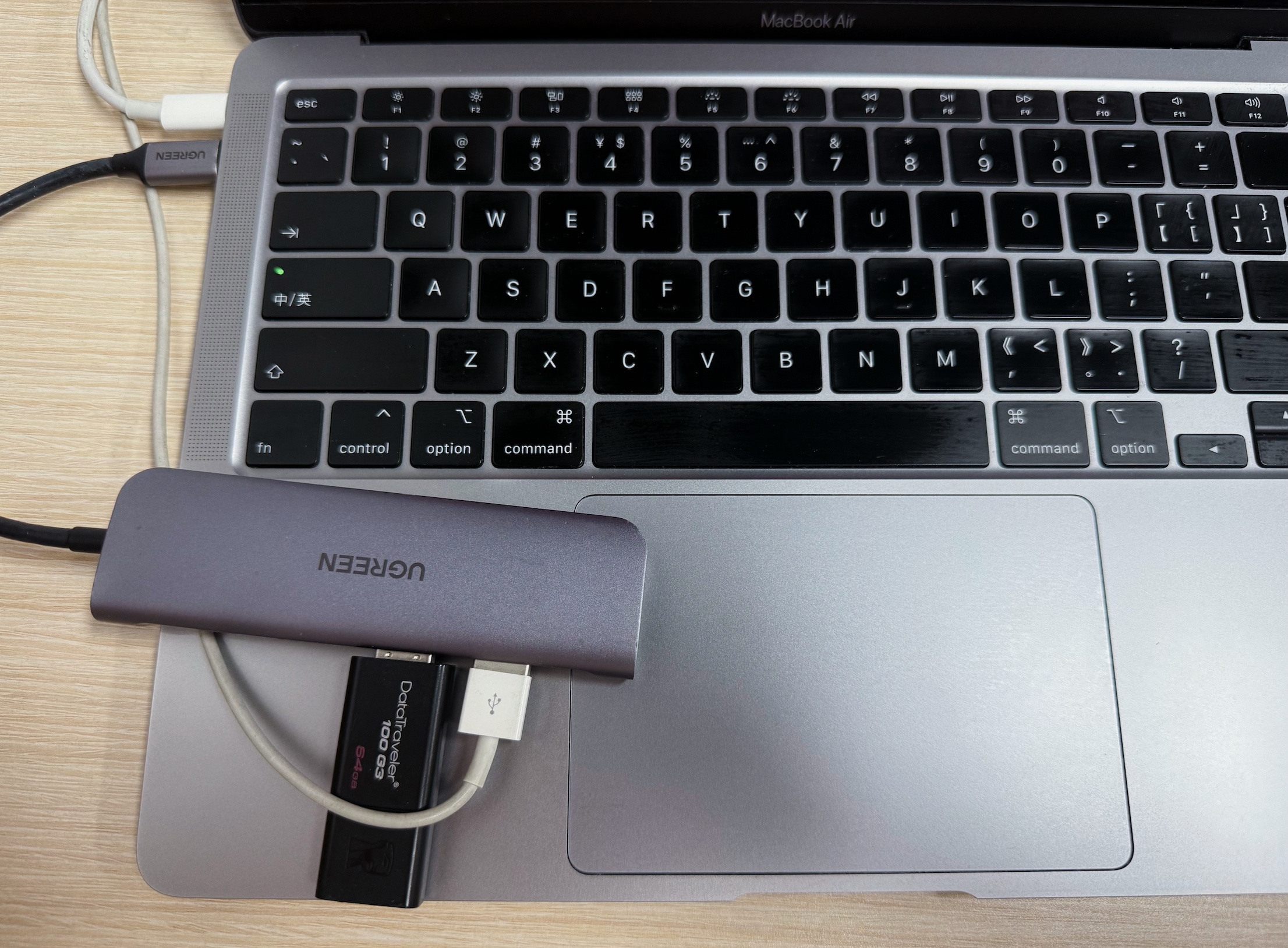
注意:使用 NTFS for Mac,无需重新格式化驱动器或删除数据即可在 Mac 上写入 NTFS 驱动器。
对 NTFS 驱动器提供完整的读写支持
自动 NTFS 可写挂载
高速文件传输性能
灵活的 NTFS 挂载选项以满足您的需求
在不格式化或运行命令的情况下写入 NTFS 驱动器
支持外部硬盘、USB 驱动器和 SD 卡
与 Apple silicon 和 Intel Macs 兼容
适用于所有 macOS 版本
安全且不会对您的数据造成损害
读写 BootCamp NTFS 分区
支持将驱动器格式化为 NTFS
支持的 Mac 设备
支持的存储介质
支持的操作系统
技术规格
提供三种 NTFS 挂载模式:
简单模式:使用 NFS 协议和 iBoysoft 自主研发的 NTFS 文件系统实现,以读写模式挂载 NTFS 卷。每次连接 NTFS 硬盘后,都需要手动进行挂载。
扩展模式:适用于 macOS 26 及更高版本;通过 Apple 的 FSKit 框架运行 iBoysoft 的 NTFS 文件系统实现,在用户态提供 NTFS 读写访问,无需使用内核扩展或重启 Mac。
高级模式:使用 iBoysoft NTFS 驱动在内核态自动以读写模式挂载 NTFS 硬盘;macOS 10.13 及更高版本以及 Apple 芯片 Mac 需要 启用系统扩展。支持 32 位和 64 位内核模式。
支持的文件系统
所有Microsoft NTFS版本均受支持(从Windows NT 3.1到Windows 10)。
性能
相当于原生APFS和HFS+,快速且稳定的读写速度
自动挂载
iBoysoft NTFS挂载器在启动时自动以读写模式挂载Windows NTFS格式的驱动器。
磁盘管理
iBoysoft NTFS驱动程序可以打开、弹出、挂载、卸载、修复和格式化Windows驱动器。此外,它还可以验证、打开和格式化非NTFS卷。
Apple BootCamp兼容性
iBoysoft NTFS for Mac提供对BOOTCAMP分区的直接读写访问。提示:您需要在此工具中选择BootCamp分区并点击“启动”以设置Windows出现在启动磁盘中。
第三方软件兼容性
该软件与大多数第三方加密应用程序、防病毒程序、虚拟化软件、Mac性能提升软件等完全兼容。
合格的软件应以安全、稳定和快速的方式提供对Microsoft NTFS驱动器的读写访问。请阅读下面的比较表,我们将让您来判断。

自从macOS 12和Apple Silicon M1芯片推出以来,大多数软件仍与新款基于ARM的Mac不兼容……其中,iBoysoft NTFS驱动程序是全球首款确保与macOS Monterey和Apple Silicon M1 Mac完全兼容的软件。
Learn more >>
iBoysoft NTFS挂载工具是macOS上最便宜的NTFS挂载工具之一。价格低于20美元,您可以在Mac上原生访问Microsoft NTFS卷的读写权限,并无缝传输文件从Windows PC到Mac。
Learn more >>
我们在测试中发现iBoysoft NTFS for Mac非常令人印象深刻。它在将文件从Mac计算机传输到Microsoft格式的外部驱动器时表现非常快。最让我们惊讶的是,该软件以全自动模式运行,您甚至感觉不到它的存在。
Learn more >>
iBoysoft NTFS驱动程序的价格低于20美元。考虑到安全性、速度、稳定性、兼容性和技术支持等优势,投资这样一款NTFS驱动程序并不是一个坏主意。
Learn more >>
对于任何寻找可靠且经济实惠的Microsoft NTFS读写软件的macOS用户来说,iBoysoft NTFS读写工具是最佳选择之一。
您是否使用 iBoysoft NTFS for Mac 在 NTFS 驱动器上读取、写入、复制或管理文件?您的经验可以帮助其他需要可靠访问 Windows 格式驱动器的 Mac 用户。请在 Trustpilot 上分享您的故事,让其他人知道 iBoysoft 如何简化跨平台文件传输。

软件运行非常顺利。我经常在 Mac、Linux 和 Windows 之间切换,因此这对我非常有帮助。

每日的指导和截图工作。

您的软件正是我所寻找的。
当我想要一个机器人回答我的问题时,他们的表现非常到位,这个机器人将在不久的将来载着我们四处行驶,他们的技术也非常先进。
质量不错的产品,实际上有效…!
非常好的MacOsx程序,用于在Windows NTFS分区中写入。
安装简单且完美运行!
回复非常迅速,并解决了我的问题。
我一直在使用 Tuxera FOREVER。然而,我发现许多曾经是可读写的外部硬盘任意变为只读。Tuxera 没有方便的方法将只读更改为可读写。这对我的硬盘来说是一个重大问题。iBoy 可以轻松解决这个问题,让我避免重新格式化之前正常的硬盘。

这对我来说没有效果,它确实识别了我的无法卸载的硬盘,但找到了我的一些文件。他们给了我全额退款,这太棒了,因为大多数公司在产品无法满足需求时不会这样做。
Mac 可以写入 NTFS 驱动器吗?
No - macOS can only read NTFS drives by default. Writing requires a third-party driver.
为什么我的外部硬盘在 Mac 上是只读的?
It is likely formatted as NTFS, which macOS cannot write to.
Mac 上使用 NTFS 是否安全?
Yes - professional NTFS drivers allow safe read/write access without modifying the file system.
我需要为 Mac 重新格式化 NTFS 驱动器吗?
No - you can use an NTFS driver without erasing your data.
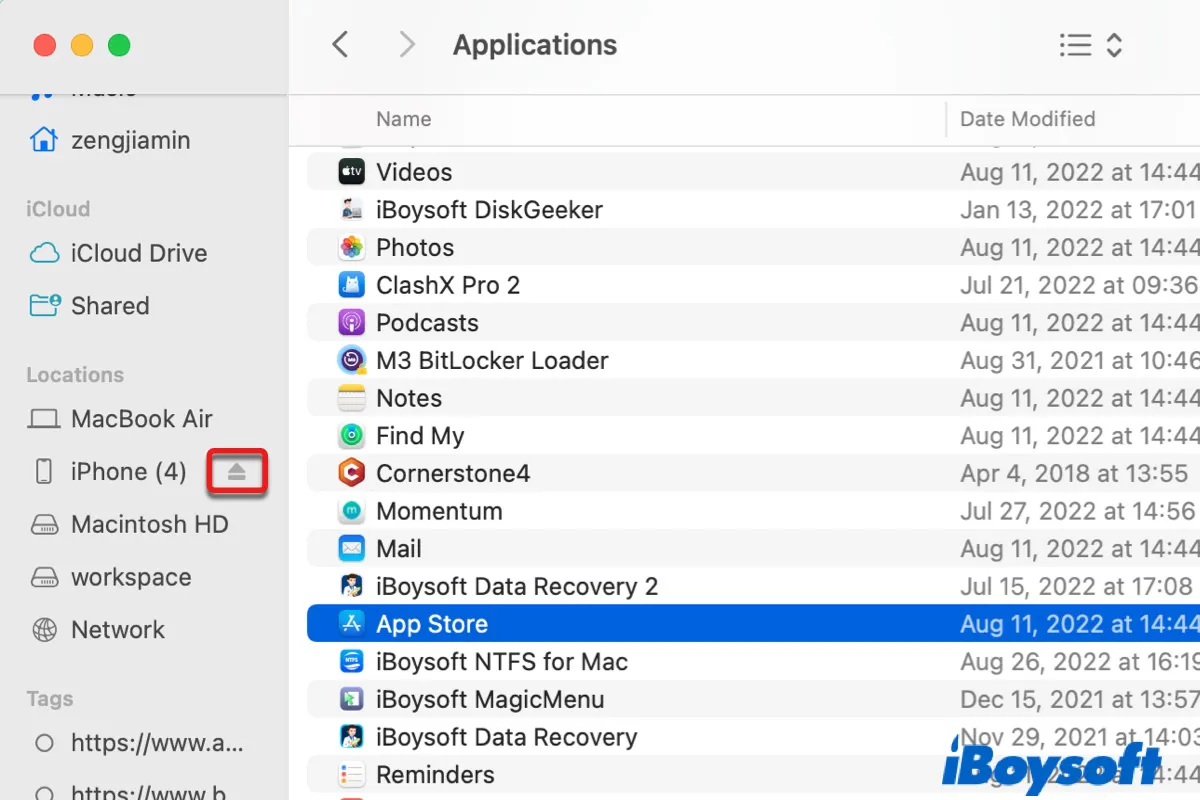
Explain 8 ways to eject external hard drive/USB on Mac, steps to force eject drive on Mac with Terminal, and 8 solutions to try if you can't eject drive because Finder is using it.
iBoysoft NTFS for Mac Review: about key functions, pros, and cons, edition, supported macOS, uninstallation and tutorial of iBoysoft NTFS for Mac.
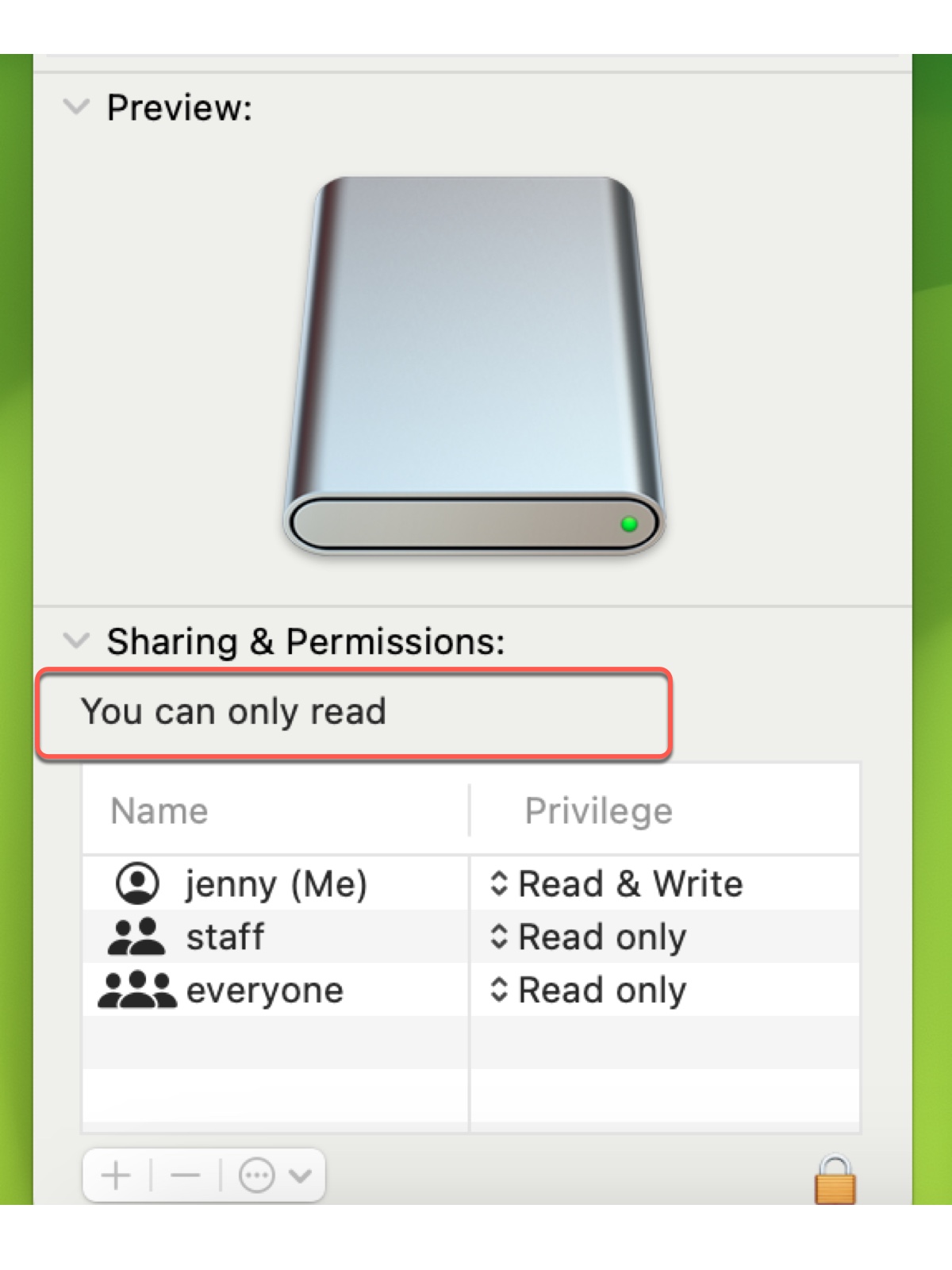
Is Sharing & Permissions of your internal/external hard drive saying 'You can only read' on Mac? Learn why the external hard drive is read only on Mac and the solutions.
To fix Tuxera NTFS for Mac not mounting drive error: Txuera NTFS could not mount or too many levels of remote in path, remove it and use a more capable NTFS for Mac driver.
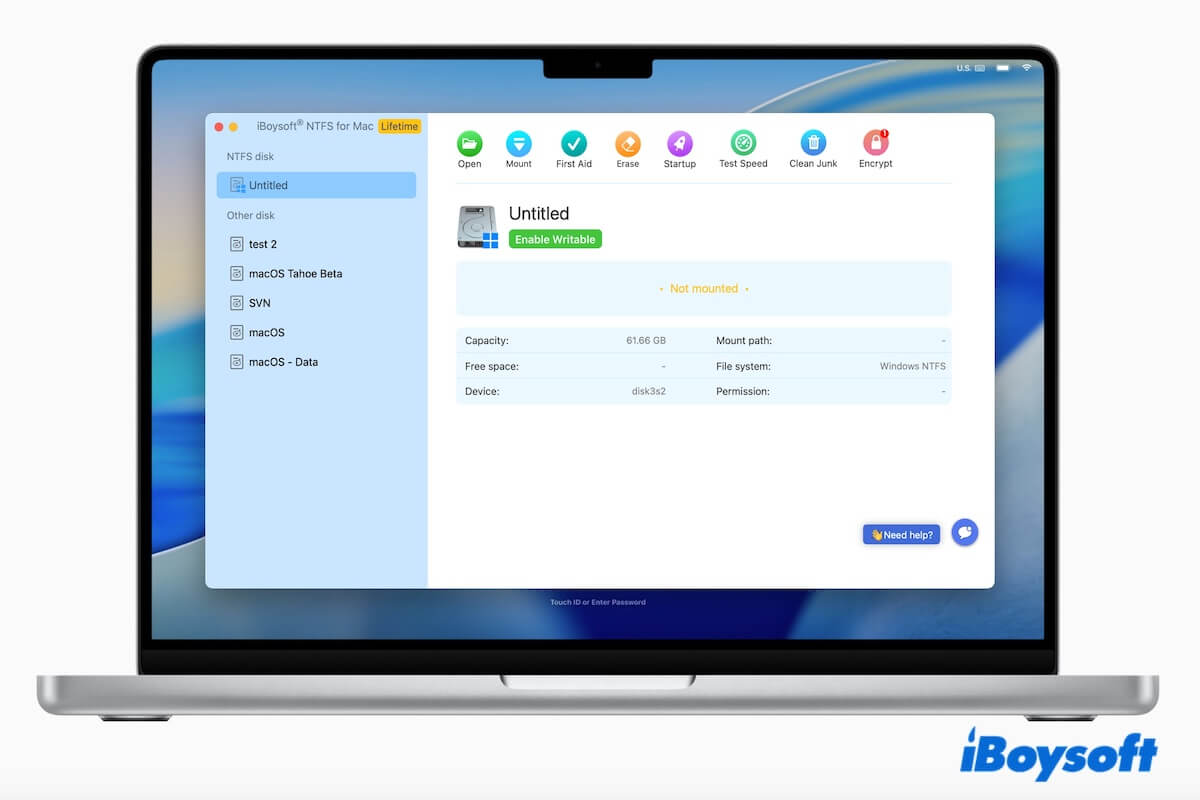
We tested free and paid NTFS for Mac tools, including Mounty, NTFS-3G, iBoysoft NTFS for Mac, Paragon, and Tuxera, to compare compatibility, write speed, stability, and macOS support.
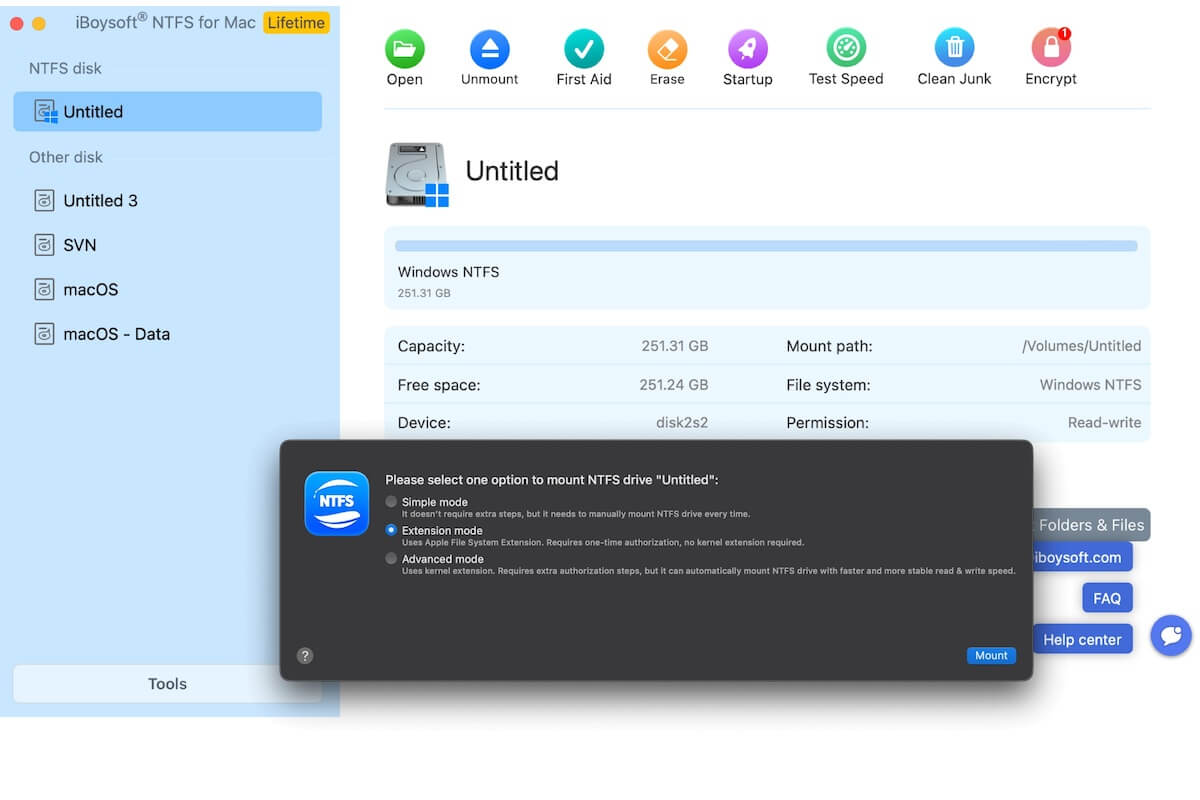
Explore how iBoysoft NTFS for Mac uses Apple's FSKit-based user-space driver for NTFS read/write support, what it changes, how it performs, and what to watch out for.