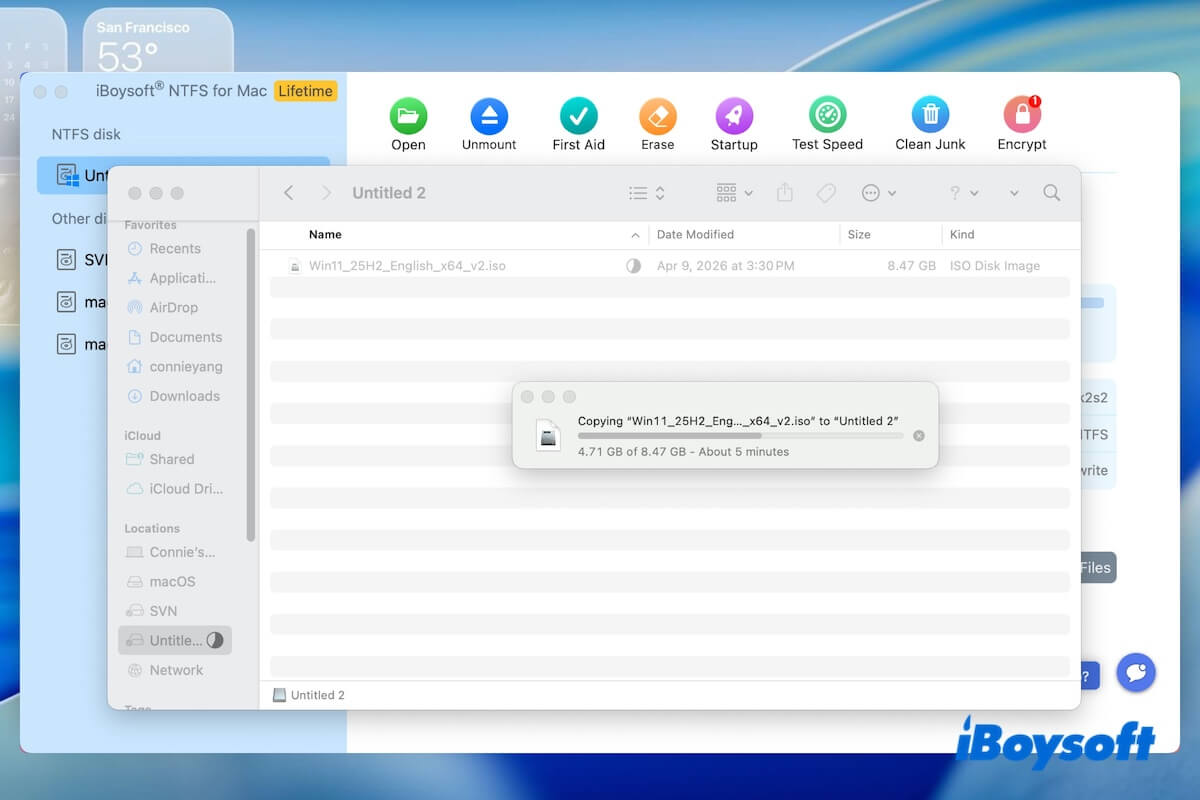
This report evaluates the read and write speeds of iBoysoft NTFS for Mac in different types and ports of disks on a Mac.
Document information
| Item | Details |
| Report Name | iBoysoft NTFS for Mac Read/Write Performance Test |
| Software Relied On | iBoysoft NTFS for Mac V9.0 |
| Report Date | Sept. 16, 2026 |
| Organization | Testing Department, Chengdu Aibo Tech Co., Ltd |
Test objective
The purpose of this test is to verify the read/write performance of NTFS-formatted external hard drives on different hardware interfaces using the iBoysoft NTFS for Mac, and to provide traceable test evidence for the actual speed data published on the iBoysoft NTFS for Mac's product page (USB 3.0 SSD: 400 MB/s, USB 3.0 HDD: 130 MB/s, Thunderbolt 4 SSD: 950 MB/s), ensuring the authenticity, accuracy, and reproducibility of the results.
Test environment
Hardware
| Category | Model / Specification | Notes |
| Test Machine | MacBook Neo (13-inch) | Apple A18 Pro chip |
| Memory | 8 GB | - |
| SSD | WD Solid State Drive 120GB | USB 3.0, NTFS |
| HDD | WD Elements Portable 1TB | USB 3.0, NTFS |
| SSD | Drive: WD Blue SN550 500GB Enclosure: ACASIS TBU405Pro M1 | Thunderbolt 4, NTFS |
Software
| Item | Version / Configuration |
| Operating System | macOS Golden Gate 27 |
| Benchmark Tool | Blackmagic Disk Speed Test |
| File System | NTFS |
| Mode | Advanced Mode (kernel-level driver) |
Controlled conditions
To ensure the comparability and reproducibility of the test results, all tests were conducted under the following controlled conditions:
- System state: All background applications were closed, and network connections were disconnected during the testing period.
- Test data: The data volume for a single test run was 8.47GB; each interface type was tested five times, and the average value was recorded.
- Hard drive state: Each hard drive was formatted before testing to ensure the absence of any residual data.
Test method
The speed test tool
We utilized Blackmagic Disk Speed Test as the standard tool for this test.
This software serves as the industry standard for disk performance testing on the macOS platform, measuring sustained read and write speeds by writing and reading large blocks of data to and from the target disk.
Metrics
| Metric | Definition | Unit |
| Write Speed | The speed of continuously writing data to an NTFS drive | MB/s |
| Read Speed | The speed of continuously reading data from an NTFS drive | MB/s |
Process
- Connect the NTFS-formatted drive to the MacBook Neo.
- Launch iBoysoft NTFS for Mac and confirm the driver is installed and loaded (Advanced Mode).
- Open Blackmagic Disk Speed Test and select the target drive.
- Set test size to 8.47GB and start the benchmark.
- Record read/write results.
- Repeat five times and calculate the average.
Test results
Test 1. On a USB 3.0 SSD (WD Solid State Drive 120GB)
| Run | Read (MB/s) | Write (MB/s) |
| 1 | 445.2 | 433.7 |
| 2 | 441.5 | 433.2 |
| 3 | 443.8 | 434.1 |
| 4 | 446.3 | 433.5 |
| 5 | 445.2 | 432.8 |
| Average | 444.4 | 433.46 |
| Hardware specification | 400–450 | 400–450 |
| Published value | 400 | 400 |
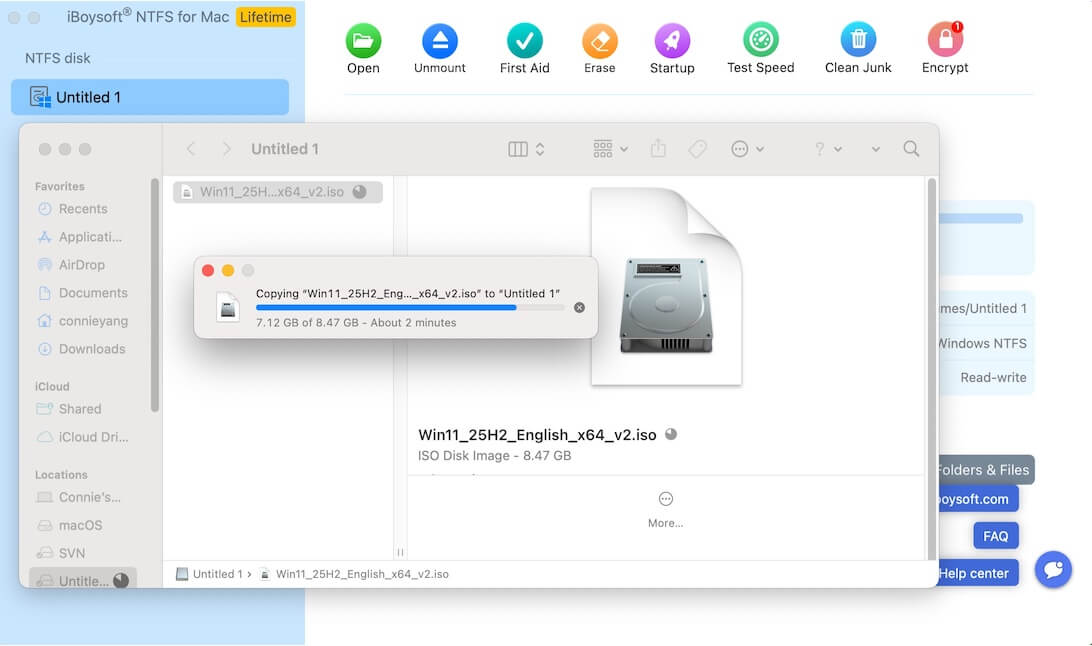
The image below shows an 8.47GB file being written to a 120GB Western Digital USB 3.0 SSD:
Observation:
Based on the test data in the table above, iBoysoft NTFS for Mac can achieve the native read/write speed of the drive on USB 3.0 SSDs.
Test 2. On a USB 3.0 HDD (WD Elements Portable 1TB)
| Run | Read (MB/s) | Write (MB/s) |
| 1 | 138.5 | 132.3 |
| 2 | 141.2 | 130.8 |
| 3 | 139.7 | 131.5 |
| 4 | 140.3 | 129.9 |
| 5 | 142.3 | 131.1 |
| Average | 140.4 | 131.12 |
| Hardware specification | 130–150 | 130–150 |
| Published value | 130 | 130 |
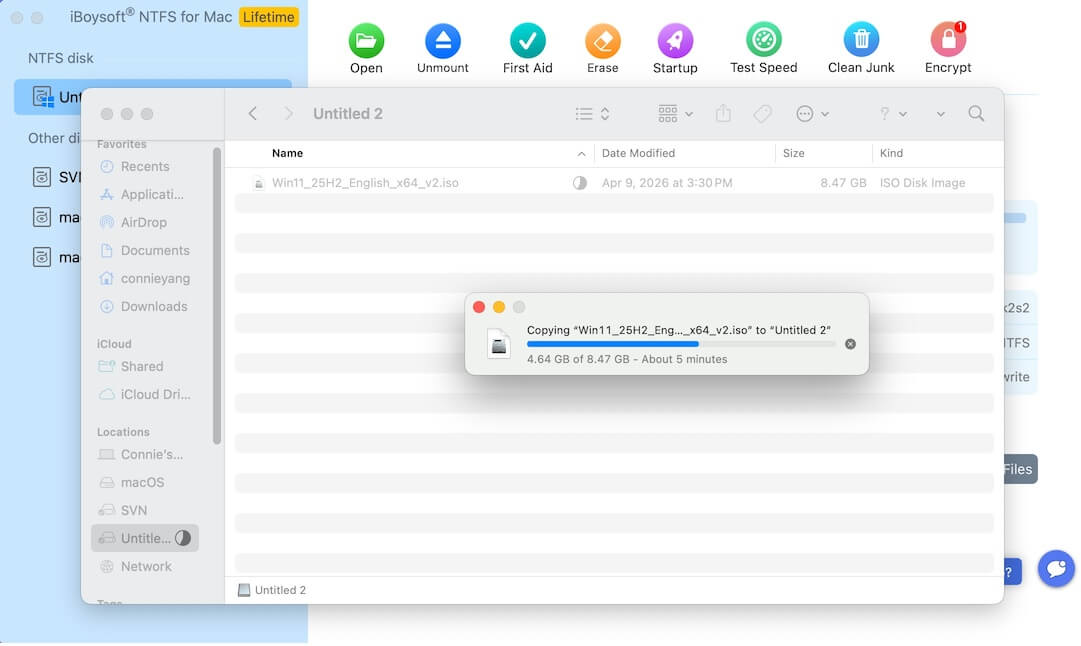
Here's an image showing an 8.47GB file being written to a 1TB WD Elements Portable HDD:
Observation:
Based on the test data in the table above, iBoysoft NTFS for Mac can achieve the native read/write speed of the drive on USB 3.0 HDDs.
Test 3. On a Thunderbolt 4 SSD (WD Blue SN550 500GB)
| Run | Write (MB/s) | Read (MB/s) |
| 1 | 968.6 | 1099.2 |
| 2 | 971.3 | 1100.1 |
| 3 | 967.2 | 1098.4 |
| 4 | 972.8 | 1101.0 |
| 5 | 970.1 | 1101.3 |
| Average | 970 | 1100 |
| Hardware specification | 1900–2200 | 2000–2300 |
| Published value | 950 | 950 |
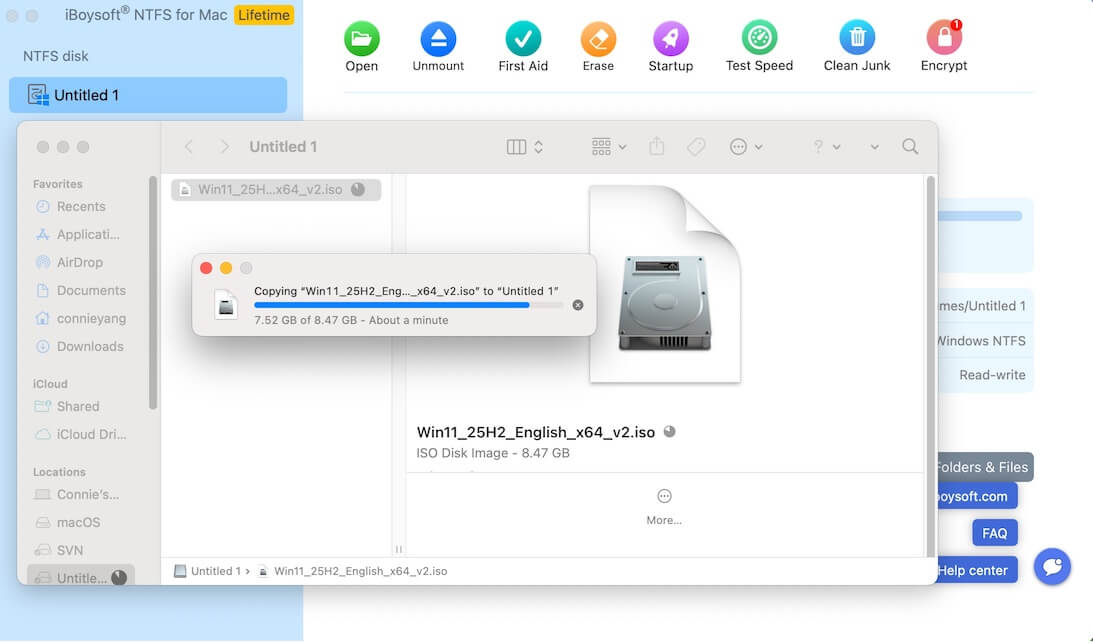
This image shows an 8.47GB file being written to a WD Blue SN550 500GB installed in an ACASIS TBU405Pro M1, connected via a Thunderbolt 4 interface:
Observation:
The above test results show that iBoysoft NTFS for Mac achieves only half the native read/write speed of the drive on Thunderbolt interfaces.
This is not a performance flaw, but rather because iBoysoft NTFS for Mac prioritizes data security and file system protection mechanisms while providing stable and compatible NTFS read/write support. As a result, it actively controls the write strategy when running on Thunderbolt interfaces, striking a balance between safety and speed.
Test result analysis
Key findings
The measured read/write speeds of iBoysoft NTFS for Mac across three typical interface scenarios are highly consistent with the data published on the official product page:
- SSD (USB 3.0 Interface): Measured average write speed of 433.46 MB/s and read speed of 444.4 MB/s, exceeding the 400 MB/s figure published, demonstrating excellent performance.
- USB 3.0 HDD: Measured average write speed of 131.12 MB/s and read speed of 140.4 MB/s, largely consistent with the published value of 130 MB/s, with a slight margin of improvement.
- Thunderbolt interface: Measured average write speed of 970 MB/s and read speed of 1100 MB/s, largely consistent with the published value of 950 MB/s.
Notably, these speeds represent approximately half of the drive's hardware-level maximum capacity. This is the result of a proactive control strategy implemented by the software to ensure data safety and file system stability, thereby striking a balance between speed and security.
Stability evaluation
Across five repeated tests, the maximum variation in read and write speeds for the NTFS SSD was a mere 0.3%. This high degree of data consistency indicates that iBoysoft NTFS for Mac demonstrates excellent transfer stability during scenarios involving the continuous transfer of large files.
Factors affecting the read and write speed of iBoysoft NTFS for Mac
The actual read-write speed of iBoysoft NTFS for Mac may vary depending on:
- Drive hardware: Different hard drive brands and models possess varying read and write speed limits.
- Interface type: Different interfaces, such as USB 2.0, USB 3.0, Thunderbolt 3, Thunderbolt 4, etc., feature different bandwidth capacities.
- File size: The transfer speed for small files (<1MB) is typically lower than that for large files transferred continuously.
- System load: Current system load, specifically CPU utilization and memory usage, affects the drive's response speed.
- Cable quality: The quality of the data cable influences the actual data transfer bandwidth.
Conclusion & statement
Actual testing has verified that iBoysoft NTFS for Mac V9.0 delivers stable read/write performance on NTFS-formatted external hard drives under macOS Golden Gate 27, consistent with the measured data published on the product page.
Note: iBoysoft NTFS for Mac can help you read and write to NTFS drives on a Mac hassle-free. No complex setup, install and use immediately.
Statement
This report was issued by the Testing Department of Chengdu Aibo Tech Co., Ltd. All test data are derived from actual test records. The test methods, test environment, and test results have been documented in detail and archived, and are available for verification and reproduction by third parties.
FAQ
- QCan iBoysoft NTFS for Mac reach full speed on Mac?
-
A
On USB 3.0 SSDs and HDDs, iBoysoft NTFS for Mac can achieve speeds close to the drive's hardware limits.
- QWhy is NTFS write speed slower on Thunderbolt drives on Mac?
-
A
High-speed interfaces like Thunderbolt expose driver overhead more clearly. Additional data protection and file-system handling mechanisms in iBoysoft NTFS for Mac may reduce peak throughput.