Full NTFS Read & Write on macOS

Edit, delete, copy, and move files on NTFS drives

Automatically mount NTFS drives in read-write mode

Use NTFS drives in Finder like native Mac APFS or HFS+ disks

Can Mac write to NTFS drives?

No - macOS can only read NTFS drives by default.
To enable full read and write access, you need an NTFS driver.

When do you need NTFS for Mac?

If you are facing any of the following issues, NTFS for Mac can help:

NTFS External hard drive is read-only on Mac

Cannot copy or edit files on NTFS drives

Need to transfer files between Windows and Mac

Want seamless access to NTFS disks on macOS
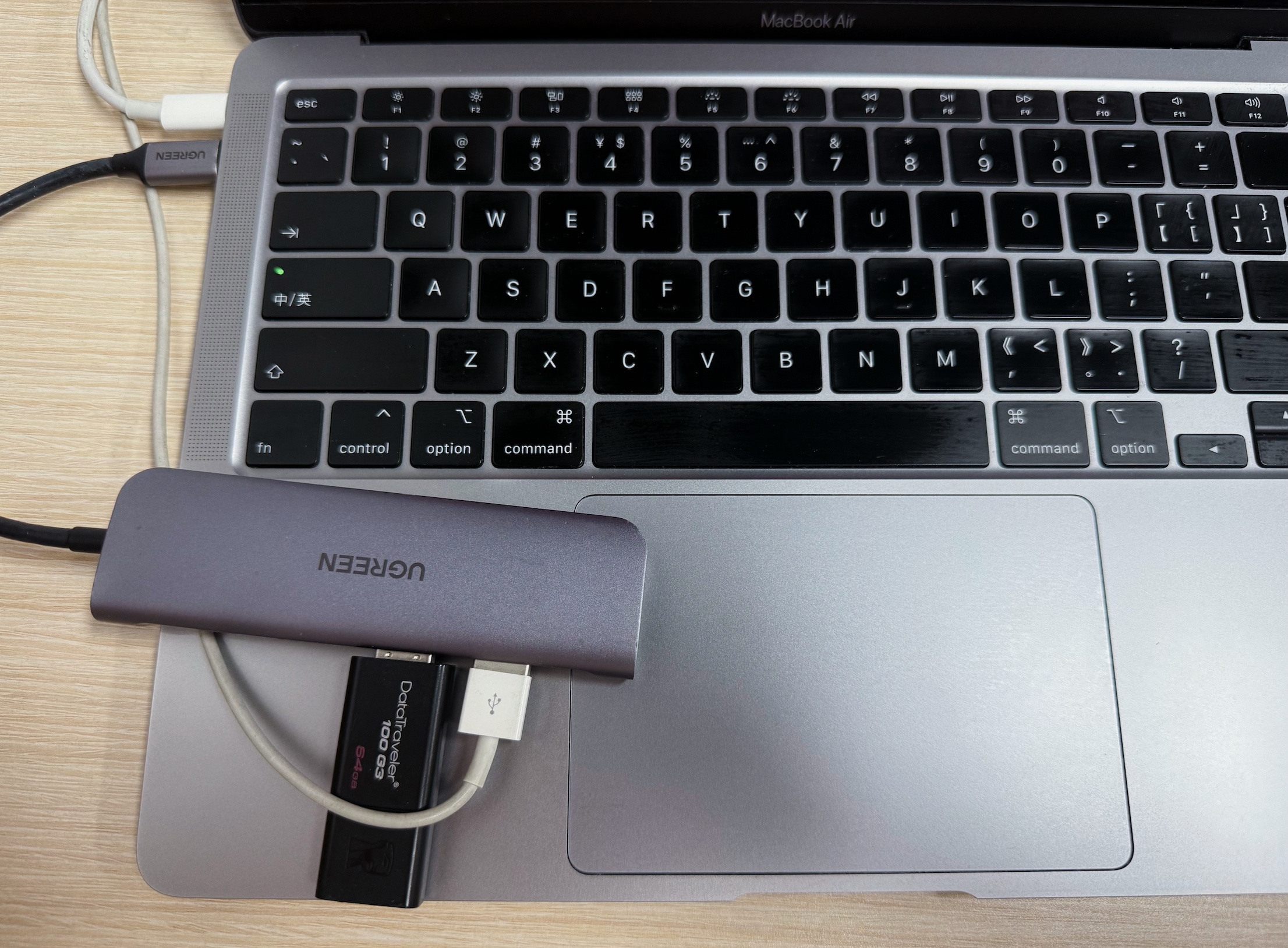
How It Works

1
Connect your NTFS drive
2
Install and enable NTFS driver
3
Instantly read and write files on Mac
How it works
Online Help >>

Note: With NTFS for Mac, no need to reformat your drive or erase data for writing to NTFS drives on a Mac.

Why Choose iBoysoft NTFS for Mac

Full read-write support for NTFS drives

High-speed file transfer performance

Automatic NTFS writable mounting

Supports external hard drives, USB drives, and SD cards

Compatible with Apple silicon & Intel Macs

Works across macOS versions

Safe and non-destructive to your data

Read-write BootCamp NTFS Partition

Support formatting drives to NTFS

Outstanding Features

Features
Benefits

Supported Mac Devices

  • Intel-based Mac devices
  • ARM-based Mac devices (Apple Silicon M5, M4, M3, M3 Pro, M3 Max, M2, M2 Pro, M2 Max, M2 Ultra, M1, M1 Pro, M1 Max )

Supported Storage Media

  • HDDs
  • SSDs
  • Other external drives

Supported Operating Systems

  • macOS Tahoe
  • macOS Sequoia
  • macOS Sonoma
  • macOS Ventura
  • macOS Monterey
  • macOS Big Sur
  • macOS Catalina
  • macOS Mojave
  • macOS High Sierra

Tech Specification

Works in both 32-bit and 64-bit Kernel modes

macOS 10.13 or later version and Apple Silicon Mac requires to enable system extension when installing iBoysoft NTFS for Mac.

User Guide: How to enable system extension on Apple Silicon Mac

Supported File Systems

All Microsoft NTFS versions are supported (from Windows NT 3.1 to Windows 10).

Performance

Equivalent to native APFS & HFS+

Automount

iBoysoft NTFS mounter mounts Windows NTFS-formatted drives in read-write mode automatically at startup.

Disk Management

iBoysoft NTFS driver can open, eject, mount, unmount, repair, and format Windows drives. In addition, it can verify, open, and format non-NTFS volumes.

Apple BootCamp Compatibility

iBoysoft NTFS for Mac provides direct read and write access to BOOTCAMP partition.

Tips: You need to select the BootCamp partition in this tool and click "Startup" to set Windows appear in Startup Disk.

Third-party Software Compatibility

This software is completely compatible with most third-party encryption applications, anti-virus programs, virtualization software, Mac performance improvement software, etc.

A qualified software should offer both read and write access to Microsoft NTFS drives on Mac in a secure, stable and fast manner. Read the comparison table below and we will let you be the judge.

Best Free NTFS for Mac Software - Roundup Review 2026

  • Since the introduction of macOS 12 and Apple Silicon M1 chip, most software is yet incompatible with new ARM-based Macs...Among them, iBoysoft NTFS driver is the world's first software to ensure full compatibility with macOS Monterey and Apple Silicon M1 Mac.

    Learn more >>
  • iBoysoft NTFS mounter for macOS is one of the cheapest NTFS mounters. With a price under $20, you can get full access to read and write to Microsoft NTFS volumes on the Mac natively, as well as to transfer files from Windows PC to Mac seamlessly.

    Learn more >>
  • We find iBoysoft NTFS for Mac very impressive in our testing. It performs very fast while transferring files from Mac computers to Microsoft-formatted external drives. What struck us most is that the software works in full auto mode and you can't even feel its existence.

    Learn more >>
  • iBoysoft NTFS driver costs less than $20. Considering the advantages of security, speed, stability, compatibility and technical support, it is not a bad idea to invest in such an NTFS driver.

    Learn more >>
  • For anyone seeking a reliable and budget-friendly Microsoft NTFS read/write software for macOS, the iBoysoft NTFS read/write macOS tool is one of the best choices there is.

FAQ about NTFS for Mac

Can Mac write to NTFS drives?

No - macOS can only read NTFS drives by default. Writing requires a third-party driver.

Why is my external hard drive read-only on Mac?

It is likely formatted as NTFS, which macOS cannot write to.

Is NTFS for Mac safe to use?

Yes - professional NTFS drivers allow safe read/write access without modifying the file system.

Do I need to reformat NTFS drive for Mac?

No - you can use an NTFS driver without erasing your data.

Resources

Current Version
Download iBoysoft NTFS for Mac V8.0
User Manual
Read help document of NTFS for Mac by iBoysoft
Need Help?
Product History
Learn the whole upgrade history of the software

Tips & Troubleshooting Guides

MacBook Trash wont empty

Mac Trash Won't Empty? Why & How to Force Empty Trash

Fix Mac/MacBook Trash that won't empty because the disk is full, the files are in use, or locked. Follow this post to force empty your Trash on Mac.

SIP on Mac

What Is SIP on Mac & How to Enable/Disable SIP on Mac?

This guide contains what is SIP on Mac, how to disable or enable SIP on Mac, M1/M2 Mac, and whether you need to disable System Integrity Protection.

fix error code 8058 on Mac

Mac Error Code 8058: What Does It Mean & How to Fix It

Guide to fix 'The operation can't be completed because an unexpected error occurred (error code -8058)'. What is error code -8058 on Mac?

view the deleted YouTube videos

Find & Watch the Deleted YouTube Videos in Simple Ways

A guide to find, watch, and recover deleted YouTube videos. And it also offers the precautions to avoid YouTube videos being deleted again.

fix Mac pink screen

How to Fix MacBook Pink Screen on Startup (Pink Lines)

Guide to fix the MacBook pink screen of death without data loss. Reboot your MacBook Air/Pro and find out the causes of the MacBook Pro pink screen.

Mac wont connect to WiFi

Wi-Fi Not Working on macOS Tahoe 26? How to Get Back Online

Mac won't connect to Wi-Fi after upgrading to macOS Tahoe. This post provides possible reasons and offers 10 ways to fix the issue of Wi-Fi not working on macOS Tahoe.