Classic Launchpad Utility for macOS 26
- iBoysoft LaunchPal

Roll back missing Launchpad on macOS 26 Tahoe with one click.

Ultra-Light
Runs silently in the background with minimal resource usage
Instant Launch
No extra steps for setup post-install, one-click to use the Launchpad
Native Experience
Native Liquid Glass visual style, seamlessly blending into macOS 26

How to Use

1
Download & Install iBoysoft LaunchPal
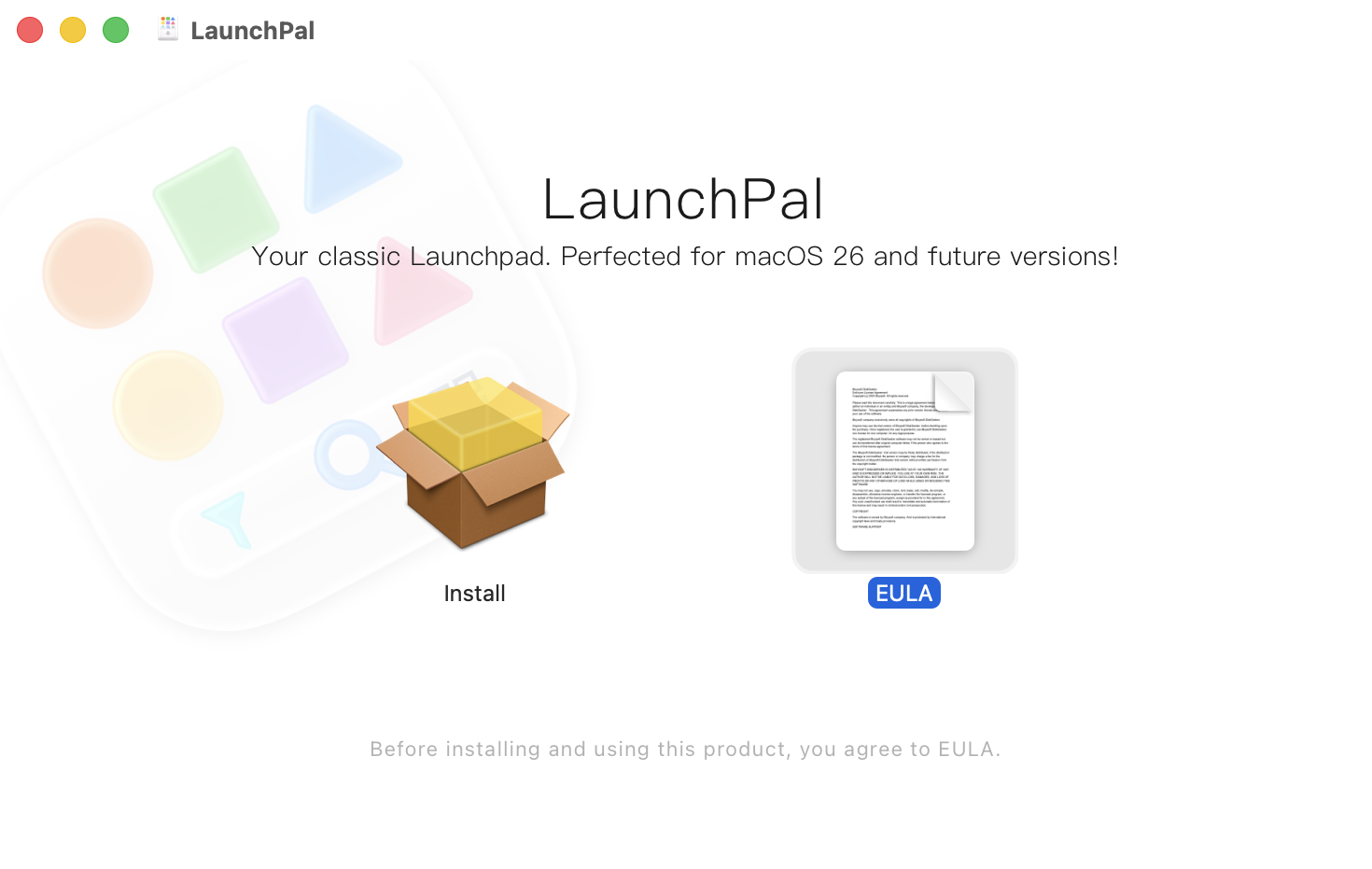
2
Open iBoysoft LaunchPal & Locate Apps
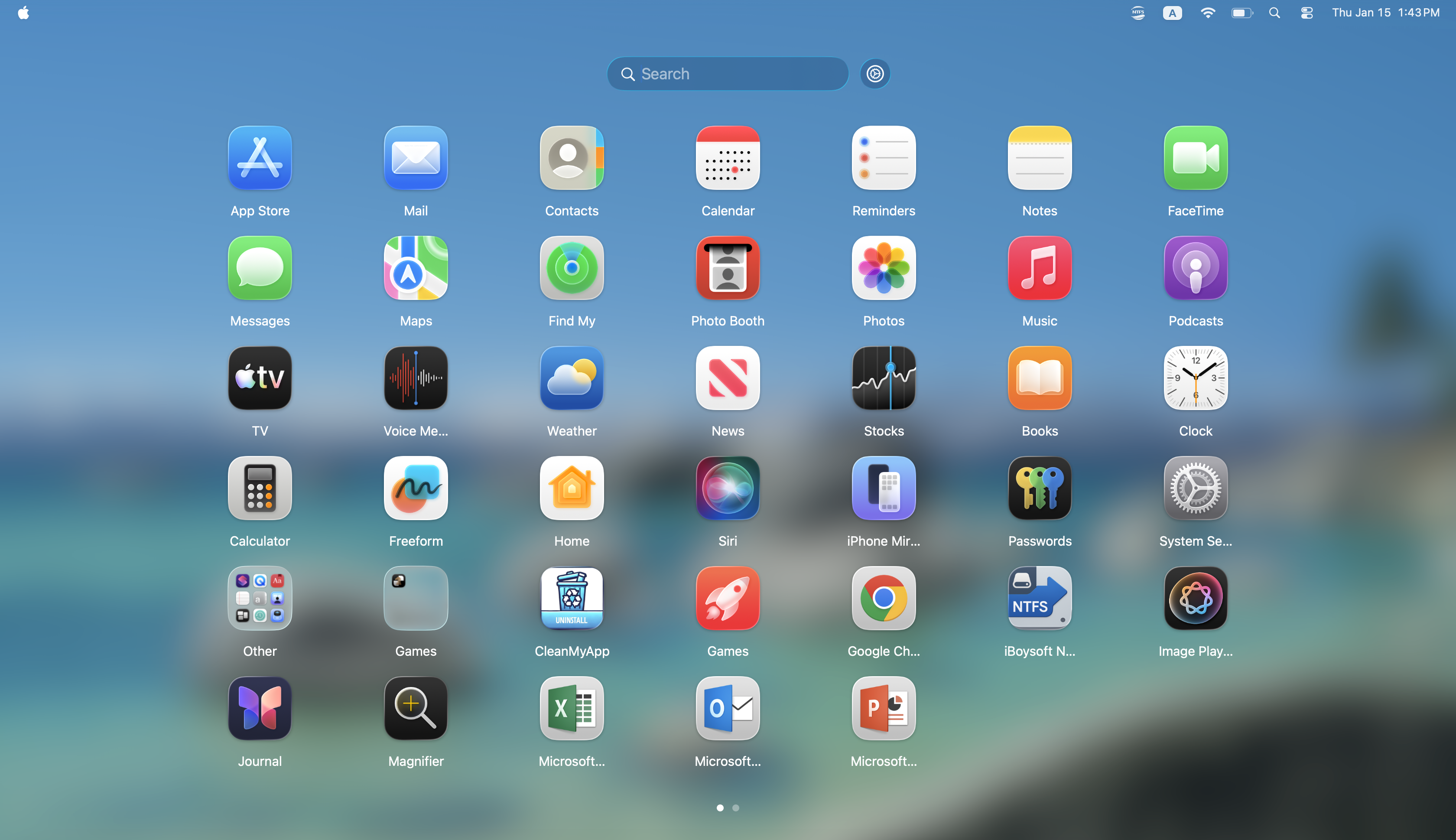

Enjoy native Launchpad on macOS 26

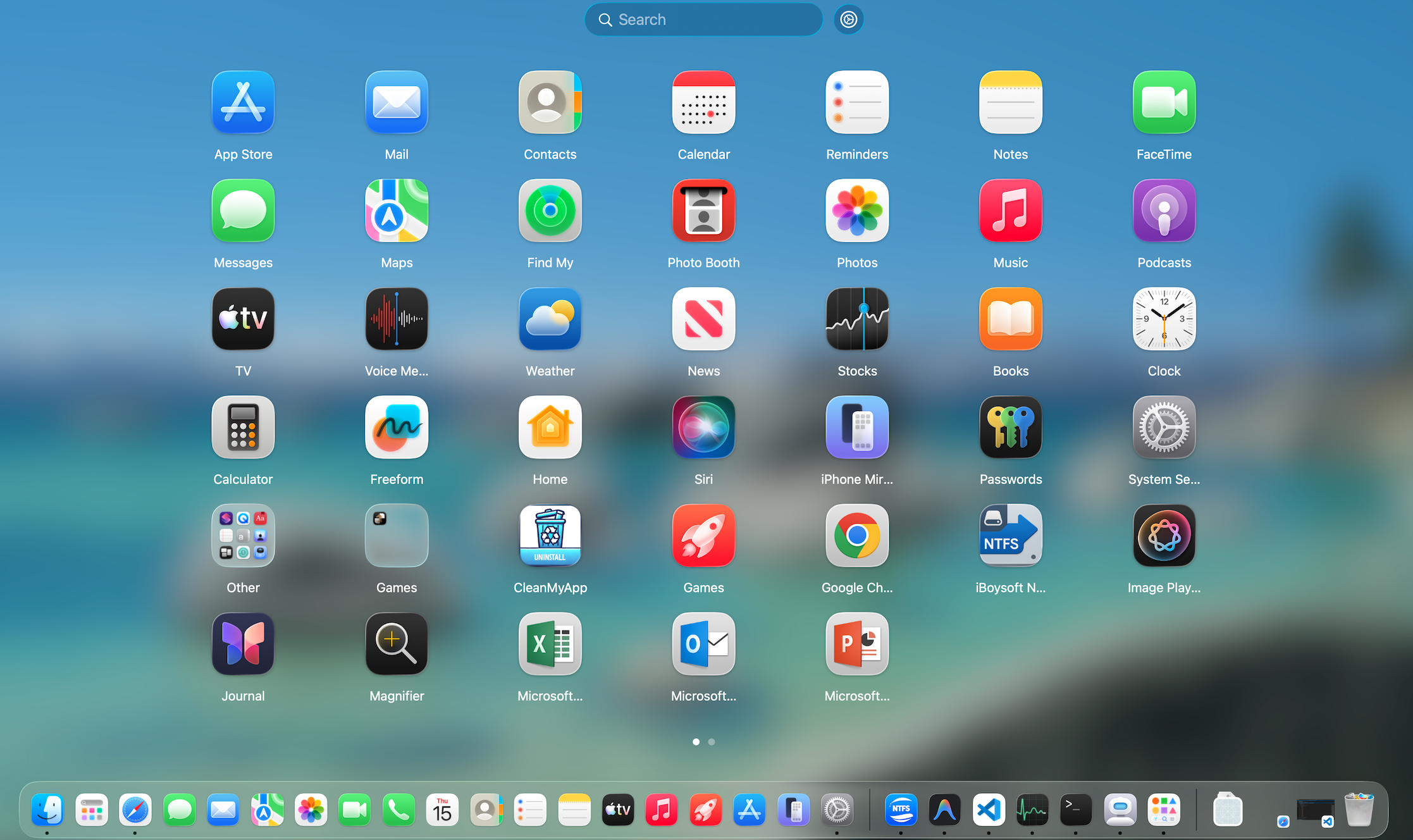
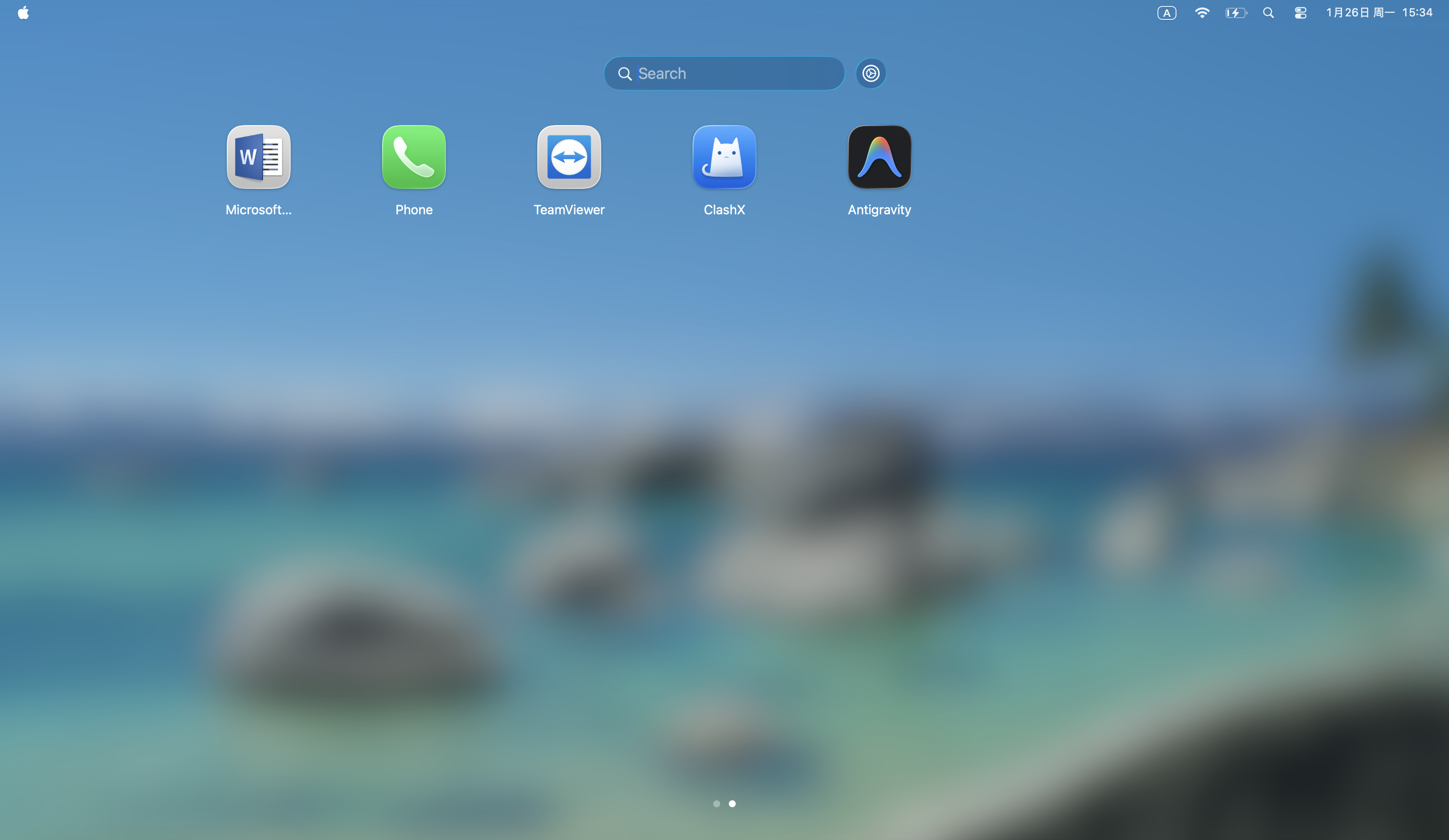
Browse all your apps in a full-screen, paginated grid interface with an optional search, acting as a native Launchpad on Mac.

Enjoy native Launchpad on macOS 26

Instantly Access Frequently-Used Apps

Open iBoysoft LaunchPal from the Dock, no extra steps, and browse all your apps, built-in or third-party, in one place.

Instantly Access Frequently-Used Apps

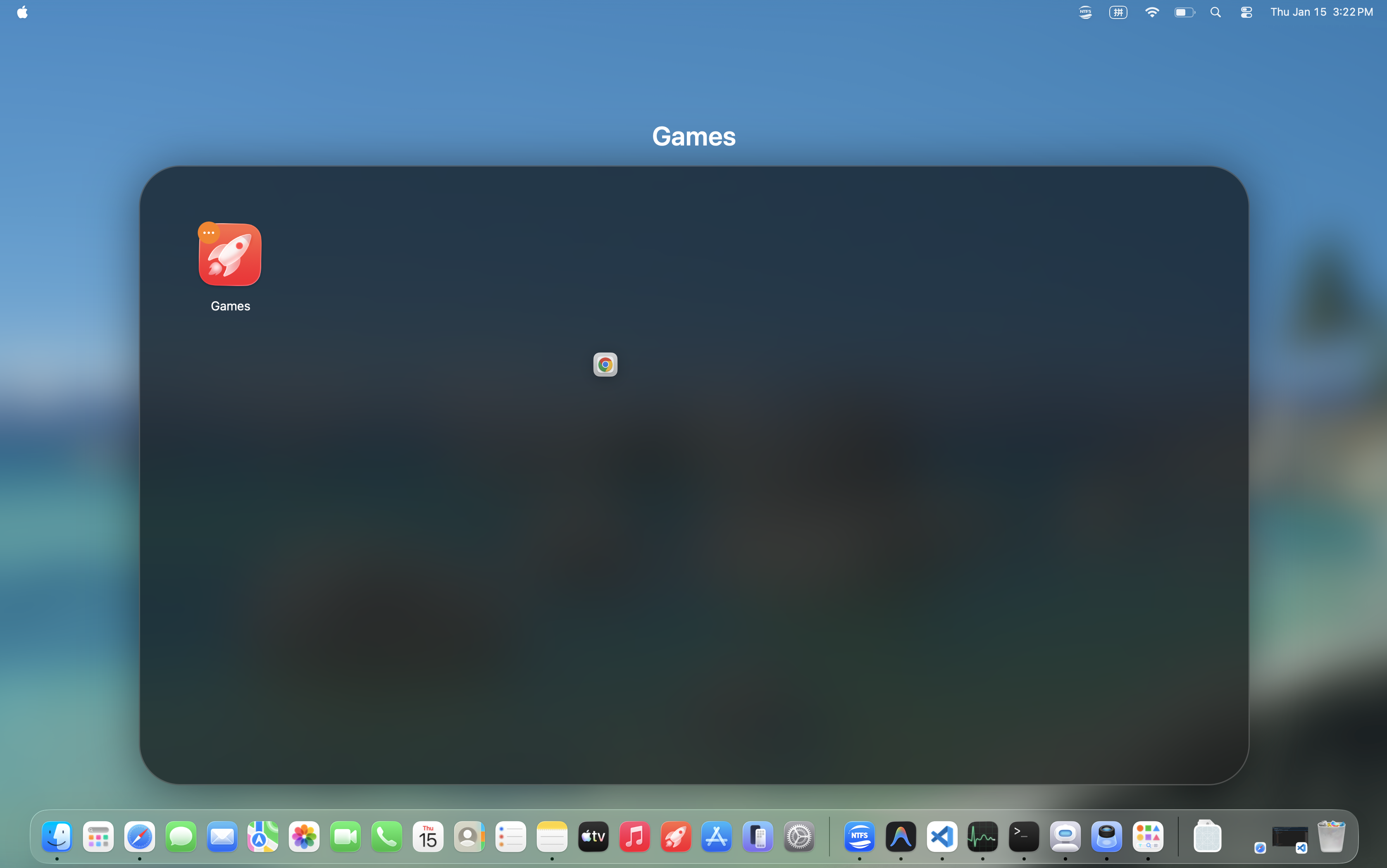
Folder Grouping Through Simple Drag and Drop

Drag and drop to create a folder for app grouping. Find what you need faster and keep your desktop clean.

Folder Grouping Through Simple Drag and Drop

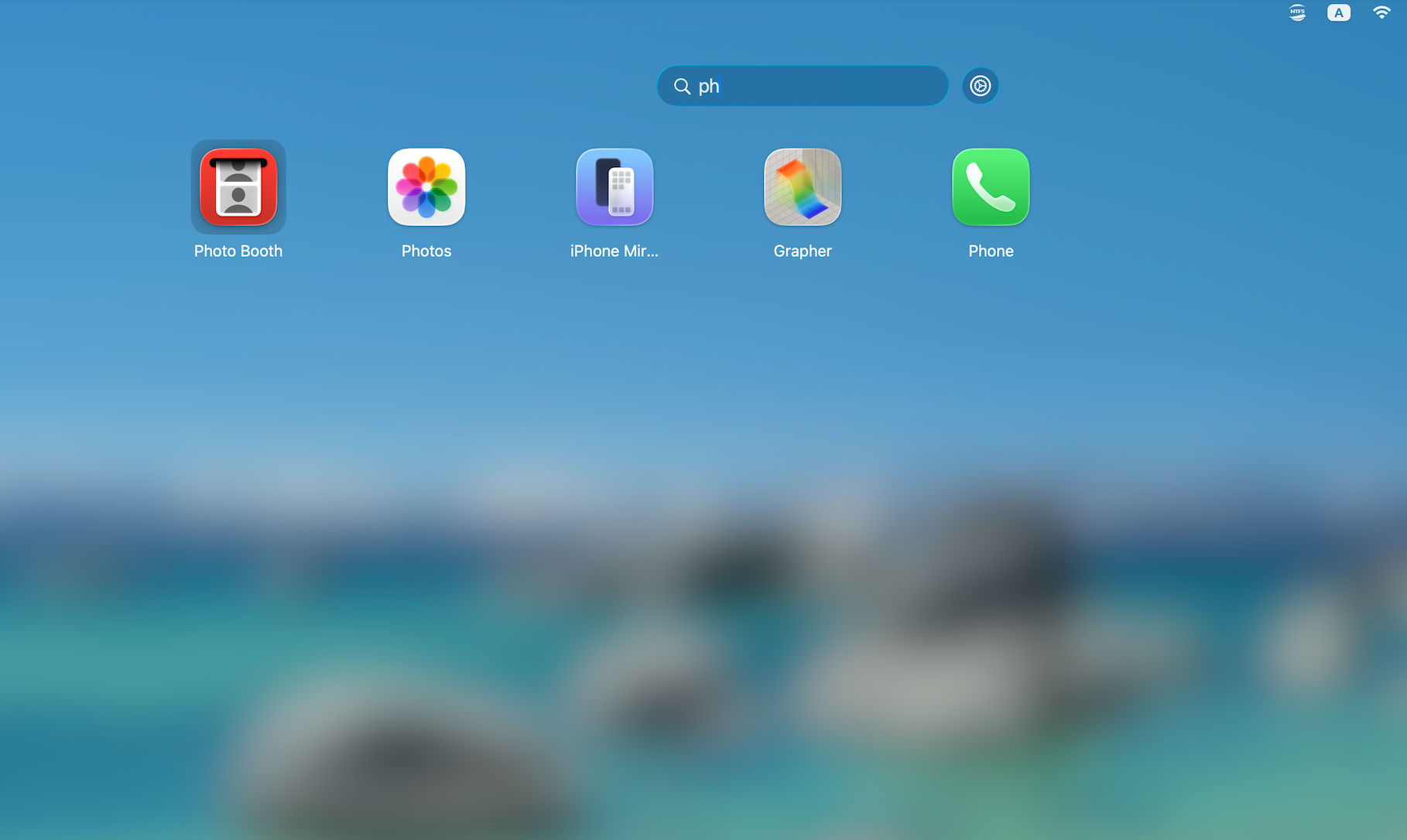
Locate Apps by Quick Search

Use the search bar to locate apps by typing the app name or a few letters, precise and rapid positioning without delay.

Locate Apps by Quick Search

Hear What Users Are Saying

It starts working right after installation. Finding apps is so easy, way more convenient than using Finder.
Ryan T.J
Ryan T.J
Network Engineer
After upgrading to macOS 26, I couldn't find Launchpad anywhere - and it felt really awkward at first. This little tool is a lifesaver. It brings back the old Launchpad experience perfectly. Super useful!
Sarah Taylor
Sarah Taylor
Project Manager
I've been a Mac user for years and really missed Launchpad after upgrading to Tahoe. This software nails the look, and even the animations feel smooth. Definitely recommend it!
Hannah
Hannah
Financial Analyst

Want to Restore Launchpad on macOS 26?

FAQs

Is iBoysoft LaunchPal fully compatible with macOS 26?
Yes, this tool is fully supported by macOS 26. It works as smoothly as native software on macOS 26.
Is this tool the same as macOS Launchpad?
This tool faithfully restores all Launchpad features while optimizing performance, allowing it to run seamlessly on macOS Tahoe just like the native Launchpad.
Can I let iBoysoft LaunchPal automatically launch at startup?
Yes, you can open this tool, click the settings gear icon next to the top search bar, select Settings, and enable "Launch at login" in the General section.