
How to Use
(You should change the OpenRAR default Preview settings to Extract in its settings first.)
Supported Formats
OpenRAR easily extracts all common compressed files, including full, split (multi-volume), and password-protected ZIP, 7z, and RAR.
- RAR
- 7Z
- ZIP
- TAR
- GZ/GZIP
- BZ2
- XZ
- EXE
- LZMA
- CAB
- MSI
- NSIS
- ZIPX
- XAR
- LAMA
- ARJ
- LZH
- MDF
- ACE
- ISO
- BIN/CUE
- MDF
- NRG
- CDI
- ...
What Makes OpenRAR Stand Out
Open Any Archive Hassle-Free
This unarchiver for Mac supports extracting popular archives, such as RAR, ZIP, 7Z, TAR, and TZIP, as well as older and less common compressed file formats.
With it, you can access cross-platform archives on your Mac seamlessly.
Access Password-Protected Archives
As a professional Mac unarchiver, OpenRAR can help you open password-protected archives effortlessly.
After entering your password, the archive will be quickly and securely unlocked, providing hassle-free access to the content.
Preview & Search for Files in Archives
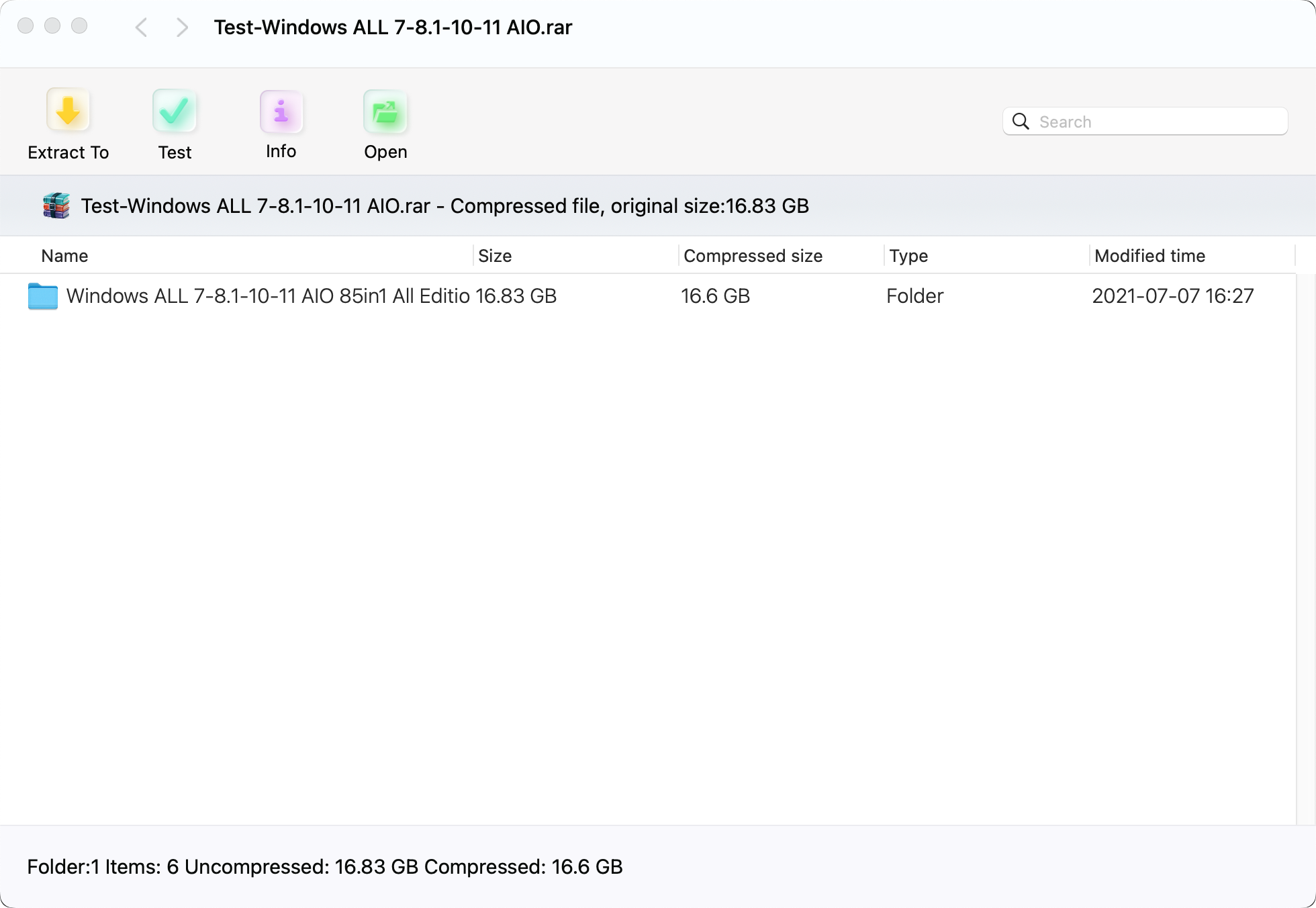
With this archive opener for Mac, you can search for, browse, and preview the contents inside archives before extracting them.
It enables you to make a judgment before decompressing files, preventing the waste of time extracting unwanted files.
Extract Multi-Volume Archives
Except for full archive decompression, OpenRAR also supports extracting split (multi-volume) archives.
Just open the first RAR, and it will automatically combine the .r00, .r01, etc., files to restore the complete content.
Integrate Seamlessly with Finder
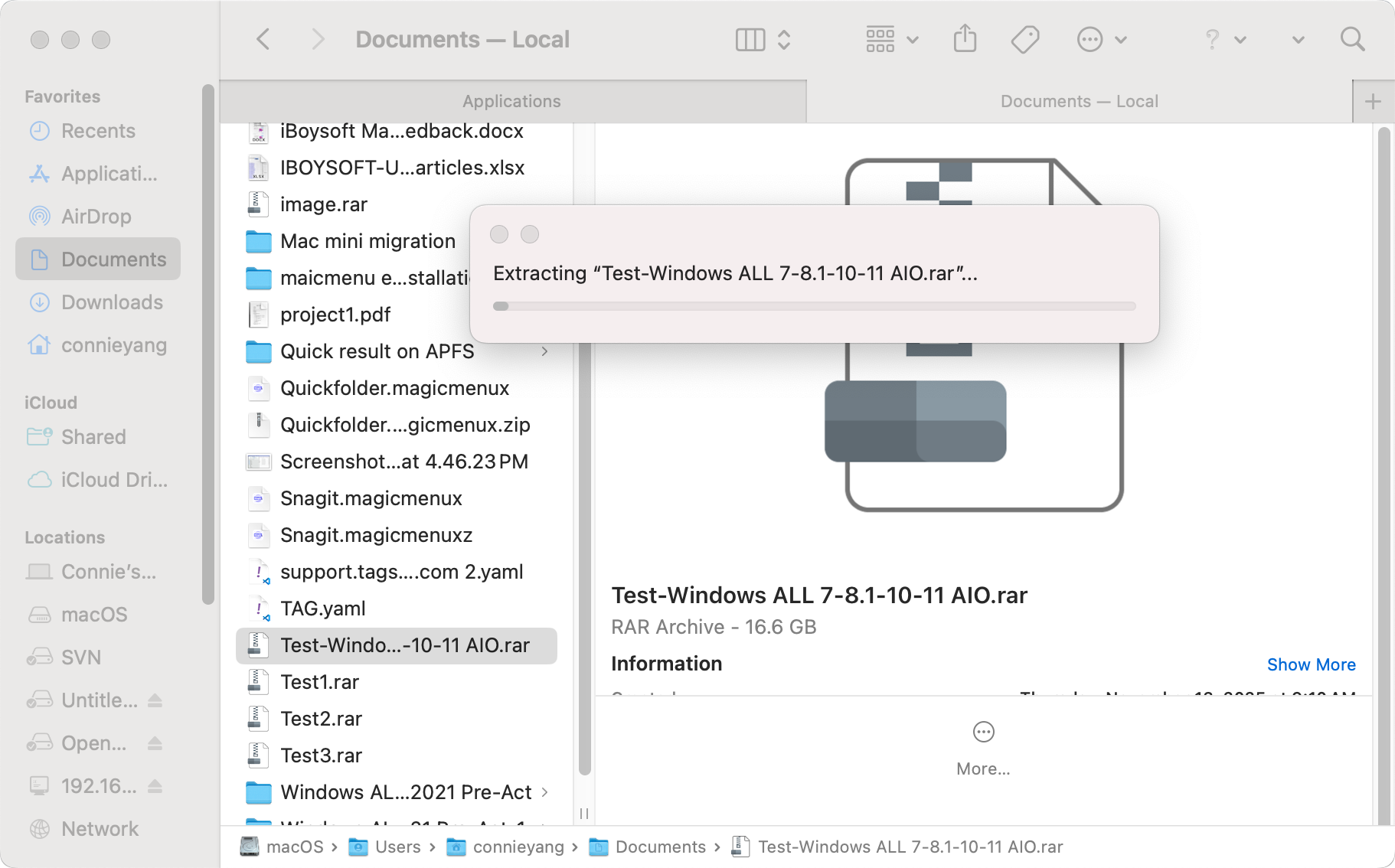
Once this Mac unarchiver is installed, you can extract any archives in Finder or on the desktop with a simple double-click or using the Open With option from the right-click menu.
Extract Only the Target Files From an Archive
Need only a few files from a massive archive? OpenRAR makes it simple and efficient.
It lets you instantly preview the archive content and extract only the files you want - no need to unpack everything. This saves valuable time and keeps your storage organized.