How to Use
1
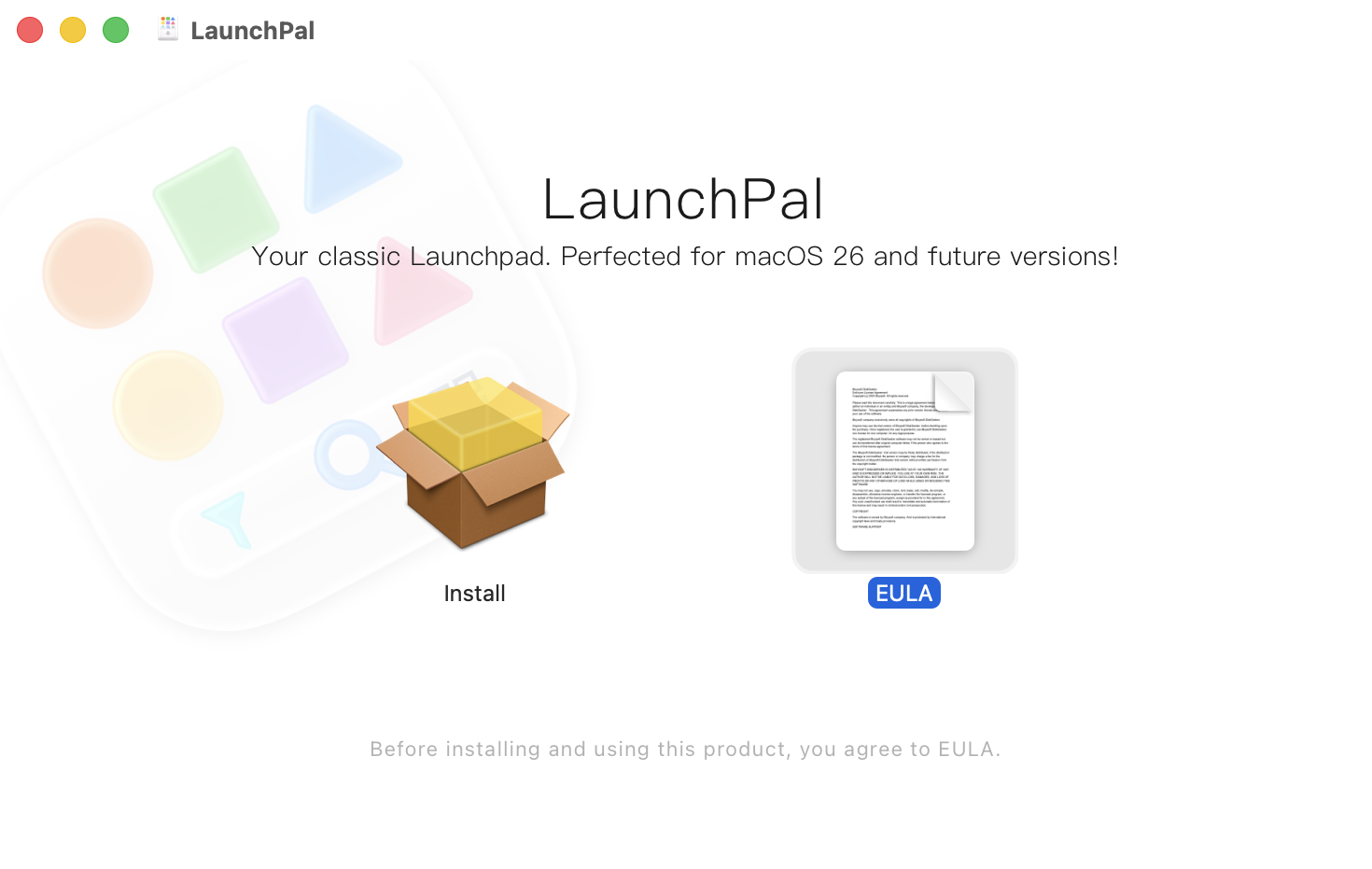
Download & Install iBoysoft LaunchPal
2
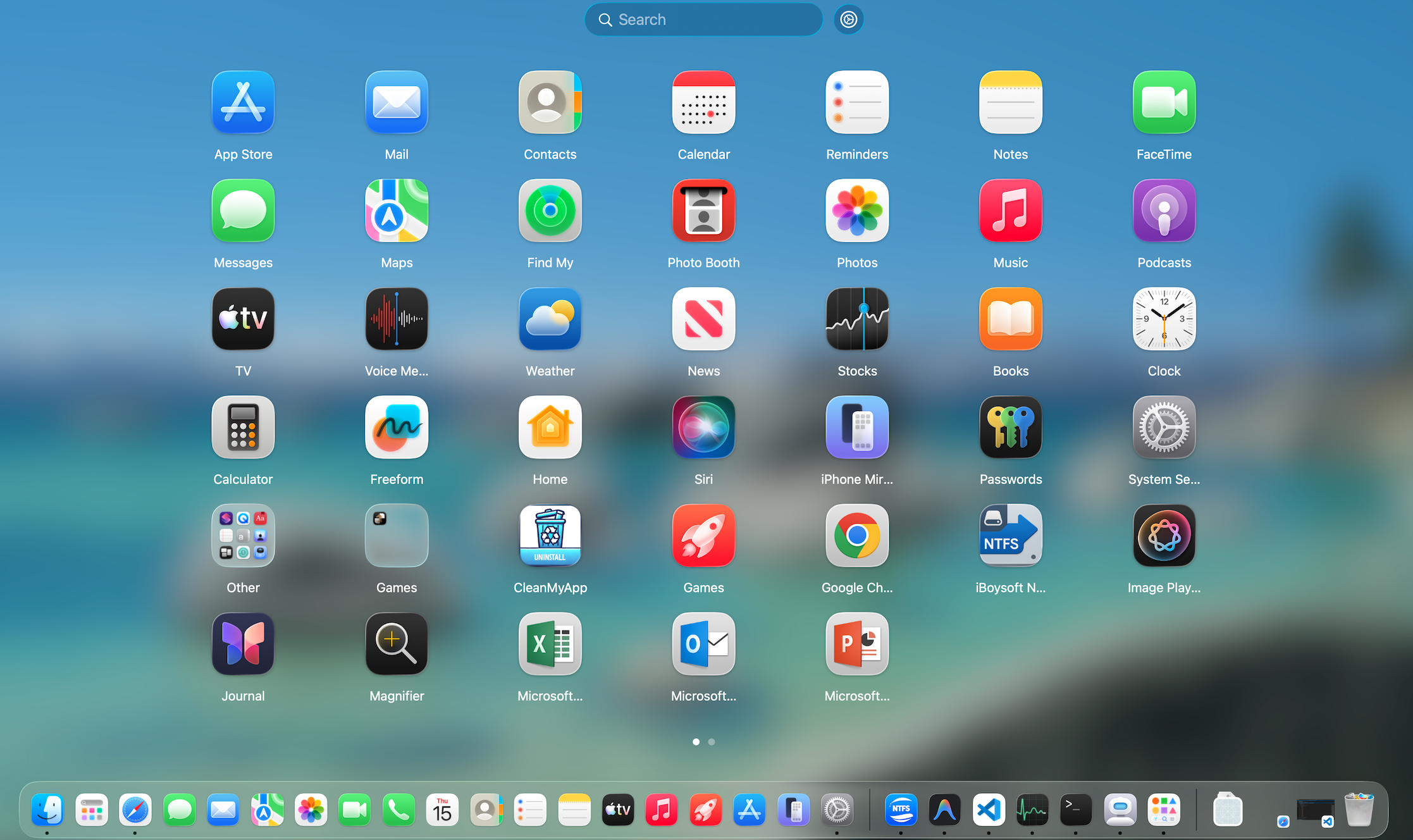
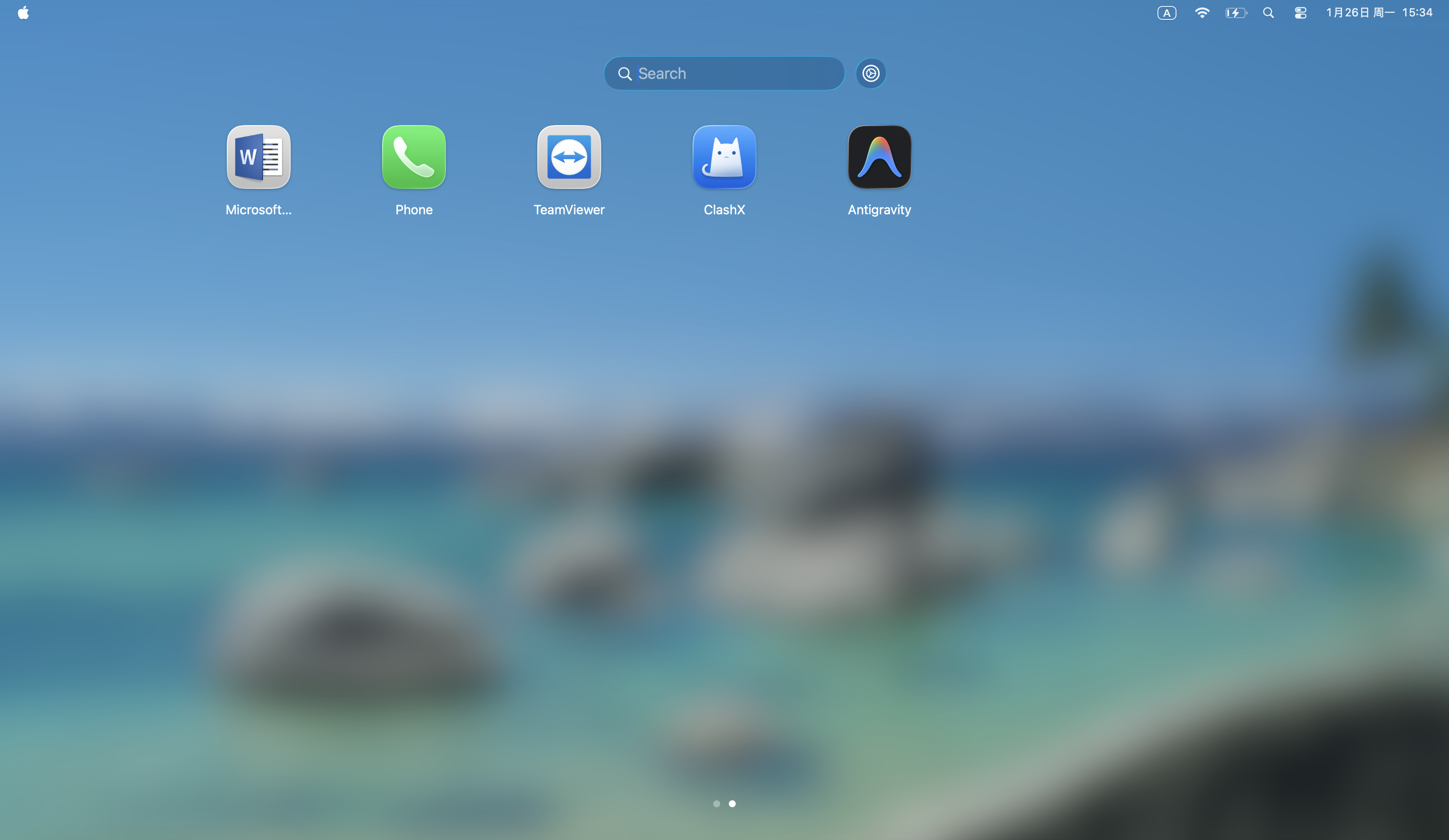
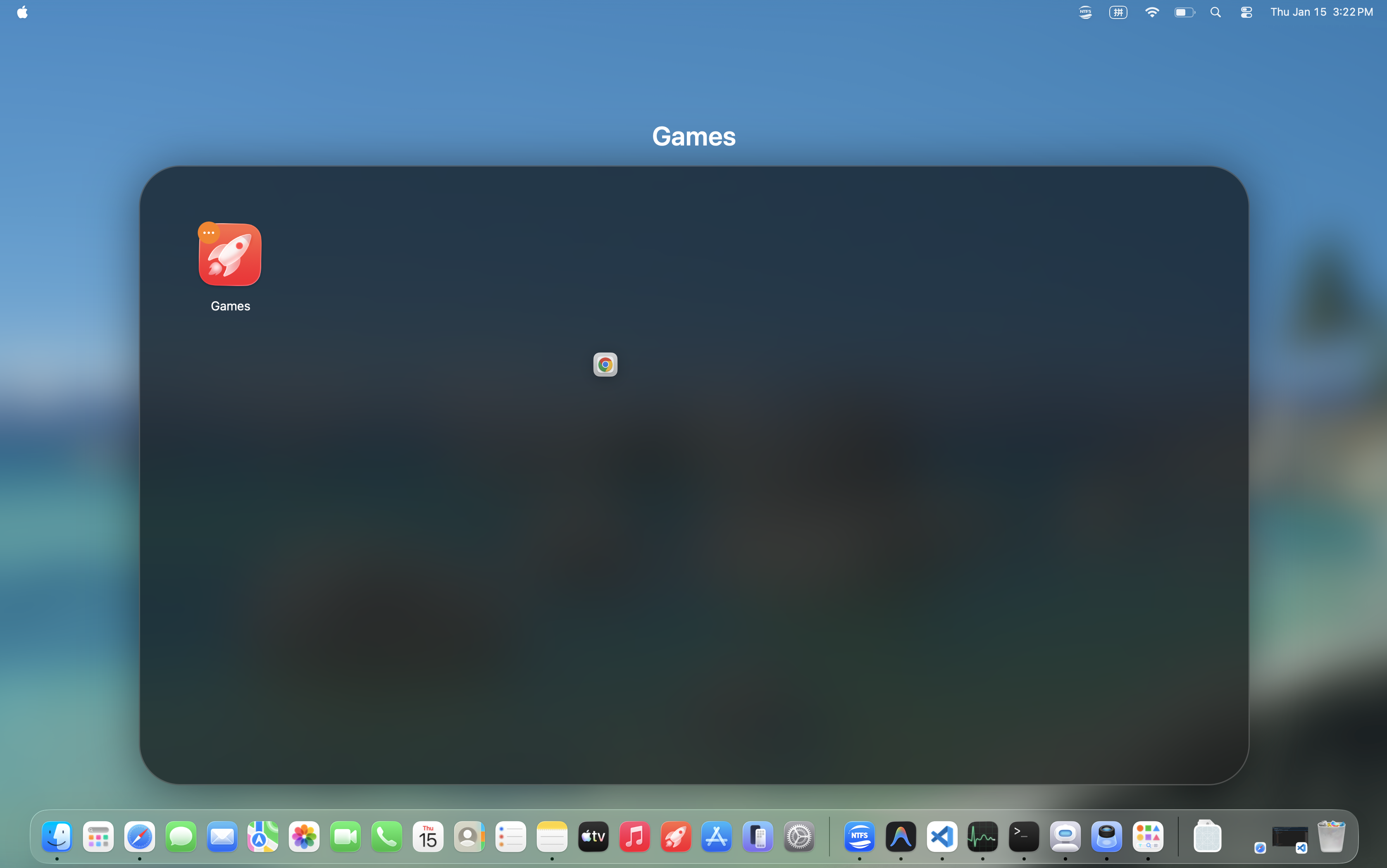
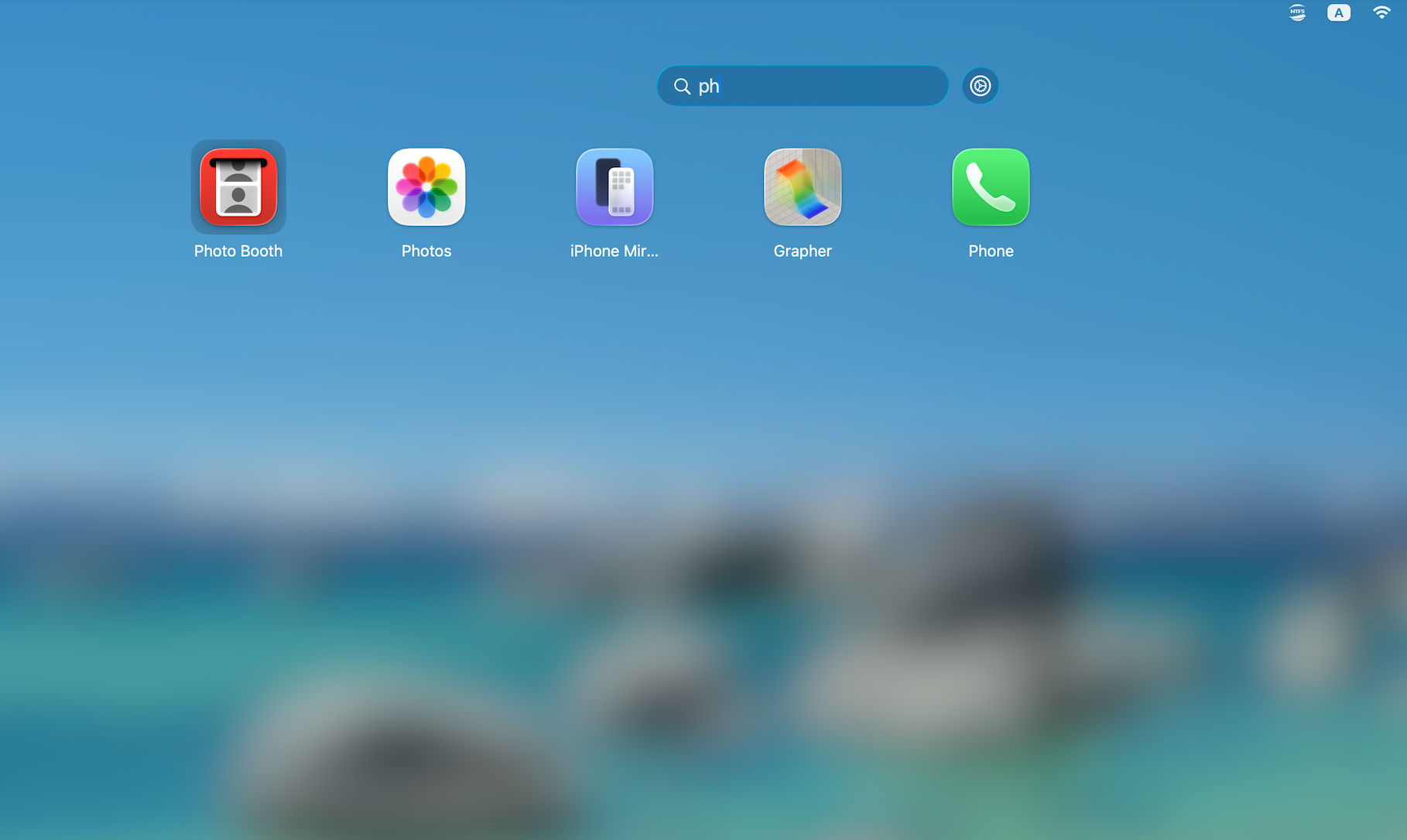
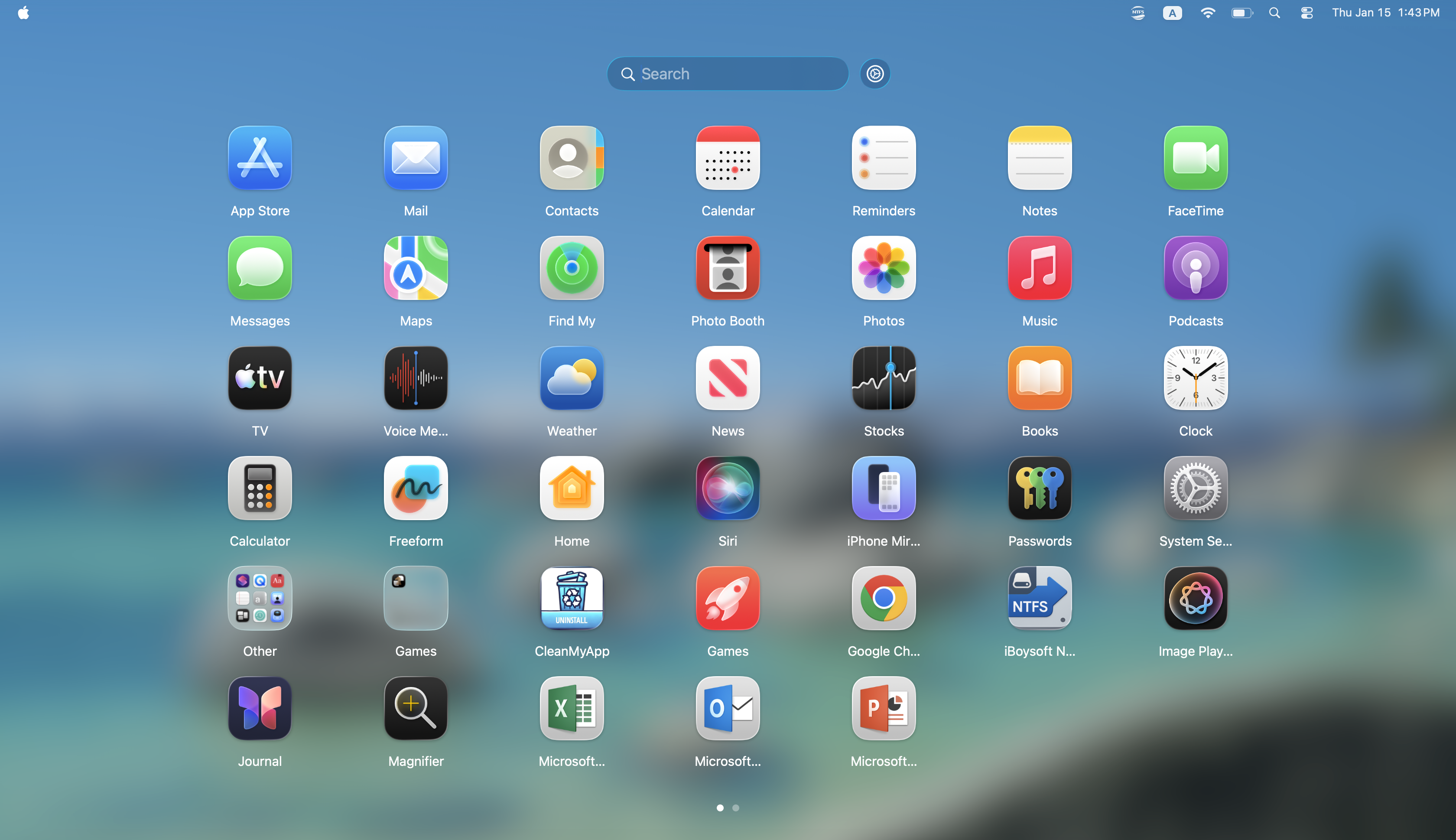
Open iBoysoft LaunchPal & Locate Apps
iBoysoft LaunchPal vs. macOS Tahoe Apps
| iBoysoft LaunchPal | macOS Tahoe Apps |
|---|---|
| Visual browsing | Search-oriented |
| Spatial memory | Name recall |
| Visual navigation | Text input navigation |
| User-controlled layout | System-organized structure |
| Dedicated app launcher | Mixed system hub |
| Fixed visual space | Dynamic result space |
iBoysoft LaunchPal offers an experience where you can find apps through habit, visual memory, and layout familiarity - without needing to remember or type exact app names.