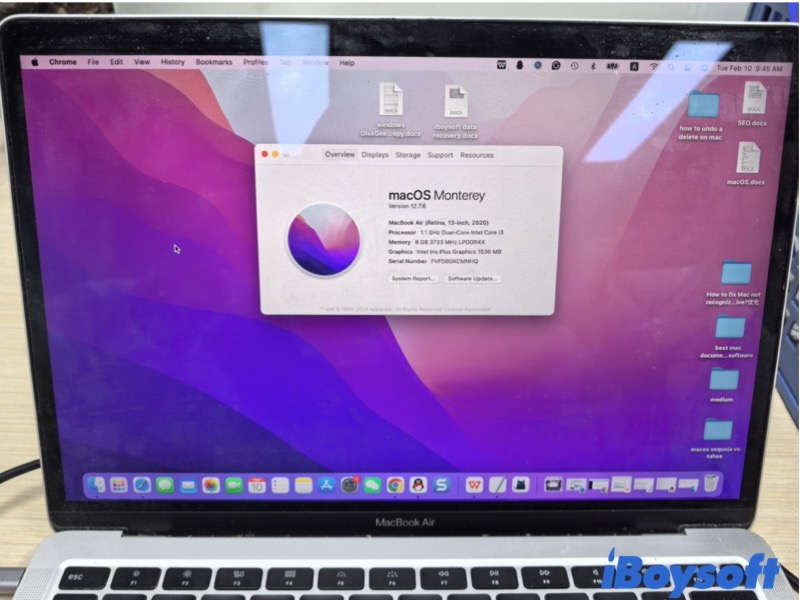
Choosing between macOS Sequoia and macOS Tahoe isn't just about installing the newest version available. For our Mac users, the decision comes down to how much change we'll meet and how well the hardware and apps can handle it.
This guide explains the difference between these two versions and how they feel, and which types of users each version serves best. You can decide whether it makes sense to stay with Sequoia or move toward Tahoe based on your Mac, your workflow, and your tolerance for change.
Getting to Know macOS Sequoia and Tahoe
Before knowing the differences, it helps to clarify what macOS Sequoia and macOS Tahoe represent in Apple's macOS release cycle.
Overview of macOS Sequoia
Released in late 2024, Sequoia emphasizes stability, security, and mature app compatibility. It is widely adopted across both Intel (2018+) and Apple Silicon Macs (M1–M3). Core features include optimized multitasking, AI-assisted workflows, and reliable file management. 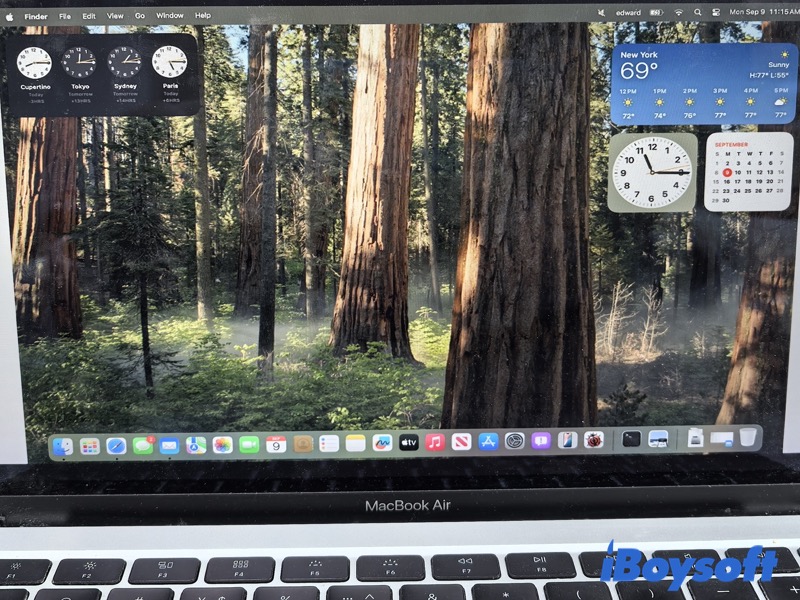
Overview of macOS Tahoe
Rolled out in 2025, Tahoe, the successor of macOS Sequoia, focuses on modern system capabilities, Apple Silicon optimization, and advanced multitasking features. While promising performance improvements, early users may encounter minor stability issues on older Macs. Apple Release Notes
macOS Sequoia vs. Tahoe: key differences
Below is a detailed comparison of Sequoia and Tahoe, containing features, performance, system behavior, battery, app compatibility, and workflow.
| Dimension | macOS Sequoia | macOS Tahoe | Key Difference |
| Focus | Security, privacy, collaboration, AI integration | User experience, UI improvements, multi-monitor/peripheral support | Sequoia prioritizes productivity; Tahoe emphasizes hardware optimization |
| System Behavior | Intelligent resource management, automatic isolation of crashing apps | Standard background management, less strict crash handling | Sequoia is more robust; Tahoe simpler but responsive |
| Performance | Optimized for multi-core tasks, heavy multitasking, SSD latency reduced ~10–15% (Apple documentation) | Smooth single-thread performance, light office tasks | Sequoia for power users; Tahoe for everyday use |
| Battery | Smart power management, extends battery ~8–12% (based on Apple estimates) | Conservative management, with slightly shorter battery life. | Sequoia more energy-efficient; Tahoe stable but less optimized |
| Workflow | Professional collaboration, complex multitasking | Personal/light office use | Sequoia suits intensive workflows; Tahoe suits casual workflows |
macOS Sequoia vs. Tahoe: choose between
The choice between macOS Sequoia and macOS Tahoe largely depends on how much change your current setup can tolerate.
Compatibility and Version Readiness
Compatibility Check:
Click Apple in the Menu > About This Mac > Overview to confirm the model year.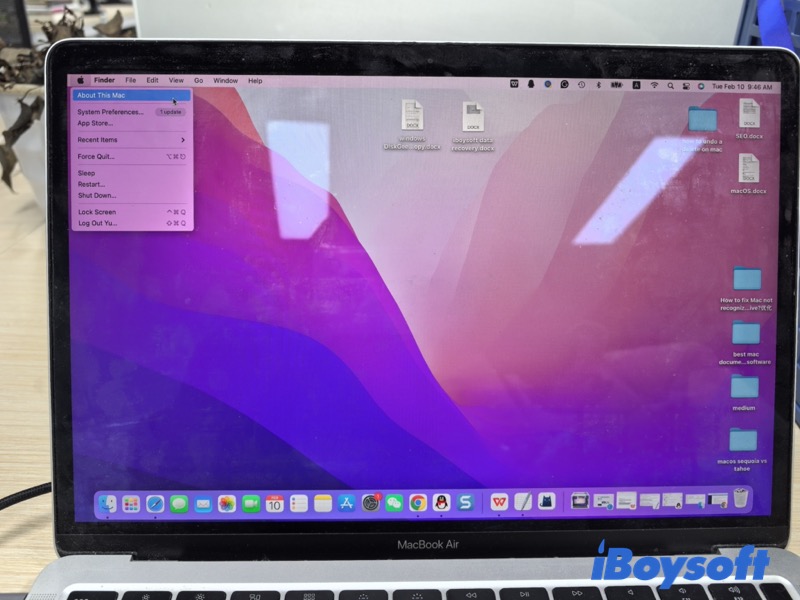
macOS Sequoia: Generally supports Macs released in 2018 or later, including most Apple Silicon models (M1/M2/M3) and some Intel Macs. Its system behavior is stable, with mature file management, window handling, and broad app compatibility. Older Macs may not support Sequoia fully or experience limited functionality.
macOS Tahoe: Focuses on Apple Silicon optimization, but also supports some Intel Macs from 2015 onward. It emphasizes new system capabilities and modern app support, though early versions may have minor stability issues on certain models, and older Intel Macs may face restrictions or limited feature availability.
Tips: The release order does not indicate hardware demand—Tahoe, despite being newer, introduces larger system changes, so older Macs may still run Sequoia more reliably than Tahoe.
When macOS Sequoia Is the Better Choice
Scenarios for Sequoia:
- File organization and search for large projects
- Multi-screen workflows, split-view, gestures
- Cloud collaboration and AI-enabled apps
- Mature, stable system behavior
Sequoia is ideal for Macs from 2018–2020 onward (Intel or Apple Silicon) when you need mature, stable system behavior with modern app support. While Tahoe provides newer features, Sequoia delivers proven performance and reliability with minimal workflow disruption.
When macOS Tahoe Makes More Sense
Scenarios for Tahoe:
- Cutting-edge Apple Silicon performance
- Enhanced window management and system features
- Native support for modern apps and cloud collaboration
- Ideal for newer Macs or users needing advanced capabilities
Tahoe is the better choice for newer Apple Silicon Macs or workflows requiring cutting-edge system features and optimizations. For older Intel Macs, ensure your model is supported, as some features may be unavailable or performance may be reduced.
Key Trade-offs to Consider
Choosing between Sequoia and Tahoe involves balancing new features against stability:
App management: Sequoia keeps Launchpad and offers a more modern way to organize and access apps, while Tahoe removes Launchpad and changes it to the Apps utility. It means macOS Tahoe 26 App utility replaces the capacity of macOS Tahoe 26 Launchpad. If you upgrade to Tahoe and are not used to this, I recommend iBoysoft LaunchPal, which is the same as the Launchpad in Sequoia.
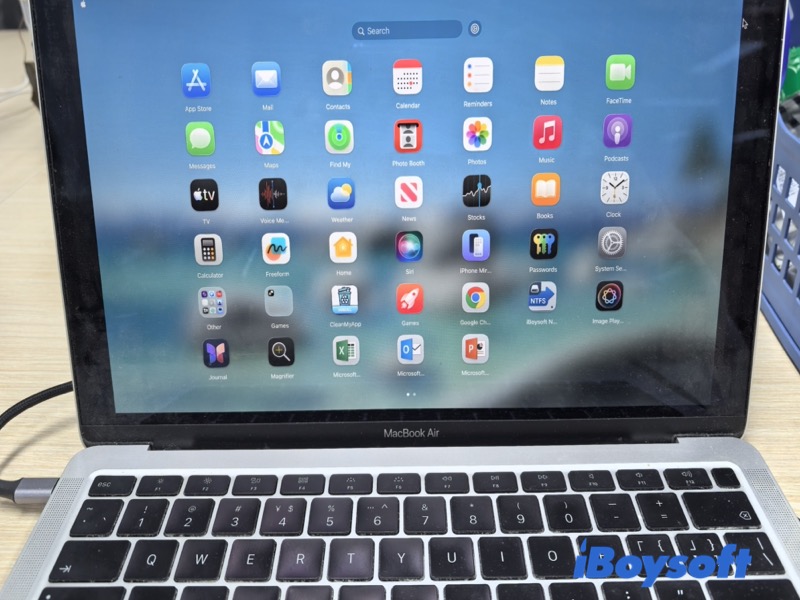
Interface and workflow: Sequoia introduces more flexible window management and gestures; Tahoe maintains a familiar, predictable interface.
Software support: Sequoia favors newer applications and system features, while Tahoe prioritizes compatibility with existing software.
Performance use cases: Sequoia performs better with creative and graphics-intensive tasks; Tahoe is sufficient for general daily use.
macOS Sequoia focuses on modern workflows and new system features, while macOS Tahoe prioritizes stability and compatibility with existing software.
Before Switching macOS Versions
Ensure your data is protected by following the key backup methods before changing your Mac version.
Data Safety and Backup Basics
- Create a full backup using Time Machine or other reliable tools.
- Verify backup integrity to make sure important files are safe.
- Use cloud or external backups for critical documents.
- Maintain power and network stability during the upgrade process.
Always back up your Mac before upgrading to a new macOS version to prevent data loss and ensure a smooth transition.
What Users Say About macOS Sequoia and Tahoe
I used macOS Sequoia for a while and appreciated its stability. Files and windows behaved predictably, and all my older apps worked without issues.
After upgrading to macOS Tahoe, I noticed faster app launches and smoother multitasking, especially with modern tools and cloud apps. However, I missed Launchpad for quickly finding my apps. Installing iBoysoft LaunchPal restored that convenience, letting me manage and launch apps just like before.
FAQs Sequoia vs. Tahoe
- Q1.Is macOS Sequoia the newest macOS?
-
A
No. While macOS Sequoia is stable and widely compatible, macOS Tahoe is the newer version, with more modern system features, Apple Silicon optimizations, and updated workflows. Sequoia remains a reliable choice for older Macs or users prioritizing stability over the latest features.
- Q2.Is it worth upgrading my Mac to Sequoia?
-
A
It depends on your Mac model and needs:
Choose Sequoia if you want a mature, stable system that supports both Intel and Apple Silicon Macs (2018+), runs older apps reliably, and maintains familiar workflows.
Avoid Sequoia if your Mac is newer and you want the latest features, modern app optimization, or enhanced performance—Tahoe may be more suitable in that case.