Windows 98 is considered the "gold standard" for gaming from the late 90s. It's the final major Windows version to be built on top of MS-DOS, the last OS to natively support most iconic vintage PC hardware, and is significantly faster and lighter than its successors on computers sold and used during 1998 to 2001.
If you want to retro-game, use legacy software, install Windows 98 on an old computer, or simply feel nostalgia, you'll need the Windows 98 ISO file. Since Windows 98 has two primary versions: the original release (First Edition) and the greatly enhanced Second Edition (SE), we'll provide download links for both.
Windows 98 Second Edition is more stable and has better USB driver support, so we'll start with it. Be reminded that Windows 98 was designed for older PCs and primarily ran on 32-bit processors, so there's a hybrid of 16/32-bit Windows 98 ISO files, but not 64-bit.
| Windows 98 System Requirements | |
| Processor | 486DX / 66 MHz or faster processor |
| Memory (RAM) | 16 MB minimum (24 MB is recommended, 512 MB maximum) |
| Storage Space | 175-225 MB (Clean install on FAT16/FAT32) |
| Display | VGA or higher resolution (640x480) |
| Media Drive | CD-ROM or DVD-ROM drive for installation |
Tips: We'll provide the OEM Full version for Win98 instead of the Retail Full version, as it's much easier to install.
Windows 98: OEM Full vs. Retail Version
| Versions | Features | Recommendations |
| OEM Full Version | Fully bootable; start the installation directly from the BIOS. | Recommended for retro-gaming enthusiasts and virtual machine users. |
| Retail Full Version | Not bootable; requires an extra Win98 Boot Floppy to begin installation. | Not Recommended. |
Interested in other old Windows versions? Check out the Windows 2000 ISO.
Windows 98 SE ISO download (Second Edition)
Compared to the first edition, Windows 98 Second Edition, or Windows 98 SE, has some key improvements as presented in the table below.
Windows 98 Gold vs. Windows 98 SE:
| Feature | Windows 98 (Gold / First Edition) | Windows 98 Second Edition (SE) |
| Best For | Historic preservation; lowest resource usage. | Stability, gaming, and daily retro-use. |
| Release Date | June 25, 1998 | June 10, 1999 |
| Internal Version | 4.10.1998 | 4.10.2222A |
| USB Support | Poor; lacks support for many modern-legacy hubs. | Native (Improved); much more stable USB stack. |
| Driver Model | Primarily VXD (Legacy). | Introduced WDM (Windows Driver Model) support. |
| Internet Explorer | 4.0 (Includes Active Desktop) | 5.0 (Faster and more stable) |
| DirectX Version | 6.0 | 6.1a (Better support for 3D hardware) |
| Networking | Standard TCP/IP stack. | Introduced Internet Connection Sharing (ICS). |
| Media Player | Windows Media Player 6.1 | Windows Media Player 6.2 |
| FireWire Support | None / Non-functional. | Full native support for IEEE 1394. |
| Stability | Prone to crashes with ACPI and new hardware. | Greatly improved via updated NTKERN module. |
If you want to download Windows 98 Second Edition for VirtualBox or VMware, or an old PC, try the following Windows 98 SE ISO download links:
Windows 98 SE bootable ISO Free Download (OEM Full)
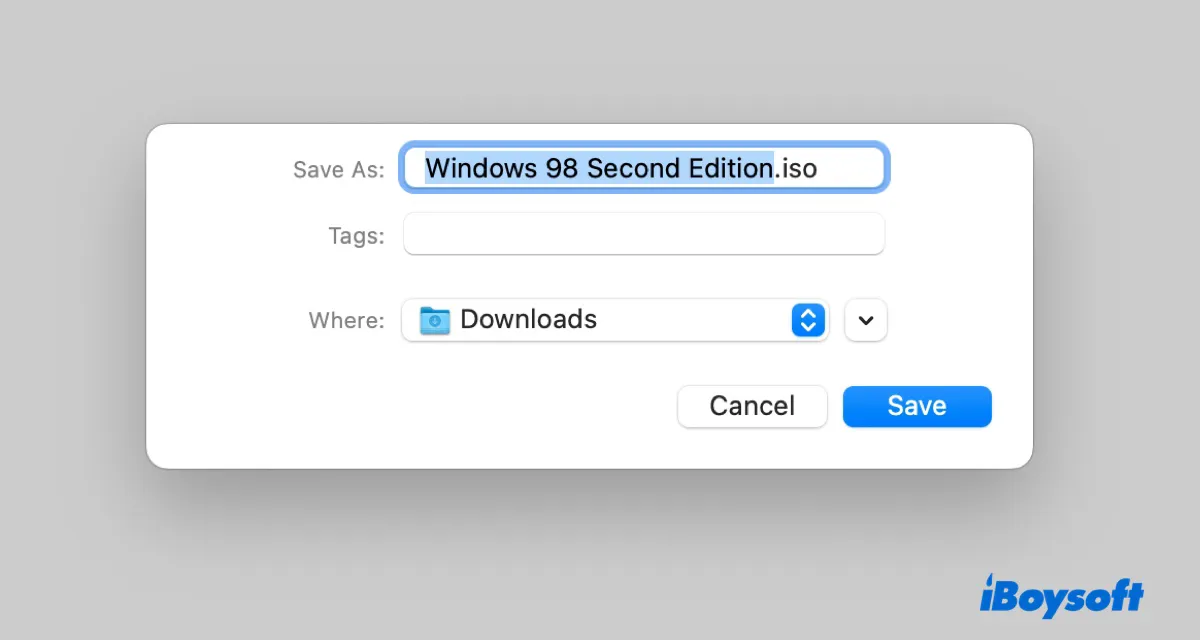
The Windows 98 SE OEM Full version is a bootable copy of the OS and allows you to skip the extra step of mounting a separate boot floppy file. It's the standard download for most modern users.
Here are the archives to get the Windows 98 SE ISO full version download for free:
⬇️ Windows 98 SE OEM ISO Download (625.2 MB, archive.org)
#Source: Internet Archive (Safe/Verified)
Windows 98 SE ISO product keys:
R667M-TF9CG-MJMTM-WHPWQ-G6XGG
VY24V-D7M3M-6VGCC-C6667-6Q3G3
Alternative Windows 98 OEM ISO download links:
⬇️ Windows 98 SE ISO Bootable Download (625.2 MB, dl.malwarewatch.org)
⬇️ Windows 98 SE Bootable CD ISO Download (625.2 MB, archive.org)
Share the download links to help others get the Windows 98 SE 32-bit ISO download!
Windows 98 SE Boot Disk Floppy ISO Download
This is a digital copy of the original floppy disk, but not the Win 98 SE operating system.
If your ISO is not an OEM Full version (the Retail version (RTM) often isn't bootable) or if your PC or virtual machine won't boot directly from the CD/USB, you can download the Windows 98 second edition boot disk floppy image. It lets you run FDISK to partition the hard drive and Format to create a usable file system.
Best for virtual machines running on a modern computer (e.g., VirtualBox or VMware):
⬇️ Windows 98 Second Edition Boot Disk Floppy (639.6 KB, 7z file containing the .img file)
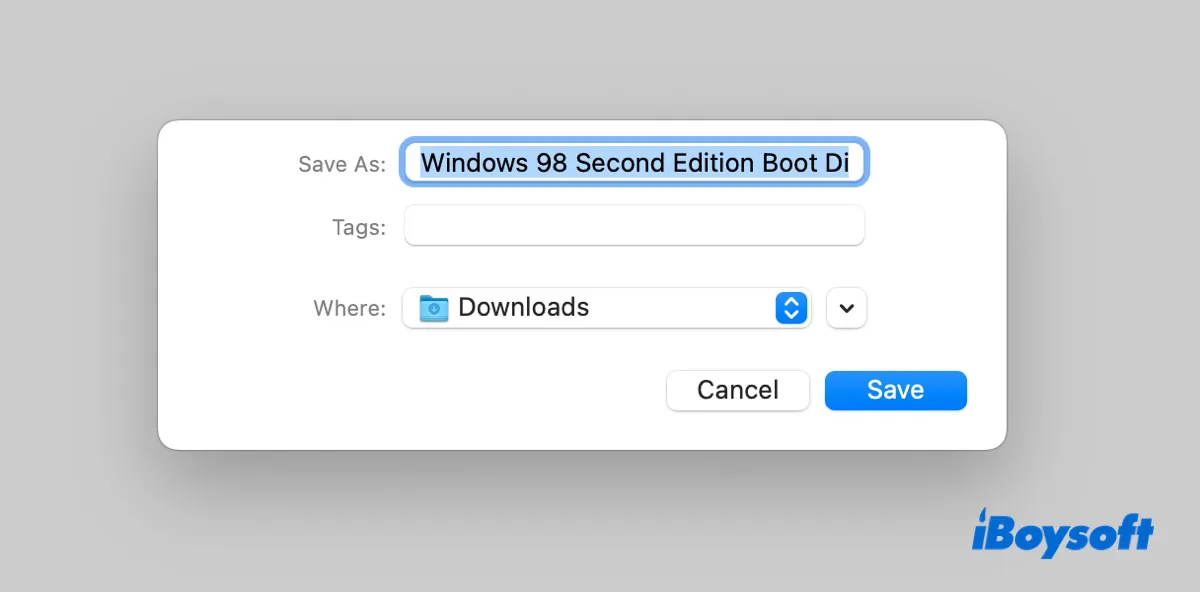
Source: archive.org
⬇️ Windows 98 Second Edition Boot Disk Floppy (1440 KB, .img file)
Source: allbootdisks.com
Best for physical retro PC with a blank 3.6-inch floppy disk:
⬇️ Windows 98 SE OEM Boot Disk floppy with IDE Drivers (843 KB, .exe file)
Source: oldergeeks.com
⬇️ Windows 98 SE Boot Disk Floppy Image (873 KB, .exe file)
Source: allbootdisks.com
With these files, you can create a Windows 98 SE boot disk easily if necessary.
Share the resources for Windows 98 download!
Windows 98 ISO download (Original/First Edition)
The original, or first, edition of Windows 98 was released on June 25, 1998, as part of the Windows 9x line of Microsoft Windows operating systems.
As the successor of Windows 95, it introduced some new features, including Windows Driver Model, Internet Explorer 4.0, the FAT32 file system, and an enhanced setup process. Win 98 is also the first to include features like Disk Cleanup, Windows Update, and multi-monitor support.
Notably, it was the last Windows version available on 3.5-inch floppy disks.
If you need the Windows 98 First Edition ISO for VirtualBox/VMware or an old PC, download it from the links below:
⬇️ Windows 98 Operating System Download (OEM Full) (548.3 MB, .iso file)
#Source: Internet Archive (Safe/Verified)
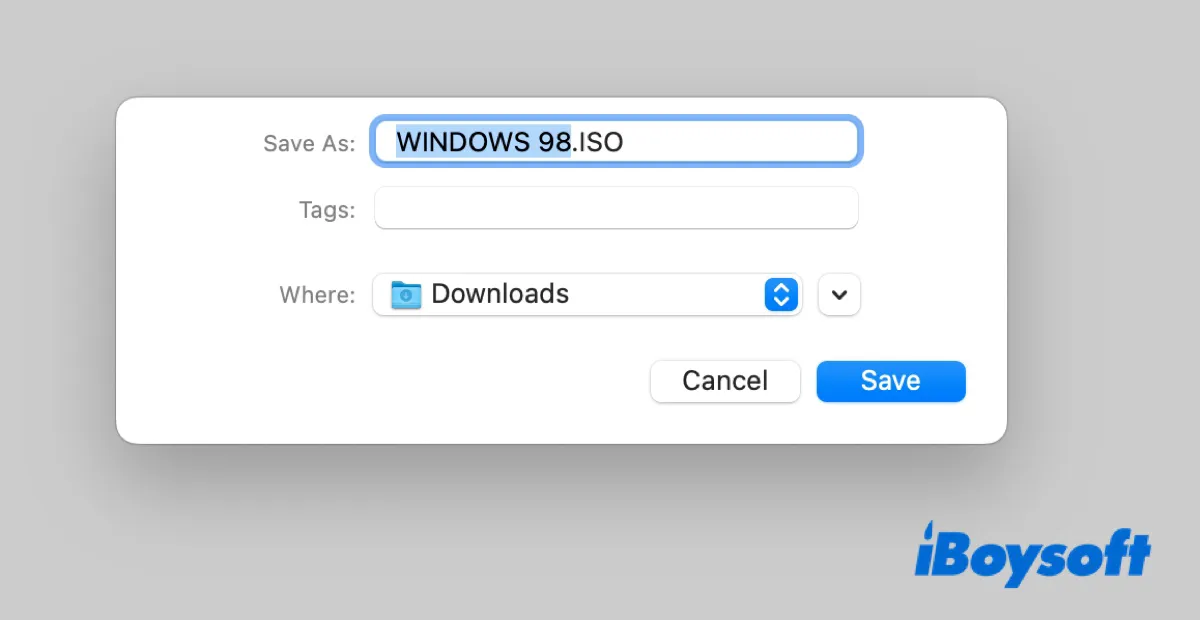
Source: archive.org
⬇️ Windows 98 Download (623.9 MB, .iso file)
Source: dl.malwarewatch.org
Windows 98 Boot Floppy ISO Download
In case you need to partition and format the internal hard drive, get the Windows 98 boot disk image from below:
⬇️ Windows 98 OEM Boot Disk Floppy Image with IDE CD-ROM drivers (846 KB, .exe file)
Source: oldergeeks.com
⬇️ Windows 98 OEM Boot Disk Floppy Image (873 KB, .exe file)
Source: allbootdisks.com
⬇️ Windows 98 OEM Boot Disk Floppy Image (1440KB, .img file)
Source: allbootdisks.com
Now that you have the Microsoft Windows 98 ISO file, you can run it on your virtual machine or PC to test it out.
Share the resources to help others get Windows 98 ISO images!
Win98 USB flash drive driver download
If you're trying to create a Windows 98 bootable USB installer, you'll also need the USB storage driver to make it work. Otherwise, you can't boot from the USB to install Windows 98. Download the Win98 USB driver from the linke below and add it to your USB drive:
Windows 98 USB Driver Download (756 KB, .exe)
Can't download or install Windows 98 OS ISO?
If you're unable to download or install Windows 98 on your PC, consider cleaning up your hard drive with iBoysoft DiskGeeker for Windows first. This can not only free up space on your PC but also improve its performance.
- Free download and install iBoysoft DiskGeeker for Windows.
- Click Space analyzer and choose OS Partition Analysis or another module.
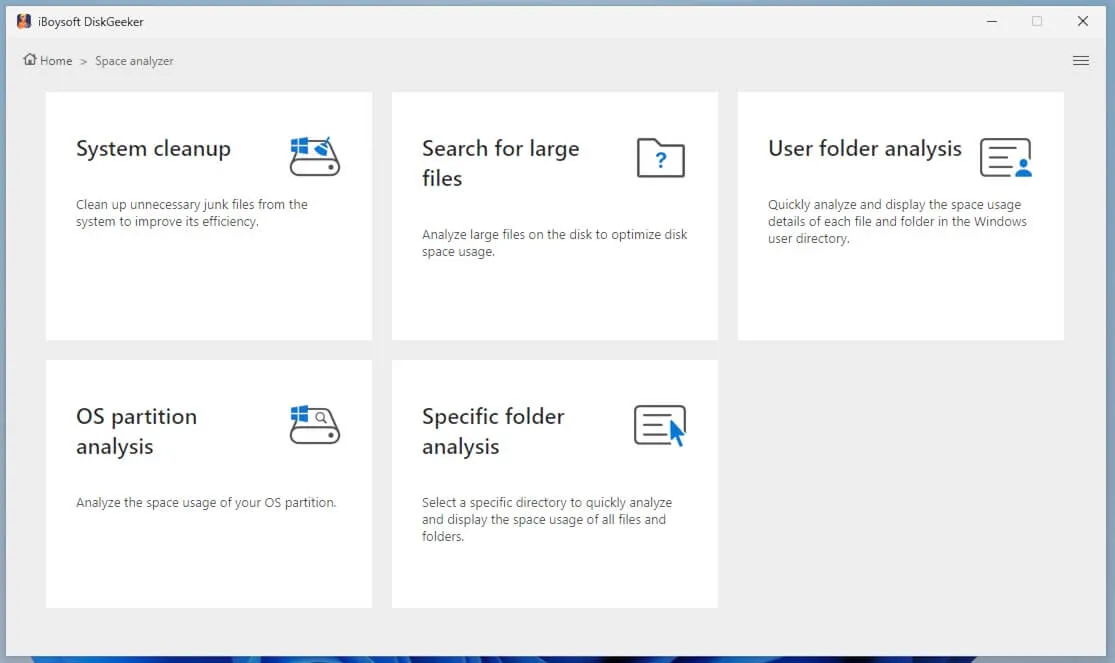
- Wait for the scan to be complete.
- Drag and drop files you no longer need to the delete circle.
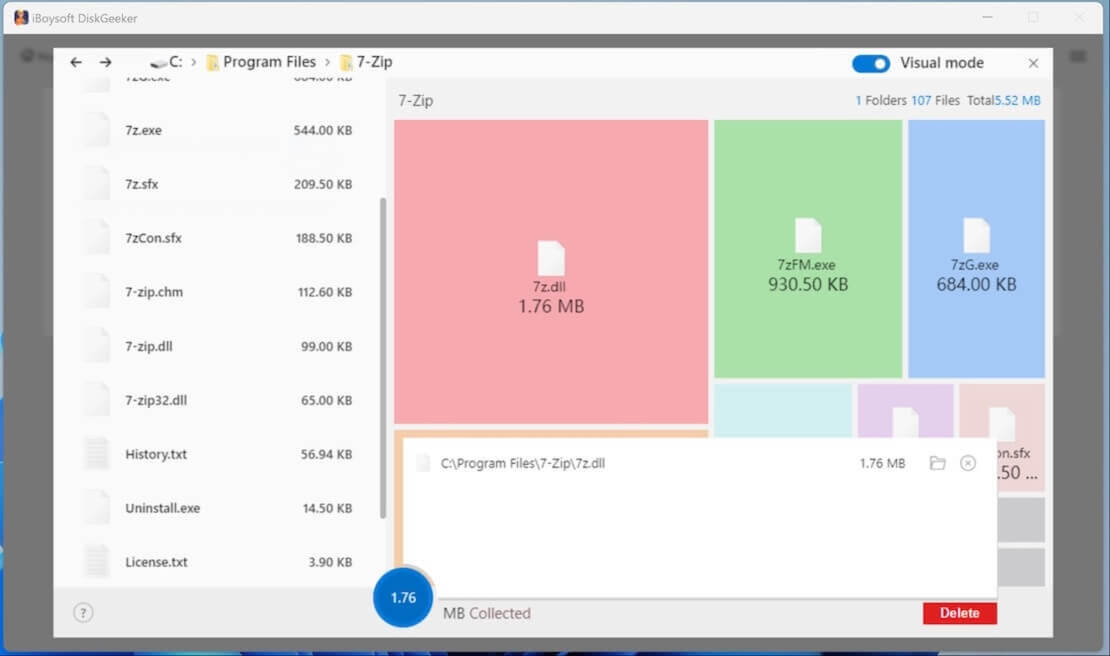
- Click Delete to permanently remove them from your PC.
After that, your PC should have enough space for the Windows 98 ISO download.
How to install Win98?
If you have the Windows 98 CD-ROM, installing Windows 98 is as simple as inserting the CD-ROM and following its instructions. However, most of you are likely looking to install Windows 98 for Retro PC gaming or running it on a virtual machine.
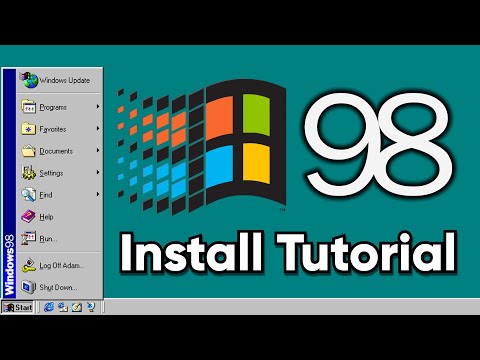
Here's a video showing you how to install Windows 98 on VirtualBox:
FAQs about Windows 98 ISO
- QIs Windows 98 free?
-
A
Windows 98 was a commercial product sold by Microsoft in retail boxes and preinstalled on new PCs back in 1998. Since Microsoft no longer sells it, ISO files and product keys are found online for free.
- QIs Windows 98 ISO bootable?
-
A
It depends on the version of the Win98 ISO image.
If it's a Windows 98 OEM Full ISO file, it's bootable; however, if it's a Retail ISO, it's not bootable, and an extra boot floppy is necessary.
- QCan you still install Windows 98?
-
A
Yes, you can still install Windows 98. One way is to download and install the Windows 98 OS ISO file on a virtual machine to run it on a modern PC. Besides, you can also install it on compatible hardware.
- QWhat made Windows 98 so special?
-
A
Here are a few reasons why Windows 98 holds a special place in people's hearts:
1. Windows 98 was the first OS to deeply integrated with the Internet.
2. It was the premier platform for the first wave of true 3D games.
3. It was the last major Windows version to support MS-DOS.