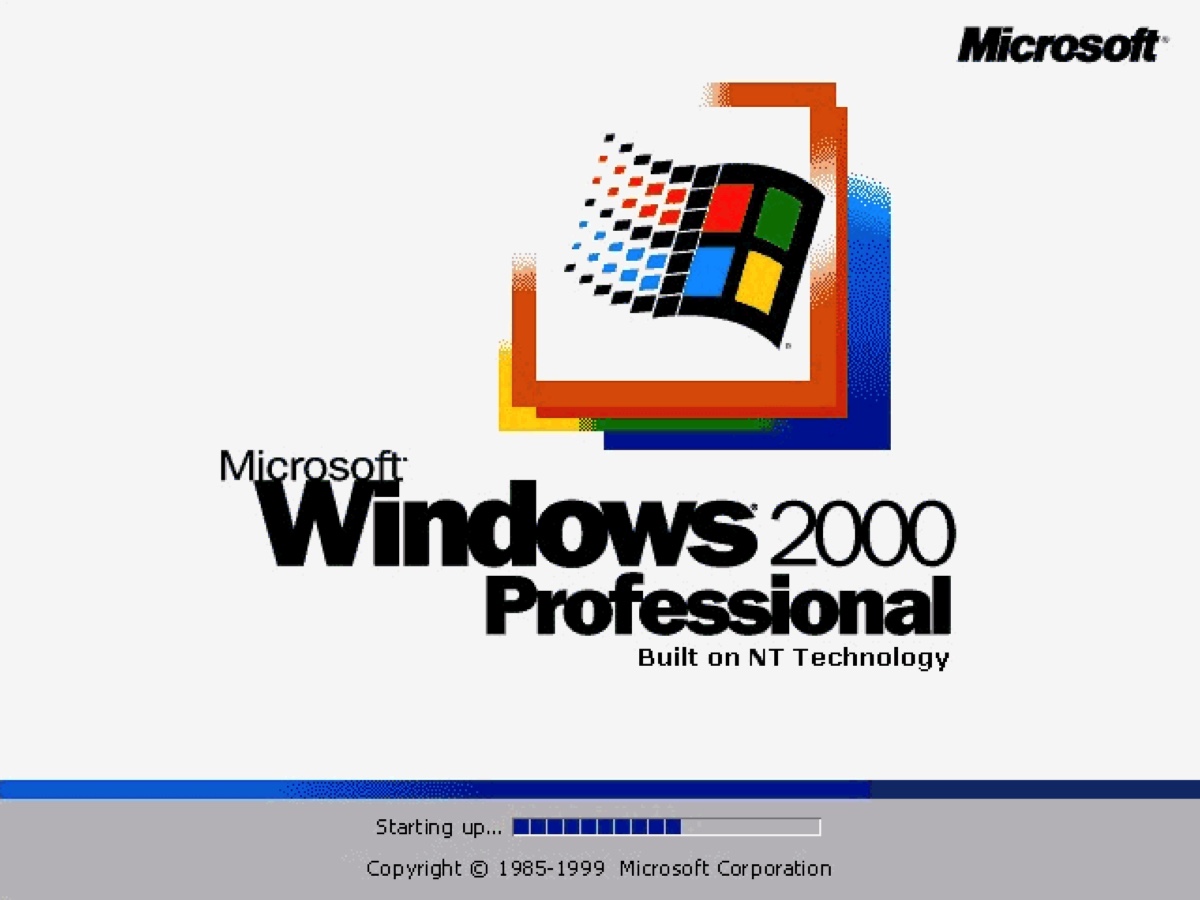
Sometimes, you may need the Windows 2000 ISO image to run Windows 2000 on a virtual machine like VirtualBox or VMware or install Windows 2000 on an old PC.
Since the support for Windows 2000, also called Windows NT 5.0, ended on July 13, 2010, Microsoft has long stopped providing the Windows 2000 ISO file on its official website. To download the Windows 2000 ISO file, you must obtain it from an online archive.
Fortunately, this article shares direct links to download Windows 2000 Professional ISO, Windows 2000 Server ISO, Windows 2000 Advanced Server ISO, and Windows 2000 Datacenter Server ISO files.
Tips: Insufficient disk space is the major issue you may face when downloading and installing Windows 2000 bootable ISO files for VirtualBox, VMware, or a legacy PC.
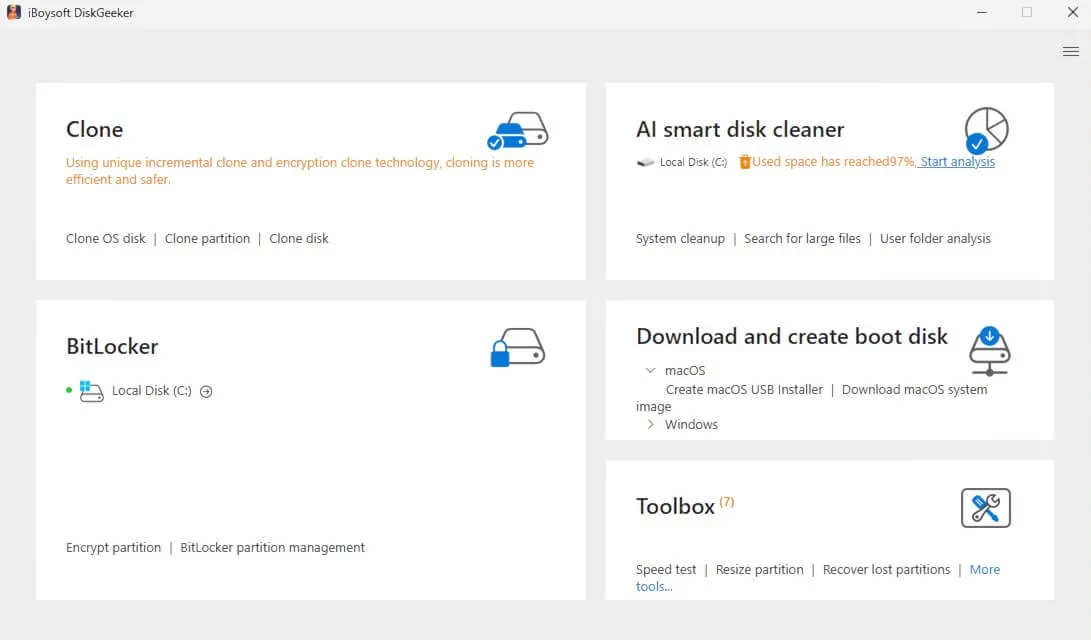
To prevent failures and save time, we suggest you analyze your PC's disk space and delete the unnecessary files first. This can make more free space for Windows 2000 and improve your PC's overall performance with iBoysoft DiskGeeker for Windows.
It's a disk optimizer that can thoroughly scan your PC and help you find the large, unnecessary files and permanently remove them. Follow the steps below to free up space on your PC:
Step 1: Free download and install iBoysoft DiskGeeker for Windows.
Step 2: Open AI smart disk cleaner and click Start analysis.
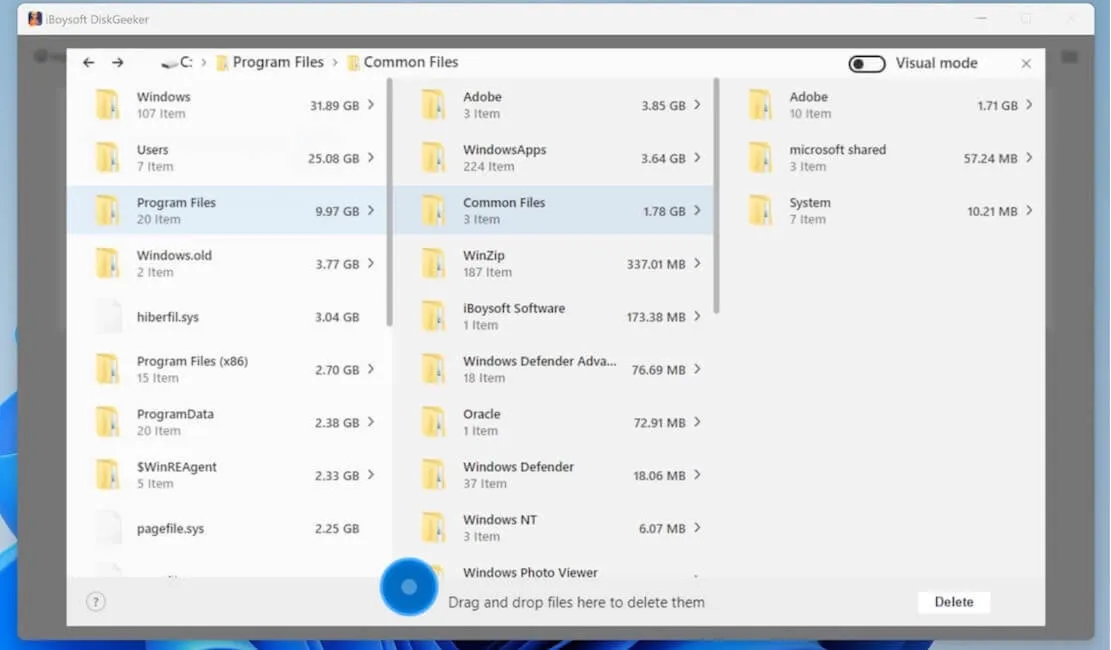
Step 3: Check the scan results and delete unnecessary files.
Windows 2000 minimum system requirements:
| Architecture | IA-32, x86 (PC-98) |
| CPU | Pentium 133 MHz (Recommended: Pentium II 300 MHz) or higher |
| RAM | 32 MB (128 MB for Windows 2000 Server) |
| Display (Video) | 800×600 VGA or better monitor (Recommended: 1024x768 VGA or better monitor) |
| Storage | 1 GB (2 GB for Windows 2000 Server) |
* The links for Windows 2000 bootable ISO downloads are all from archive.org.
Windows 2000 Professional ISO download 32-bit
Windows 2000 was the mainstream desktop operating system for power users and business users back in the day. If you want to run legacy apps on Windows 2000, download Windows 2000 Professional ISO files from the free archives below:
⬇️ Windows 2000 Professional SP4 ISO download
| ISO Image Size: 368 MB |
| MD5: dda6039f3a9173f0f6bfae40f5efdfea |
| SHA-1: 4a4569b303163a53927109954a9f30e89cfead29 |
| Windows 2000 Product Key: B9VVD-2HVPK-7M7BR-6HV4F-CBWM3 |
| Source: archive.org |
This link provides MD5 or SHA-1 values. If you want to make sure the Windows 2000 Professional SP4 ISO image isn't altered, download the file, then check if the corresponding value of your download matches the given one in the command-line interface.
Windows 2000 Professional SP3 ISO download (372 MB)
Windows 2000 Professional SP2 ISO download (367 MB)
Windows 2000 Professional SP1 ISO download (377 MB)
Windows 2000 Pro Product Key:
RBDC9-VTRC8-D7972-J97JY-PRVMG
RM233 - 2PRQQ - FR4RH - JP89H - 46QYB
Now you know how to download Windows 2000 Professional ISO for free; why not share it with others?
Windows 2000 Server ISO download 32-bit
Windows 2000 Server is an entry-level server edition designed for small- to medium-sized businesses. If you need Windows 2000 for departmental servers or small business domains, tap into the following resources.
Windows 2000 Server SP4 ISO download (411 MB)
Windows 2000 Server SP1 ISO download (407 MB)
Windows 2000 Server Product Key: H6TWQ-TQQM8-HXJYG-D69F7-R84VM
Windows 2000 Advanced Server ISO download
Windows 2000 Advanced Server is suitable for medium-to-large businesses operating vital applications and e-commerce platforms. To download Windows 2000 Advanced Server ISO:
Windows 2000 Advanced Server ISO SP4 (412 MB)
Windows 2000 Advanced Server ISO Original (413 MB)
Windows 2000 Advanced Server ISO 64-bit for IA-64 Devices (570 MB, only for Itanium computers)
Windows 2000 Advanced Server Product Key: WY6PG-M2YPT-KGT4H-CPY6T-GRDCY
Windows 2000 Advanced Server IA-64 Product Key:
RBDC9-VTRC8-D7972-J97JY-PRVMG
CKY24-Q8QRH-X3KMR-C6BCY-T847Y
WY6PG-M2YPT-KGT4H-CPY6T-GRDCY
Share to help others download the Windows 2000 64-bit ISO file!
Windows 2000 Datacenter Server ISO download
Windows 2000 Datacenter Server is the most capable edition, designed for large-scale data centers and ISPs (Internet Service Providers) that require maximum reliability. You can get the Windows 2000 ISO image below:
Windows 2000 Datacenter Server ISO SP4 (400 MB)
Share these Windows 2000 download resources with your friends!
Windows 2000 SP4 ISO All-in-One
For convenience, you can also download the Windows 2000 ISO All-in-One (AIO) file. It consists of Windows 2000 Pro SP4 ISO, Windows 2000 Server SP4 ISO, Windows 2000 Advanced Server SP4 ISO, Windows 2000 Datacenter Server SP4 ISO, and Windows 2000 Powered.
Windows 2000 SP4 ISO All-in-One (699 MB, archive.org)
Windows 2000 Boot Floppy Disk download
Installing Windows 2000 typically requires a bootable USB from "boot floppy" files to work around legacy hardware and compatibility limitations. Here's how to download the boot floppy image:
To create a bootable floppy disk on a legacy PC:
Windows 2000 Professional Boot Disk.exe
Windows 2000 Server Boot Disk.exe
Windows 2000 Advanced Server Boot Disk.exe
To create a bootable floppy disk on a virtual machine:
Windows 2000 Professional Boot Disk.img
Windows 2000 Server Boot Disk.img
Windows 2000 Advanced Server Boot Disk.img
If you're interested in other old Windows versions:
Windows 98 ISO & Windows 98 SE ISO Download
Share this article to benefit others who need the Windows 2000 download links!
FAQs about Windows 2000 download
- QCan you still use Windows 2000 today?
-
A
Yes, you can still use Windows 2000 today on a virtual machine like VirtualBox or a compatible PC.
- QHow to install Windows Server 2000?
-
A
If you want to run Windows 2000 on a modern PC, the most reliable way is through a virtual machine because modern hardware lacks compatible drivers and legacy boot support for Windows 2000. To install it, simply download VirtualBox and then mount the Windows Server ISO file in it, and start the virtual machine.
- QWhy is Windows 2000 so good?
-
A
Windows 2000 is considered one of Microsoft's greatest achievements, as it effectively combined the 'indestructible' reliability of the Windows NT business kernel with the contemporary hardware compatibility and ease of use found in the consumer-oriented Windows 98.
- QHow many floppy disks to install Windows 2000?
-
A
Four 3.5-inch 1.44 MB floppy disks are needed to install Windows 2000 on supported hardware.