My Macintosh HD - Data volume is 256 GB, about 200 GB is used. How can I clear the data and release more space?
You can follow these ways to clean up your Mac storage space:
- Delete outdated and useless downloads in the Downloads folder.
- Uninstall apps that you no longer use.
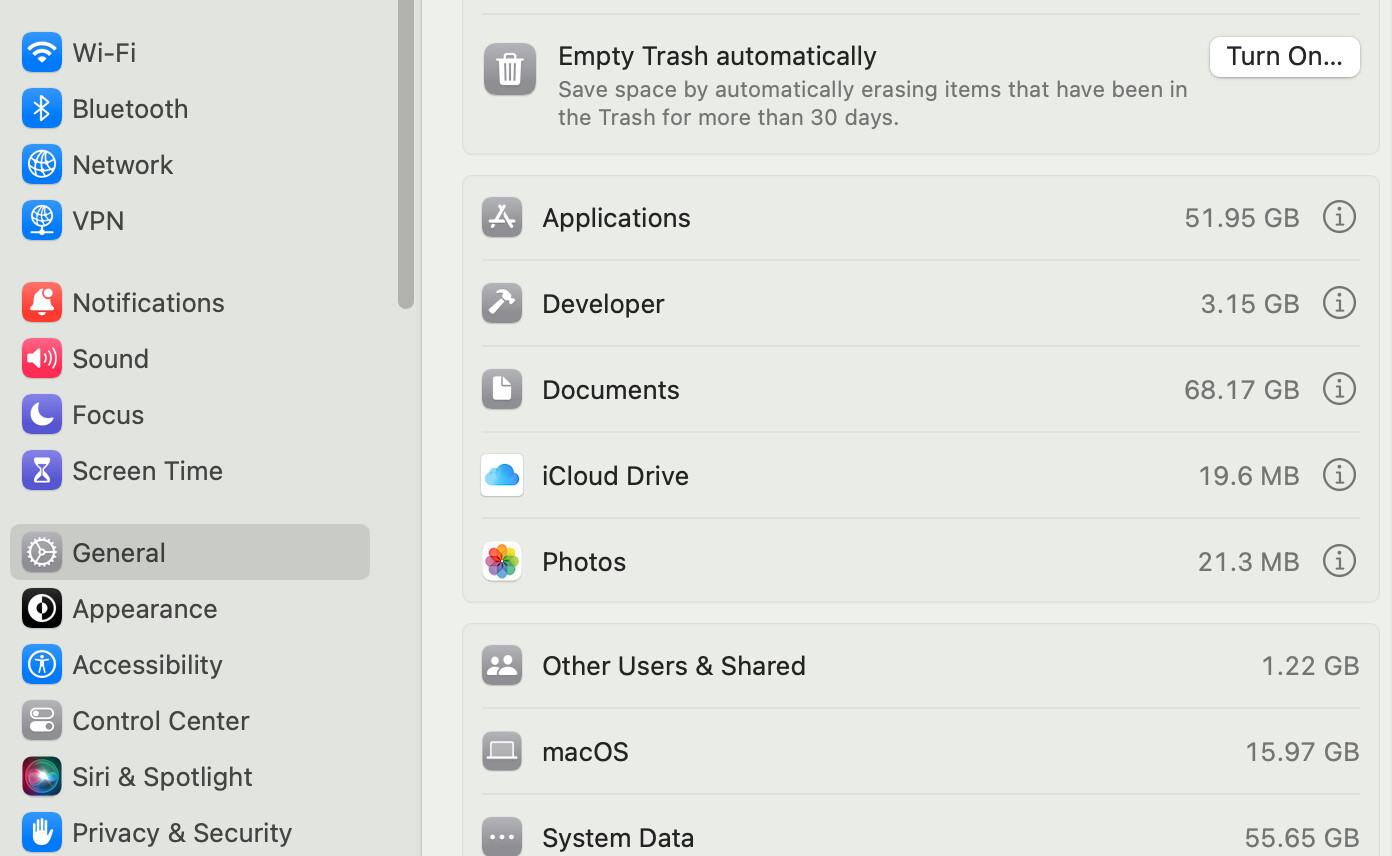
- Go to the Apple menu > About This Mac > More Info > General > Storage Settings, check the storage usage, and delete useless large files, documents, and others.
- Empty your Trash.
Why not use a Mac cleaning tool? I think a cleaning tool is necessry for us Mac users as the storage space is less and less with time goes by, as our daily work inevitably comumes the space.
I’ve used iBoysoft Cleaner for about 2 months. It works fine to help me analyze the disk space, clear up junk files, tell me what the file is if I’m confused whether I can delete it.