I deleted a large number of files and emptied the Trash, but my Mac’s memory hasn’t increased.
I’m running macOS Monterey 12.1. Why isn’t my free memory updating after deleting files? How can I reclaim memory?
Storage space and memory are two different computer resources. Although people sometimes use the terms interchangeably, they serve different purposes.
Storage is where your Mac permanently stores files, applications, photos, videos, and the operating system.
Memory usually refers to Random Access Memory (RAM). It temporarily holds data that your Mac and running applications need to access quickly.
So, deleting files only frees up disk space rather than releasing memory.
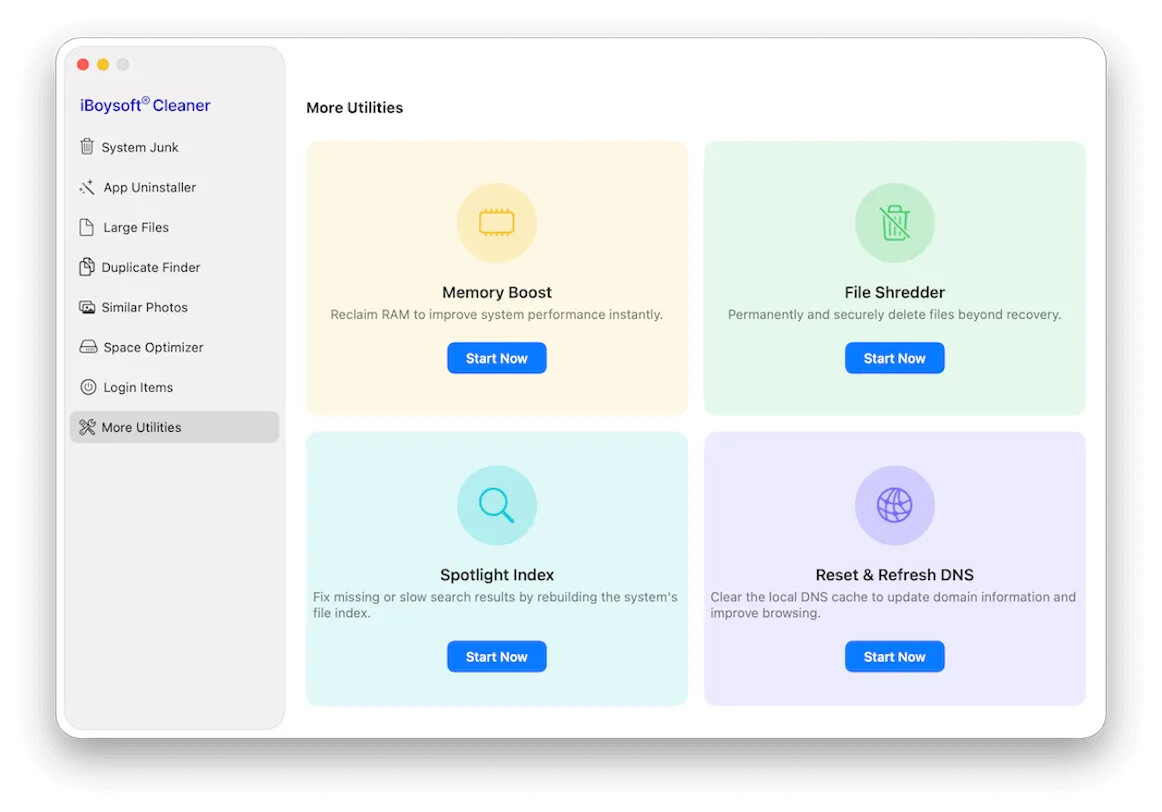
If you always need to run multiple apps simultaneously, your memory will run out fast. You can use iBoysoft Cleaner for Mac, a professional Mac cleaner, to help you free up memory with one click.