I found a guide recommending that Mac users regularly clear the contents of ~/Library/Caches and /Library/Caches to prevent their Macs from slowing down.
Is this actually necessary? Is it safe to delete these cache files, and will doing so improve Mac performance?
Should I remove everything inside these folders or leave some files untouched?
You can safely delete many cache files, but there’s no need to do it regularly. macOS and individual apps manage their caches automatically.
Clearing them might free up some disk space temporarily and make your Mac faster. But some apps may also take longer to load initially because they’ll need to rebuild their caches.
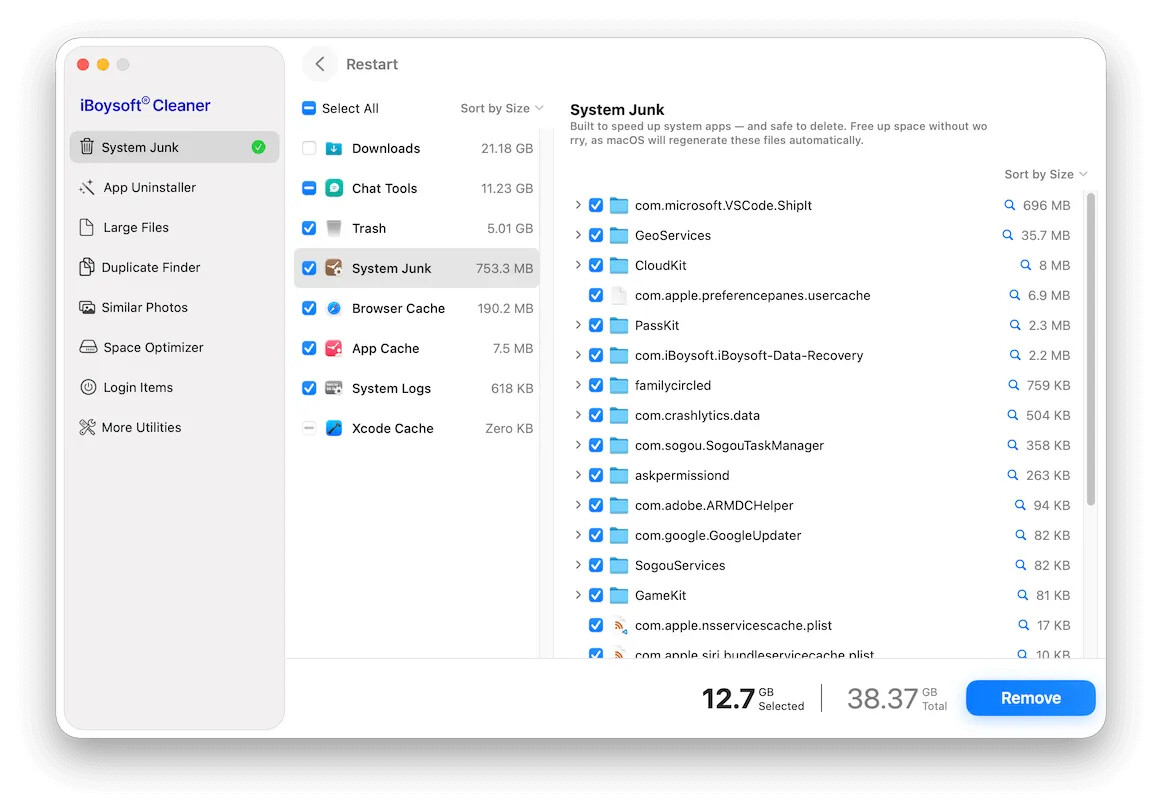
However, if you always need to run many apps at the same time and your Mac has become sluggish, you’d better clear the system and app cache for faster performance. Apart from the cache files, temporary files, duplicate files, and other system junk files should not be ignored and should be deleted regularly. They are safe to delete.
For quicker and safer Mac cleanup, I suggest you use a Mac cleaner. The tool that I use is iBoysoft Cleaner for Mac. Quite an efficient and smart utility. It supports smartly scanning different types of system junk files on Mac for one-click deletion and also managing disk space with AI analysis.