I recently learned that uninstalling an app on Mac doesn’t always remove all of its files.
Some apps — especially trial software and maintenance utilities — seem to leave behind hidden files, logs, caches, or license data even after using their official uninstallers.
I tested this with a utility app I had installed. After uninstalling it, Finder showed nothing related to the app anymore, so I assumed it was gone. But when I used another system tool to inspect hidden files, I still found leftover .plist, .log, and other support files connected to that app.
So, how can I uninstall apps along with all their associated files?
What you discovered is actually pretty normal on macOS. Dragging an app to Trash usually only removes the main .app bundle, but many apps also store:
- Preferences (.plist)
- Logs
- Caches
- Launch agents
- License/trial data
- Support folders inside ~/Library
That’s why reinstalling a “trial” app sometimes still shows the old expiration status. The app left behind support or license files somewhere in the Library folders.
The good news is that most leftover files are small and harmless. They usually won’t destroy Mac performance unless you’ve accumulated years of abandoned background services or huge cache folders.
The difficult part is locating everything manually because macOS hides many Library directories by default.
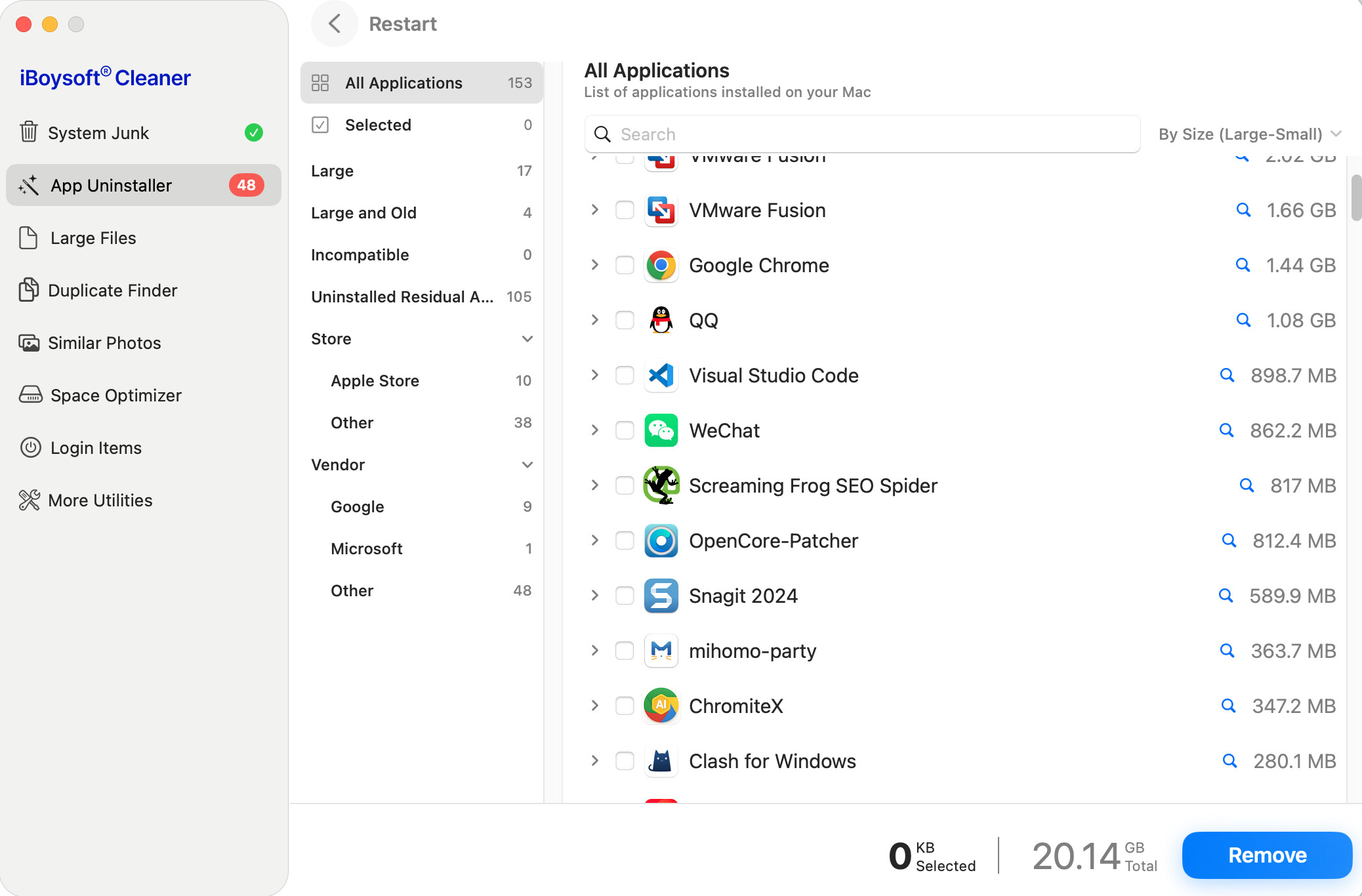
Personally, I now use iBoysoft Cleaner for this kind of cleanup because it does more than basic uninstallers:
- Lists all third-party apps installed on the Mac
- Scans the related support files of the apps automatically
- Removes apps together with leftover files in one step
- Detects remnants from apps that were already uninstalled
*Categorizes apps by storage usage, outdated apps, incompatible apps, etc.
That last feature is surprisingly useful because old software often leaves background junk behind even after removal.
I still wouldn’t obsess over deleting every tiny .plist file, but for large utilities, antivirus software, cleaners, or old trial apps, a proper uninstall tool definitely helps.