I recently bought a new Windows laptop, and one of the first things I noticed after setting it up was that McAfee was already installed.
McAfee keeps popping up with reminders about my subscription, security warnings, and suggestions to upgrade to its paid version. It’s getting pretty annoying, especially since I’m not really interested in using it. I already have Windows Defender (Microsoft Defender) available
What’s the best way to completely uninstall preinstalled McAfee, including any leftover files and background services?
I’d appreciate any advice or step-by-step instructions.
If the normal Windows uninstall process doesn’t completely remove McAfee, McAfee provides its own removal utility called McAfee Consumer Product Removal (MCPR).
Steps:
Save your work and close all open applications.
Visit the official McAfee support page and download the MCPR tool.
Locate the downloaded MCPR.exe file.
Double-click it to run the tool.
Click Next to proceed.
Read and accept the End User License Agreement (EULA).
Complete the security verification if prompted.
Follow the on-screen instructions until the removal process finishes.
Restart your computer when prompted.
After restarting, check whether McAfee has been removed.
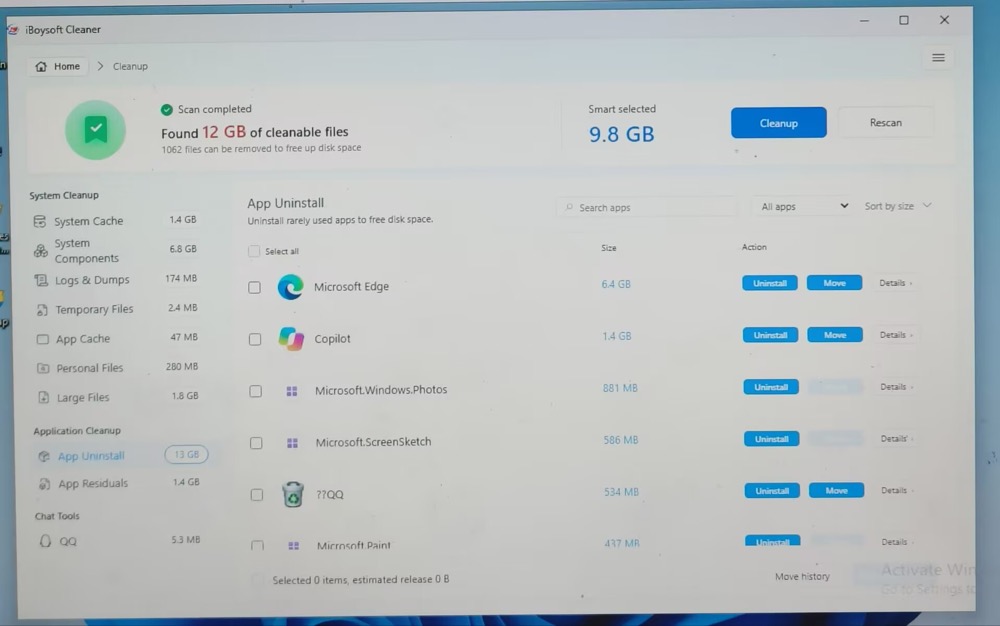
To completely uninstall preinstalled McAfee and its related files, leftovers, there is another simple way - using iBoysoft Cleaner for Windows, a professional Windows disk cleaner and app uninstaller to 1-click remove preinstalled apps (including McAfee) and completely clear their residuals and leftovers to maximumly free up disk space.
It also features login management so that you can easily cancel the unnecessary apps login.